
Best Graphics Cards for Gaming PCs in 2027
By James Thompson · Updated:
Some links in my articles are affiliate links. I may earn a commission when you buy through them.
Use the FPS/frame-time comparison guide to judge the results at your intended settings. The rendering-feature guide keeps native, reconstructed and generated frames separate. For the broader choice, start with the GPU overview.
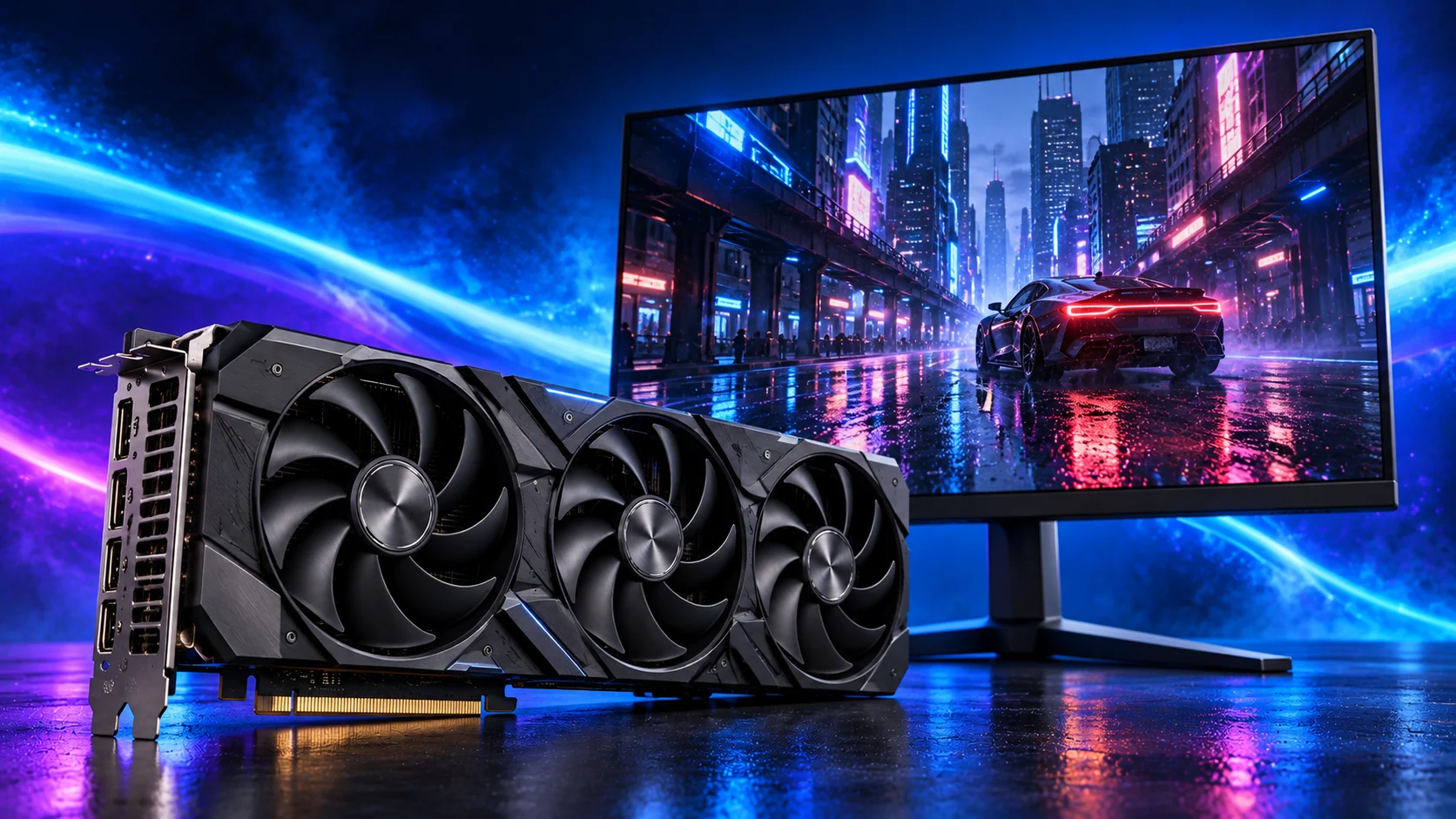
The ASUS Dual RX 9060 XT 16GB is my overall pick for a balanced first gaming PC. Choose the RX 9070 XT for a more demanding 1440p setup, or the RTX 5080 for a premium 4K Nvidia build. On a tighter 1080p budget, I’d shortlist the RTX 5060. Here’s who each card suits and where I’d spend more.
Table of Contents
ToggleThe gaming GPU shortlist
| Best for | My pick | Why I’d choose it |
|---|---|---|
| Best overall for a balanced first build | ASUS Dual RX 9060 XT 16GB | 16GB, a short design and a sensible 1080p / 1440p brief. |
| Best budget Nvidia route | ASUS Dual RTX 5060 8GB OC | Keep an entry 1080p build lean; choose it when it is meaningfully cheaper than the 16GB alternatives. |
| Best premium 1440p Radeon | Gigabyte RX 9070 XT Gaming OC 16GB | Stronger rendering for demanding games and a faster 1440p screen. |
| Best premium 4K / Nvidia route | Gigabyte RTX 5080 Gaming OC 16GB | A high-end GPU for a demanding screen and ray-traced games. |
| Best for gaming + Blender / Premiere | MSI RTX 5060 Ti 16GB Shadow 2X OC Plus | 16GB and Nvidia’s creative-software route. |
I’d choose around the games, screen and complete build cost. The overall pick here means a balanced first gaming PC; it does not mean the most powerful card in the table. The premium choices are there for readers who can use the additional performance.
If the card also needs to earn its keep in editing or rendering software, use Best Graphics Cards for Building a PC to compare those purposes. The gaming build guide shows the CPU, board, PSU and case around the graphics choices.
Try a catalogue graphics card in PC Builder alongside an AM5 processor, case and PSU. See the 3D tower, estimated total and supported power or fit warnings together.
Best overall: ASUS Dual RX 9060 XT 16GB
The 16GB capacity is a useful reason to choose this version for a new 1440p system. It gives demanding textures and larger graphics workloads more room than an 8GB card, while the ASUS Dual design keeps the physical layout compact. The GPU’s rendering performance still matters; memory capacity alone does not make two cards equally fast.
In TechSpot’s RX 9060 XT review, the 16GB Radeon and RTX 5060 Ti performed closely at 1440p. I’d choose the Radeon for a gaming-focused build when its total cost is more attractive; I’d pay for the Nvidia alternative when its software support or game features are part of the brief.
Measure usable case space for this ASUS card including the power lead, and keep cable bundles away from the intake fans. Its short length leaves more room to work. Once installed, connect the screen to the card and select the screen’s refresh rate.
Buy it for a balanced 1080p or 1440p gaming machine. Move to the 9070 XT when demanding visual settings and a faster 1440p target justify more GPU power. For ordinary desktop work without gaming, keep the separate GPU budget.
| Useful detail | What it means for your build |
|---|---|
| 16GB graphics memory | A worthwhile priority in a new 1440p system. |
| 202mm ASUS Dual length | A short option for mid-towers and planned compact layouts. |
| Radeon software route | Choose around the games and supported features you actually use. |
My balanced build pairs the ASUS Dual RX 9060 XT 16GB with the Ryzen 5 9600X and 32GB of DDR5. See the full gaming build guide for the surrounding parts.

Best budget route: ASUS Dual RTX 5060 8GB OC
The RTX 5060 is the Nvidia option I’d shortlist for a lean 1080p build. Choose it when keeping the complete system affordable matters and the gap to the 16GB cards is large enough to fund something useful, such as the monitor or SSD.
Its 8GB memory sets the boundary of the recommendation. I’d use it for a 1080p setup with sensible game settings, rather than build an expensive high-resolution system around it. If the RX 9060 XT 16GB is close in the basket total, I’d take the Radeon’s extra capacity and stronger first-build brief.
Nvidia’s DLSS features can be useful in supported games. Judge the card’s ordinary rendered performance as well: frame generation adds displayed frames, while responsiveness still depends on the underlying frame rate and input handling.
For the AM4 route, pair the ASUS Dual RTX 5060 8GB OC with the Ryzen 5 5600, B550 board and DDR4 kit in our entry 1080p build. If you are moving straight to 1440p, I’d start with the 16GB shortlist instead.
Best premium 1440p Radeon: Gigabyte RX 9070 XT Gaming OC
This is the Radeon I’d weigh up for a gaming-first machine beyond the balanced tier. You retain 16GB of memory, but buy more GPU performance. That is the upgrade I’d prioritise over extra RAM or a decorative motherboard when the game is graphics-limited.
TechSpot’s May 2026 comparison across 52 games found the RX 9070 XT and RTX 5070 Ti closely matched overall at 1440p. Individual games and heavy ray tracing separated them, so I’d use the results for the games I play rather than choose from one average alone.
The Gigabyte Gaming OC is a 288 × 132 × 56mm card. Gigabyte calls for an 850W supply and three 8-pin power connections. It is a different physical and power choice from the small ASUS Dual card; build those requirements into the case and PSU decision.
I’d choose the Gigabyte RX 9070 XT Gaming OC 16GB for demanding 1440p gaming or the Radeon route into 4K. If heavy ray tracing, DLSS or creative software is the reason for spending more, compare the Nvidia choices before settling the basket. Our 1080p versus 1440p GPU guide helps match the resolution.
Best premium 4K Nvidia route: Gigabyte RTX 5080 Gaming OC
The RTX 5080 is the premium card I’d consider for a high-end 4K setup. It combines a stronger GPU tier with Nvidia’s ray-tracing and DLSS feature set, and it also gives the same machine a useful route into supported rendering and editing applications.
A 4K screen makes the graphics card work much harder than 1080p. I’d prioritise the GPU in that build, while keeping the processor platform sensible. Upscaling and ray-tracing settings then become useful tools for balancing detail and playability in the games you enjoy.
The Gigabyte Gaming OC is substantial: 340 × 140 × 70mm, with a 16-pin power connection and an 850W PSU recommendation. Plan space for its support, cable and the side panel. A nominal card-length figure by itself leaves out some of the installation.
It still has 16GB of memory. Buy this upgrade for the higher GPU tier and features, rather than expecting more scene or texture capacity than the other 16GB cards in this guide.
I’d buy the Gigabyte RTX 5080 Gaming OC 16GB for an ambitious 4K Nvidia build, rather than a budget 1080p machine. Use our 4K build guide and ray tracing and upscaling guide to plan the complete setup.
Best for gaming and creative work: MSI RTX 5060 Ti 16GB
The RTX 5060 Ti 16GB is the alternative I’d choose when the gaming PC also handles Blender GPU rendering or Premiere projects. CUDA/OptiX support and the Nvidia acceleration route can be more useful in that mixed workload than following the Radeon gaming recommendation.
The MSI Shadow 2X OC Plus is a short two-slot implementation: 226 × 126 × 41mm, with one 8-pin connection. MSI recommends a 600W PSU for the card. It is a useful size to consider in a compact creative/gaming system.
For gaming alone, compare its current offer against the RX 9060 XT 16GB. I’d want a real reason to pay the Nvidia premium: the applications, ray-tracing features or games you use. For the mixed creative brief, that software support can provide the reason.
Choose the MSI RTX 5060 Ti 16GB Shadow 2X OC Plus for the combined brief. The broad graphics-card guide separates Photoshop, Premiere and Blender, so you can judge which workload should lead the purchase.

Choose by the games you play
| Your priority | Where I’d start | What I’d pair with it |
|---|---|---|
| Competitive 1080p at reduced settings | ASUS Dual RX 9060 XT 16GB | A capable CPU and fast-refresh screen; study results for the specific game. |
| Detailed single-player 1440p | Gigabyte RX 9070 XT Gaming OC 16GB | More GPU budget for visual quality and demanding scenes. |
| Premium 4K and ray-traced games | Gigabyte RTX 5080 Gaming OC 16GB | A 4K screen, suitable PSU and roomy case layout. |
| Strategy / simulation + ordinary gaming | ASUS Dual RX 9060 XT 16GB | Keep budget for the processor if simulation speed is the limiting factor. |
| Small gaming PC | ASUS Dual RX 9060 XT 16GB | Plan the compact case around the 202mm design and its power lead. |
Strategy games deserve a closer look than “slower games need less hardware”. A large simulation may depend heavily on CPU work, while another strategy game can be demanding on graphics at high resolution. Spend around the title and stage of play you want to improve.
For a fast-refresh build, use our gaming CPU guide. For a compact system, follow the compact build route. Neither goal automatically calls for the largest card in the shortlist.
Compare the installation requirements
| Card | Memory / size | Power connection / maker’s PSU recommendation |
|---|---|---|
| ASUS Dual RX 9060 XT 16GB | 16GB / 202mm length | Use ASUS’s requirements for the exact Dual model. |
| MSI RTX 5060 Ti 16GB Shadow 2X OC Plus | 16GB / 226 × 126 × 41mm | One 8-pin / 600W. |
| Gigabyte RX 9070 XT Gaming OC 16GB | 16GB / 288 × 132 × 56mm | Three 8-pin / 850W. |
| Gigabyte RTX 5080 Gaming OC 16GB | 16GB / 340 × 140 × 70mm | One 16-pin / 850W. |
These dimensions and power details come from ASUS, MSI, and Gigabyte’s RX 9070 XT and RTX 5080 sheets.
Use our parts-fit checklist for card thickness, power-lead space and case layout. The graphics-memory guide explains why capacity and GPU speed are separate choices.
For a specialist cockpit, use the sim-racing graphics-card shortlist, then choose the triple-monitor tower or the VR tower.
For a specific gaming setup, use Competitive Esports graphics, Strategy and City-Building Games graphics or Living-Room Gaming graphics. Gaming and Streaming graphics includes the game and broadcast sharing the GPU.

Finish the gaming build around your pick
Use How to Build a PC for Gaming to choose the surrounding components. For a mixed creative PC, use the purpose-based GPU guide before committing to the card. When the parts arrive, the first-boot guide takes you through drivers, the screen connection and refresh-rate setup.