
Which parts can you reuse in a new PC?
By James Thompson · Published 7 October 2026
Some links in my articles are affiliate links. I may earn a commission when you buy through them.
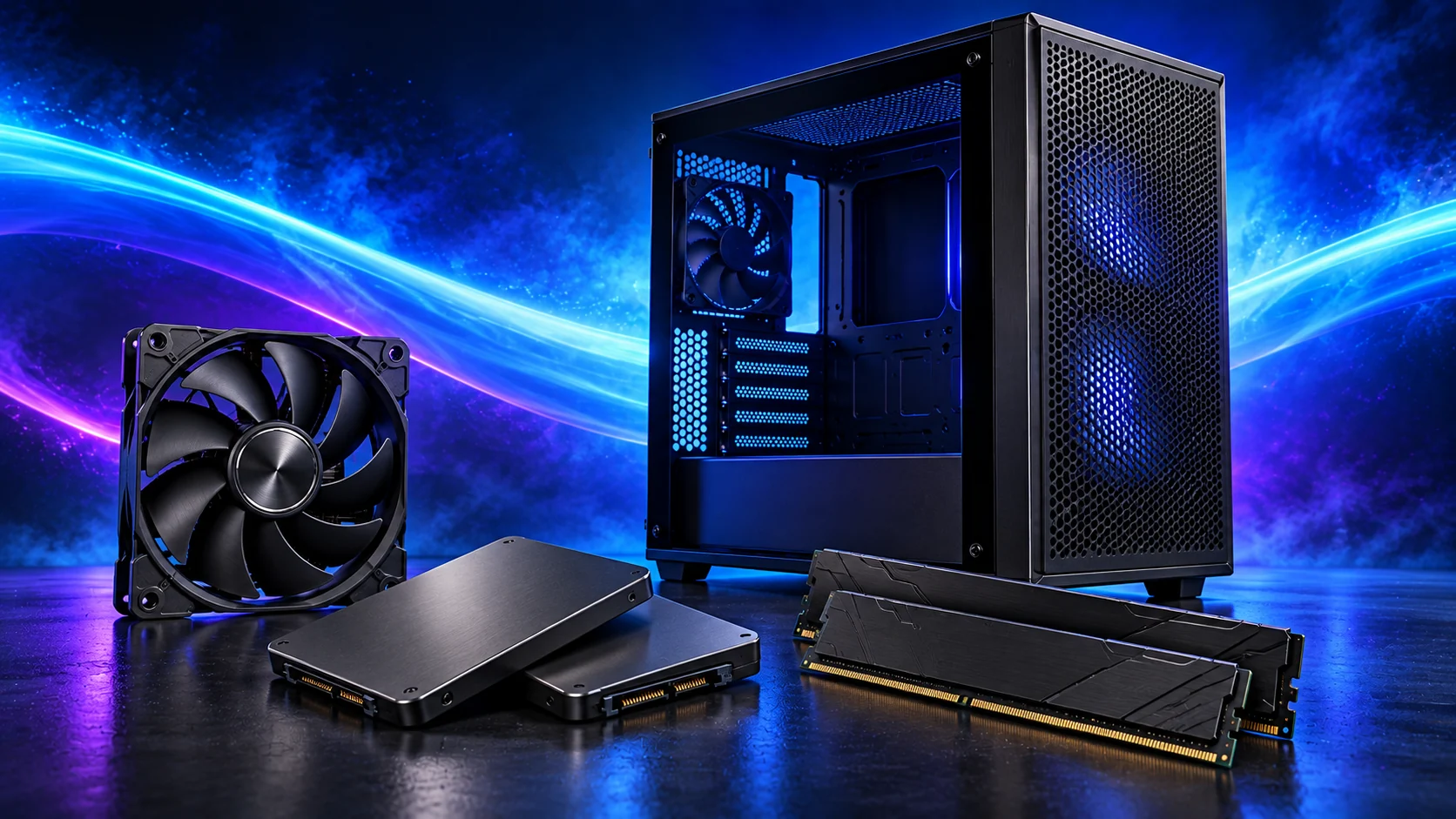
I’d happily carry good working parts into a new build. A suitable SSD, case or screen can leave more money for the CPU and graphics card. Start with the parts’ condition, fit and connections, then decide what deserves to stay.
For an existing CPU platform, use the worked upgrade-cost comparison and the board support checklist.
Table of Contents
ToggleParts commonly worth checking
| Part | Reuse check |
|---|---|
| Case | Board format, all installed clearances, front headers and physical condition. |
| SSD / drives | Interface, mounting, health information and independent data backup. |
| Cooler | Socket kit, case height, condition and expected workload. |
| RAM | Correct generation, matched arrangement, capacity and support. |
| PSU | Exact model, condition, connectors and genuine approved cables. |
| Peripherals | Inputs, needed modes, comfort and connection requirements. |
Use the beginner’s full parts checklist to identify what is missing, then choose only those parts. The gaming build guide keeps reused hardware visible alongside the new basket.
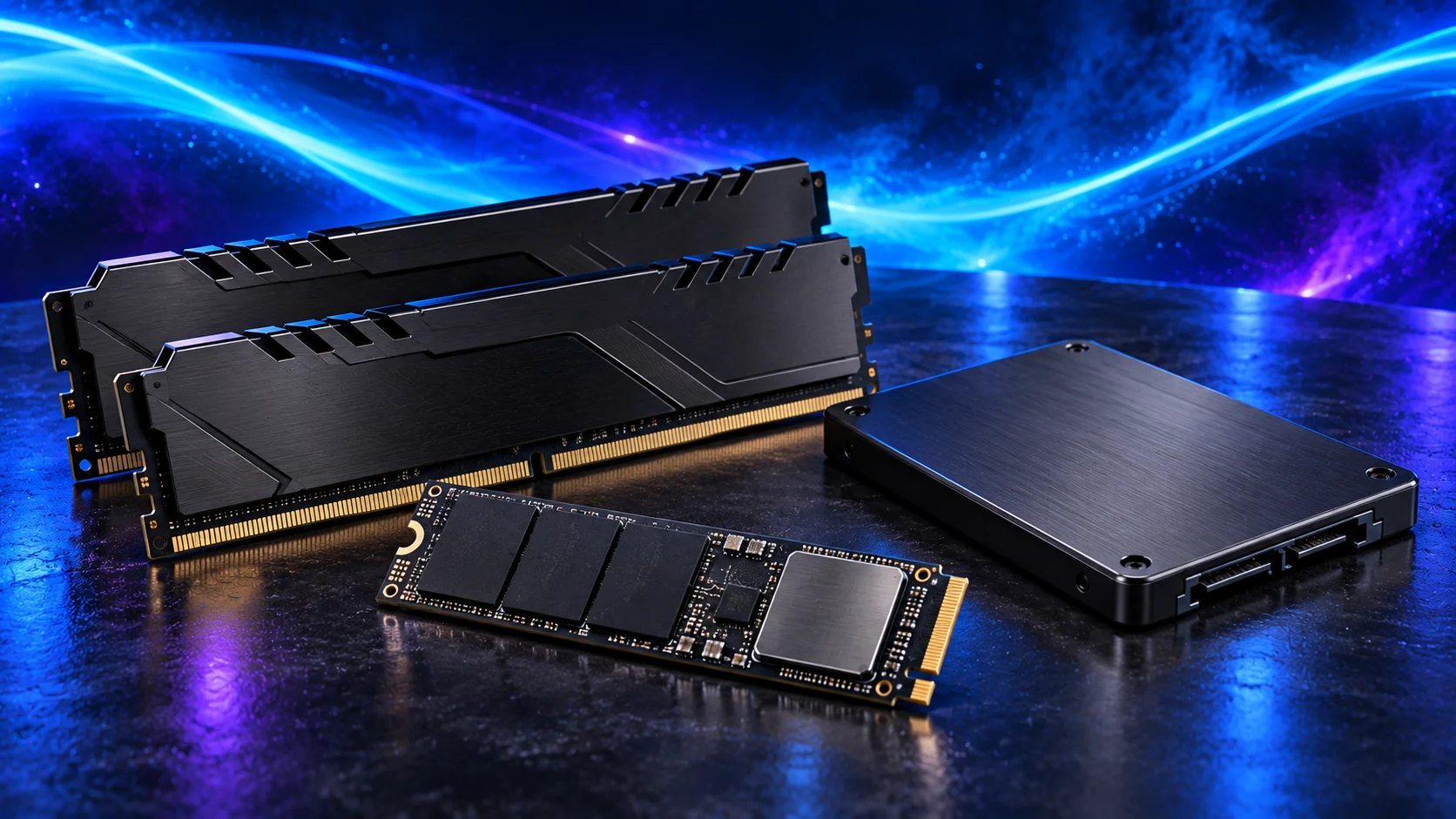
Before reusing storage or memory, check SSD protocol and length and the intended RAM arrangement. The PCIe guide helps assess an older graphics platform.
A PSU needs more than a wattage check
Identify its exact model and cable set. A modular socket fitting a plug does not establish safe electrical compatibility. Use supplied leads or ones explicitly approved for that unit.
Do not open a PSU. If cables or condition cannot be established, do not count it as a usable free component. Choose suitable power for the new configuration.

Protect data before moving storage
Make an independent backup and identify the Windows drive and other volumes before installation. Reinstalling or formatting a drive can erase files; double-check the selected disk.
A successful drive-health check does not guarantee future reliability. Plan where important documents will be backed up after the move.
Check prebuilt-specific restrictions
Look for proprietary motherboard shapes, front-panel plugs, PSU connections and cooler mounting. Do not force a standard replacement onto an unfamiliar layout.
If exact support information is unavailable, ask the manufacturer or use a competent repair service before treating the parts as standard.
Record the genuine saving
Add any adapters, brackets, replacement fans and delivery to the retained-part route. A reused cooler needing an expensive unavailable kit may be less useful than an appropriate new cooler.
Use the basket calculator with zero for parts you can actually retain, and the compatibility record for their new installation.
Planning an AM5 rebuild? Use PC Builder for the new tower parts, then apply this guide’s reuse checks to the hardware you already own.