
Choose an SSD for your gaming PC
By James Thompson · Updated:
Some links in my articles are affiliate links. I may earn a commission when you buy through them.
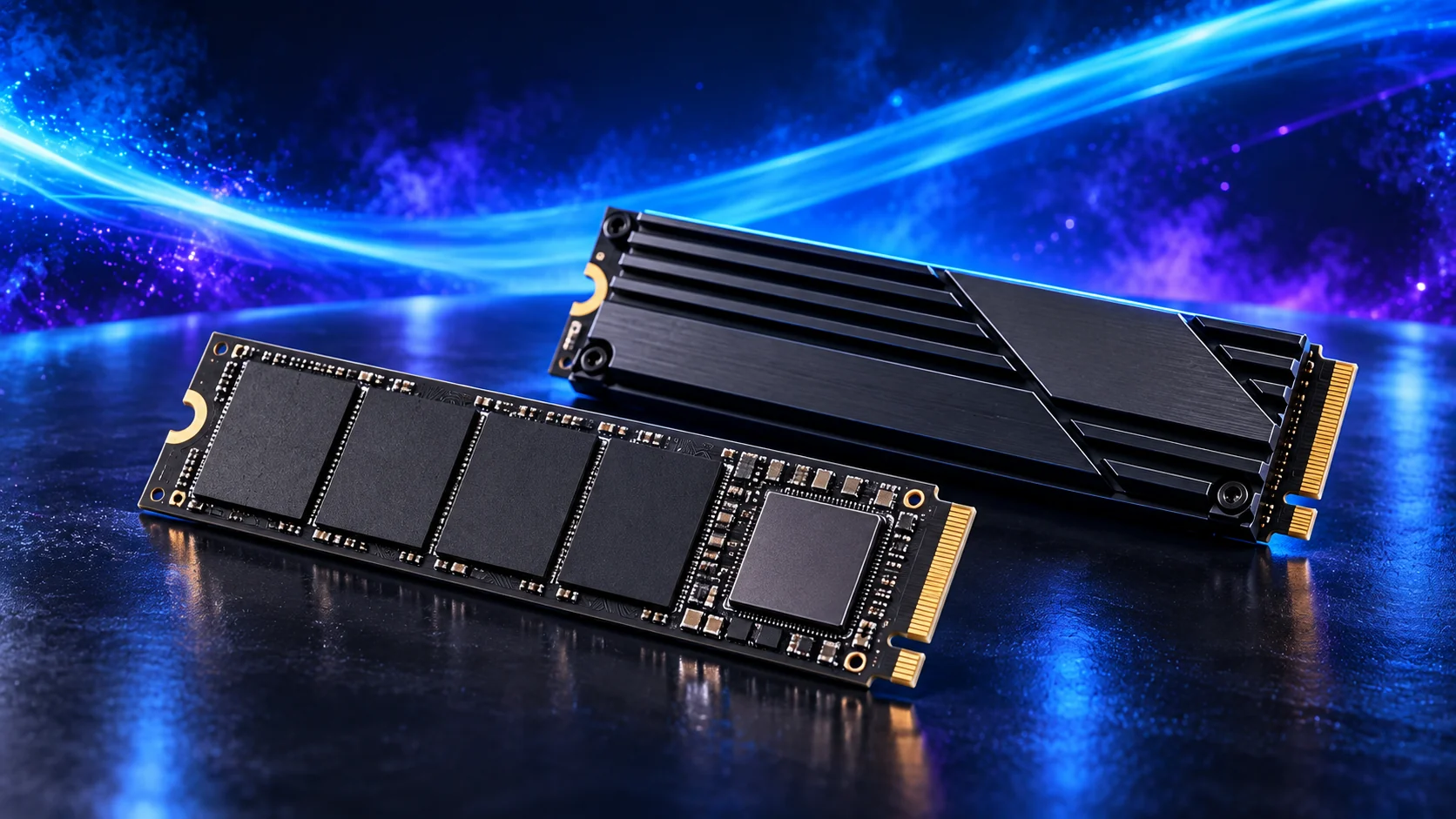
I’d choose SSD capacity around the games I want to keep installed, then leave room for updates. A suitable M.2 NVMe drive makes for a clean installation; spending more on a headline speed figure is lower on my list.
Compare the exact capacities in the gaming SSD buying guide. For frequent media writes, use the video-editing SSD guide and its separate project-drive plan.
Table of Contents
ToggleSet capacity from the library
List games you want installed at the same time, application files and any recordings. Leave room for updates and temporary downloads. A drive that repeatedly forces you to delete games can be inconvenient even when its advertised speed is high.
A smaller drive can improve a constrained build’s budget if the library fits comfortably. Additional capacity is more useful than a faster interface you do not need.
Check format and interface separately
M.2 describes a physical format; the board must also support the drive’s interface and length. Read the slot specification and resource-sharing notes. A compact 2230 drive and a 2280 drive require different mounting positions.
Check available screws, standoffs or tool-free clips before assembly. Install without bending the drive and follow both makers’ heatsink and thermal-pad instructions.
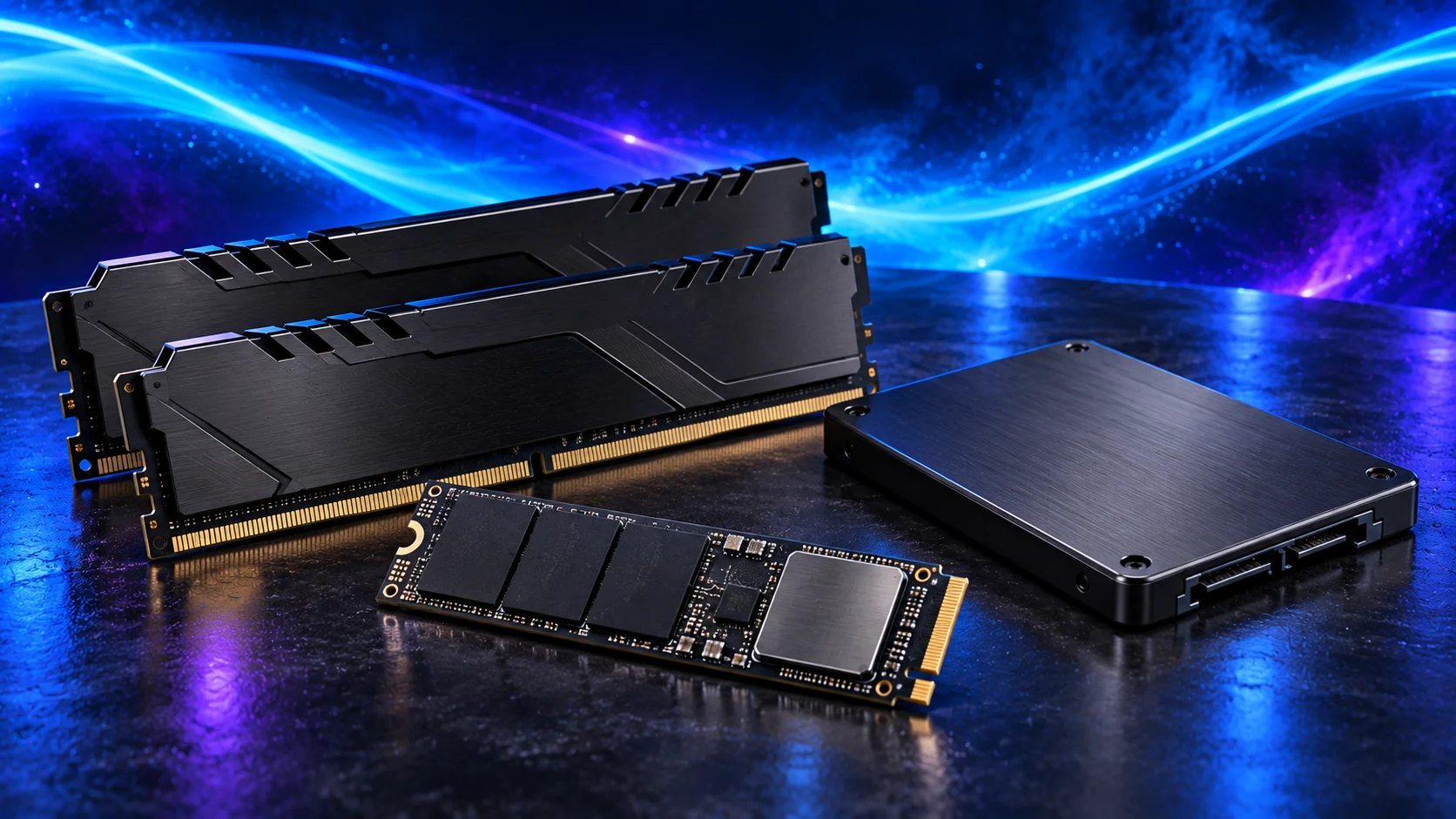
A capacity-oriented option
The Crucial P310 2TB M.2 2280, CT2000P310SSD801, is the capacity option in our standard parts list. Confirm the 2280 model: a product family can also contain shorter drives.
Compare exact capacity, warranty and relevant workload tests with suitable alternatives.
Separate game storage from irreplaceable files
For the P310, check interface and length, secure the drive without bending it and keep a backup before migration. Leave capacity for updates rather than filling it immediately.
Keep important documents and original recordings in an independent backup. Another partition on the same drive still depends on the same physical device. A health utility can provide useful status information but does not guarantee future data recovery.
An upgrade may need migration planning
Identify whether you are adding a game drive or replacing the Windows drive. Back up before cloning, formatting or reinstalling and double-check the target disk.
Use the RAM-or-storage decision to avoid buying a drive for a problem actually caused by insufficient memory or a software fault.
Compare the useful loading result and the installed library
Use the capacity calculation before paying for a PCIe generation premium. Compare actual loading/update results with the CPU, game version and settings visible. A peak sequential figure alone does not establish the best gaming purchase.
If the SSD also handles repeated large recordings or editing projects, read NAND, write cache and endurance. A game-library workload and a long project-write workload ask different questions.
| Priority | Useful evidence |
|---|---|
| Enough space | Installed library, updates and temporary work. |
| Compatible connection | Exact socket protocol, length and CPU support. |
| Useful speed | Relevant loading and sustained-work tests. |
| Installed fit | Fastening, heatsink and clearance. |
Add capacity without replacing the Windows drive
A second supported SSD can take the game library while the original drive keeps Windows. The second-drive guide covers physical fit and the setup of confirmed blank media. Check the motherboard’s sharing notes before populating a spare socket.
For a wider drive plan, use the storage guide and choose the exact capacity from the gaming SSD shortlist.