Best SSDs for Video Editing PCs in 2027
By James Thompson · Updated:
Some links in my articles are affiliate links. I may earn a commission when you buy through them.
Compare write cache, NAND and endurance for the active workload, then use the capacity plan. The PCIe-generation guide separates transfer bandwidth from the complete workflow.
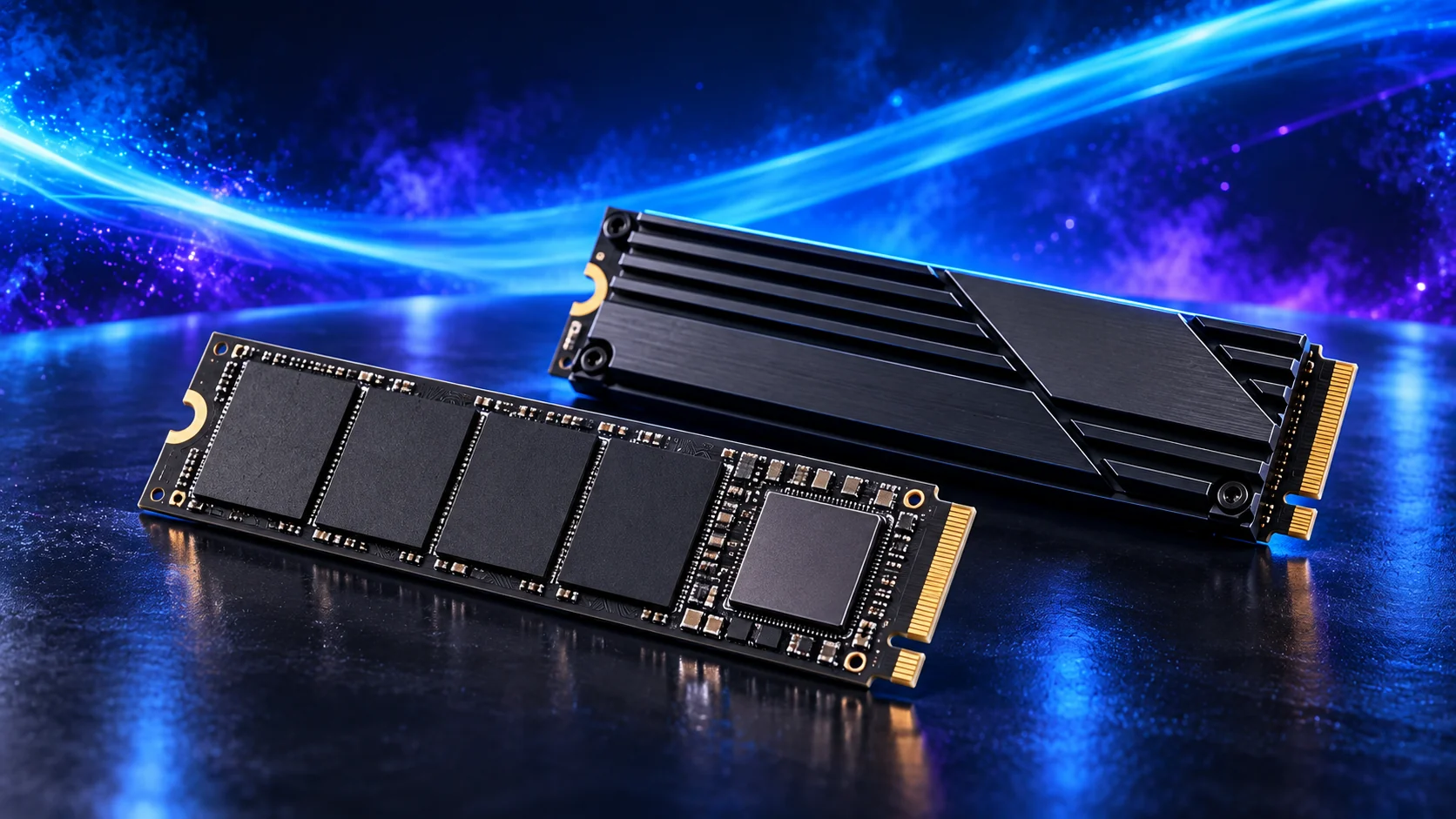
For regular editing I’d choose the SN850X project-drive route, then decide whether 2TB or 4TB gives the working project enough room. Active footage, generated proxies, cache and previews can occupy far more space than the final export. A dedicated project drive is useful when it keeps those jobs organised and gives them room, rather than forcing every folder onto an almost-full system SSD.
Table of Contents
ToggleThe video editing shortlist
For regular editing I’d choose the SN850X project-drive route, then decide whether 2TB or 4TB gives the working project enough room. Active footage, generated proxies, cache and previews can occupy far more space than the final export. A dedicated project drive is useful when it keeps those jobs organised and gives them room, rather than forcing every folder onto an almost-full system SSD.
| Best for | My choice | Why I’d choose it |
|---|---|---|
| Best overall active-project SSD | WD_BLACK SN850X 2TB | 2TB Gen4 project-drive route for frequent media work. |
| Best smaller dedicated system drive | WD_BLACK SN850X 1TB | 1TB for Windows and applications beside the project drive. |
| Best larger footage library | WD_BLACK SN850X 4TB | 4TB for substantial active media and cache room. |
| Best light-project general capacity | Crucial P310 2TB M.2 2280 | 2TB for the modest learning basket rather than heavy sustained writes. |
Put the tower’s SSD choice alongside the other AM5 components in PC Builder. You can compare planning estimates and save the complete parts list.
Best overall active-project SSD: WD_BLACK SN850X 2TB
The WD_BLACK SN850X 2TB is my active-project shortlist. It combines a useful capacity with a performance-oriented PCIe 4.0 design and works as the main creative drive or a second project drive. Give it the board’s intended heatsink arrangement and free space for working files. A separate backup still belongs outside the active internal-drive layout.
Why I’d choose it: 2TB Gen4 project-drive route for frequent media work.
Keep in the build plan: 2TB; M.2 2280 NVMe; PCIe 4.0; project-drive route.
Best smaller dedicated system drive: WD_BLACK SN850X 1TB
The WD_BLACK SN850X 1TB is the smaller-capacity performance-drive option. It can work as a dedicated system drive or a focused active-work drive when 1TB is enough. I’d choose the 2TB version when the game library or project folder needs more room. Compare capacity-specific specifications, because one family name does not make every version identical.
Why I’d choose it: 1TB for Windows and applications beside the project drive.
Keep in the build plan: 1TB; M.2 2280 NVMe; PCIe 4.0.
Best larger footage library: WD_BLACK SN850X 4TB
The WD_BLACK SN850X 4TB is the larger active-library choice. It suits footage, texture libraries and projects that would make a smaller drive feel cramped. Choose it for useful capacity, rather than assuming every task becomes faster than on the 2TB version. Check the exact model’s physical fit and capacity-specific sheet, then budget separately for backup storage.
Why I’d choose it: 4TB for substantial active media and cache room.
Keep in the build plan: 4TB; M.2 2280 NVMe; larger project-library route.
Best light-project general capacity: Crucial P310 2TB M.2 2280
The Crucial P310 2TB M.2 2280 is the general capacity-led SSD route. I’d use it for the ordinary gaming or work basket where room for software and files matters more than a premium storage badge. For frequent large project writes or a busy editing cache, compare the SN850X route. Choose the 2280 version in this list, not a shorter handheld-sized variant.
Why I’d choose it: 2TB for the modest learning basket rather than heavy sustained writes.
Keep in the build plan: 2TB; M.2 2280 NVMe; general gaming/work route.
What matters for this build
Start with the files that need to stay on the PC. Windows and applications are only part of the list: games, active footage, RAW photos, texture libraries and render caches can take far more room. Leave usable free space for updates and working files rather than filling the drive the day you assemble the system.
A short advertised sequential result does not describe every job. Launching an application, loading a level and writing a long media export stress storage differently. For regular large writes, look at the drive design, cache behaviour and capacity-specific endurance information as well as the advertised maximum.
The Crucial P310 is a capacity-led general-use choice. For a video cache or frequent large project writes, I’d choose the SN850X route instead. This is a workload decision, not a claim that a storage upgrade adds GPU frame rates. A system already running comfortably on a suitable SSD may benefit more from another component.
Plan separate roles where they help. A system SSD, a working-project SSD and an external backup can make a creative workstation easier to organise. Two internal drives are still inside the same PC: they do not protect you from theft, damage or an accidental deletion across the machine. Keep a separate backup.
| Decision | Check | Why it matters |
|---|---|---|
| Useful capacity | Installed software plus active files | A larger drive can be more valuable than a higher peak speed. |
| Workload | Game loads, everyday use or long project writes | Choose the project-drive route for sustained creative work. |
| Fit | M.2 2280, interface and heatsink | Match the socket and cooling arrangement. |

Fit and installation checks
Match the M.2 length and NVMe interface to the board socket. Follow the manual for the standoff position and heatsink, and remove the thermal-pad protective film where instructed. Capacity variants can have different performance and endurance ratings: use the sheet for the exact 1TB, 2TB or 4TB model rather than transferring a number from another version.
Before changing the shortlist, use the parts-fit checklist. If a selected model is unavailable, make the replacement with the substitution checks so the connector, format or capacity does not change unnoticed.

Set up the part and finish the PC
Install the OS drive in the intended slot and initialise extra drives carefully, identifying them by capacity and model before formatting. Keep firmware current using the supported manufacturer tool. Set creative cache folders deliberately and test your backup restore route before relying on it for important work.
Finish the complete basket with How to Build a PC for Video Editing. For another purpose, use the full SSD buying guide.
Choose the matching parts next: motherboards for video editing · ram kits for video editing · pc cases for video editing. For the installation details, use SSD capacity and installation guide.
Specifications and relevant testing: SN850X capacity-specific data sheet · Video project storage layout guidance.
Application reference: Puget’s Premiere Pro hardware recommendations.