
Intel CPU Names Explained: Core, Core Ultra, K, F and KF
By James Thompson · Updated:
Some links in my articles are affiliate links. I may earn a commission when you buy through them.
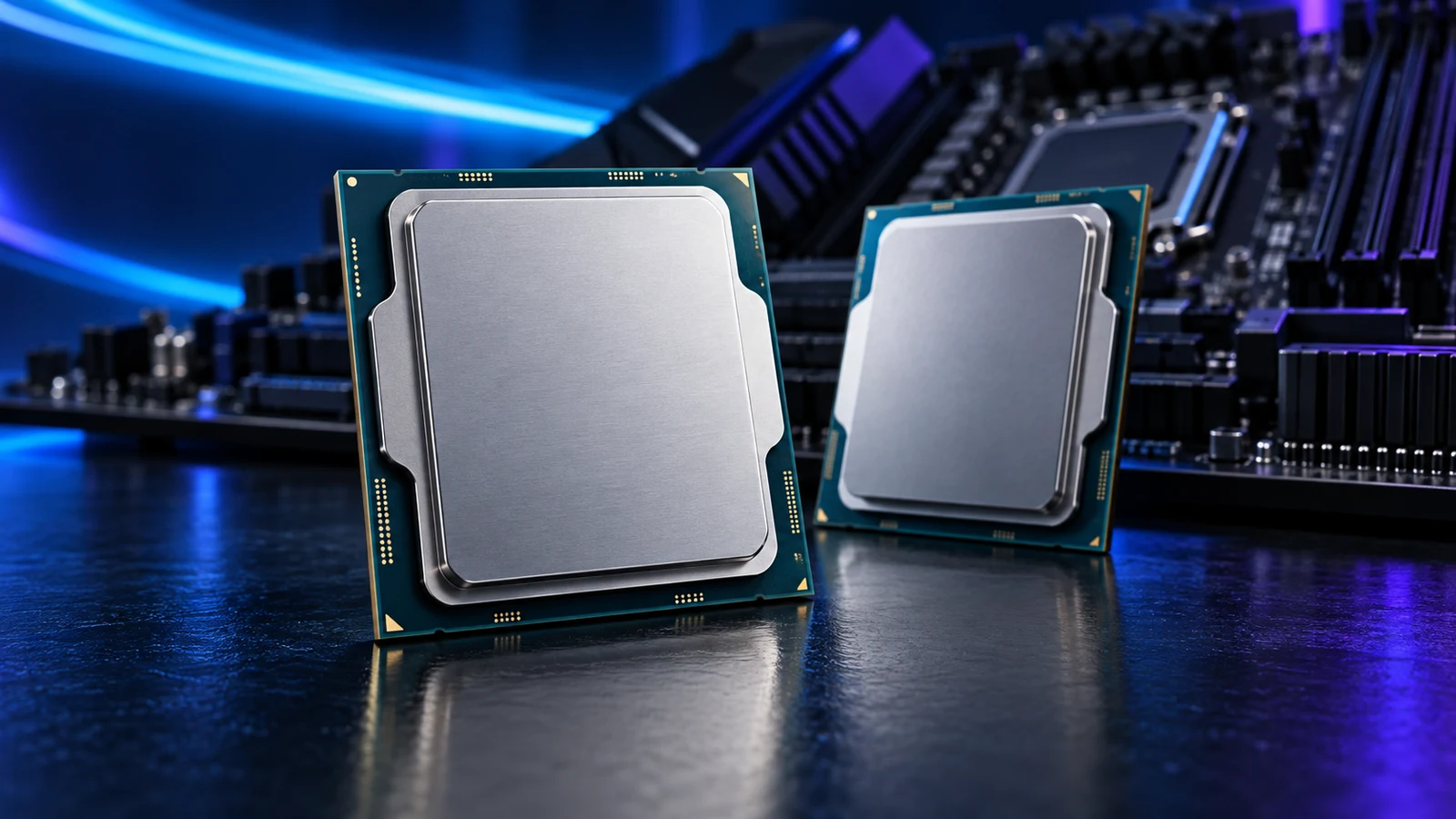
Read an Intel CPU name in three passes: identify the family and exact model, check the suffix for graphics and tuning, then match the socket and memory platform. An “i7” or “Ultra 7” badge is a tier within a family; it does not tell you which processor wins your game or application.
For a purchase, use the processor shortlist by workload. This guide explains why a similarly named replacement can change the motherboard, RAM or graphics you need.
Table of Contents
ToggleTwo real desktop examples
| Exact processor | Read the name | Supporting platform | Why the difference matters |
|---|---|---|---|
| Intel Core i5-12500 | Core i5 · 12th generation · model 500 · no F suffix | LGA1700; choose a DDR4 or DDR5 motherboard | Integrated UHD 770 graphics and Quick Sync; an older desktop route for suitable reuse or media-server work. |
| Intel Core Ultra 7 270K Plus | Core Ultra 7 · Series 2 · 270 · K · Plus | LGA1851 with a supported Intel 800-series board and DDR5 | An unlocked desktop model with Intel Graphics; it cannot replace the i5 in the same motherboard. |
These examples are different platforms, rather than a pair to rank from their names. The media-server CPU guide explains the i5-12500 route; video-editing processor choices put the Core Ultra option alongside the relevant workloads.
Core i5 and Core Ultra 5 are different naming systems
In the familiar Core i naming scheme, i3, i5, i7 and i9 identify tiers. For the 12th–14th generation desktop examples, the first two digits of the model number identify the generation: 12500 starts with 12, while 14600K starts with 14. The remaining digits distinguish models within that generation.
Core Ultra uses a separate family and series scheme. In 270K Plus, the leading 2 belongs to Series 2; it is not a shortened way of saying “27th generation”. Plus is part of the complete model name. Intel introduced the 200S Plus desktop range in March 2026, so 270K Plus and 265K should remain separate entries in a comparison.
I would copy the complete name into the parts list before comparing offers. Dropping Plus, losing an F or keeping only “Intel i7” can change what arrives in the basket.
K, F and KF: the suffixes that affect the purchase
| Suffix | Intel’s meaning | What I would plan around it |
|---|---|---|
| K | Unlocked processor | Use a supported tuning platform if overclocking is a goal; include an appropriate cooler even when you intend to run defaults. |
| F | Discrete graphics required | Budget for a graphics card. Do not plan to drive the screen from the CPU’s integrated graphics. |
| KF | K and F together | Unlocked, with the separate-graphics requirement. A K-to-KF substitution removes the integrated-graphics route. |
| T | Power-optimised desktop category | Read that exact model’s power and performance specifications; it is not a guarantee that the complete PC will be silent. |
| No suffix | Exact SKU specifications still decide features | The i5-12500 example has integrated graphics. Verify the named model rather than treating a missing letter as a complete specification. |
For an office PC without a separate GPU, keep integrated graphics in the selection. For a media or editing application that uses the integrated media engine, retain the supported hardware path even if the PC also has a graphics card. Integrated graphics versus a separate card explains those jobs.
K identifies an unlocked model; it does not mean you must overclock it. Cooler sizing and sustained power still belong in the build when the processor runs at its standard settings.
Keep laptop and mini-PC names out of a desktop parts list
Intel also uses suffixes such as H, HX, U and V on mobile products. Those names appear in laptops and ready-made compact computers, where the processor is part of the designed system. A listing with a familiar tier and a mobile suffix is a different shopping route from a retail desktop CPU.
If a small ready-made machine is what you want, use the home-office mini-PC shortlist. If you are assembling a tower, stay with the desktop processor and its exact board support list. Mini PC versus DIY desktop covers the space and upgrade decision.
Translate the model into a motherboard and RAM choice
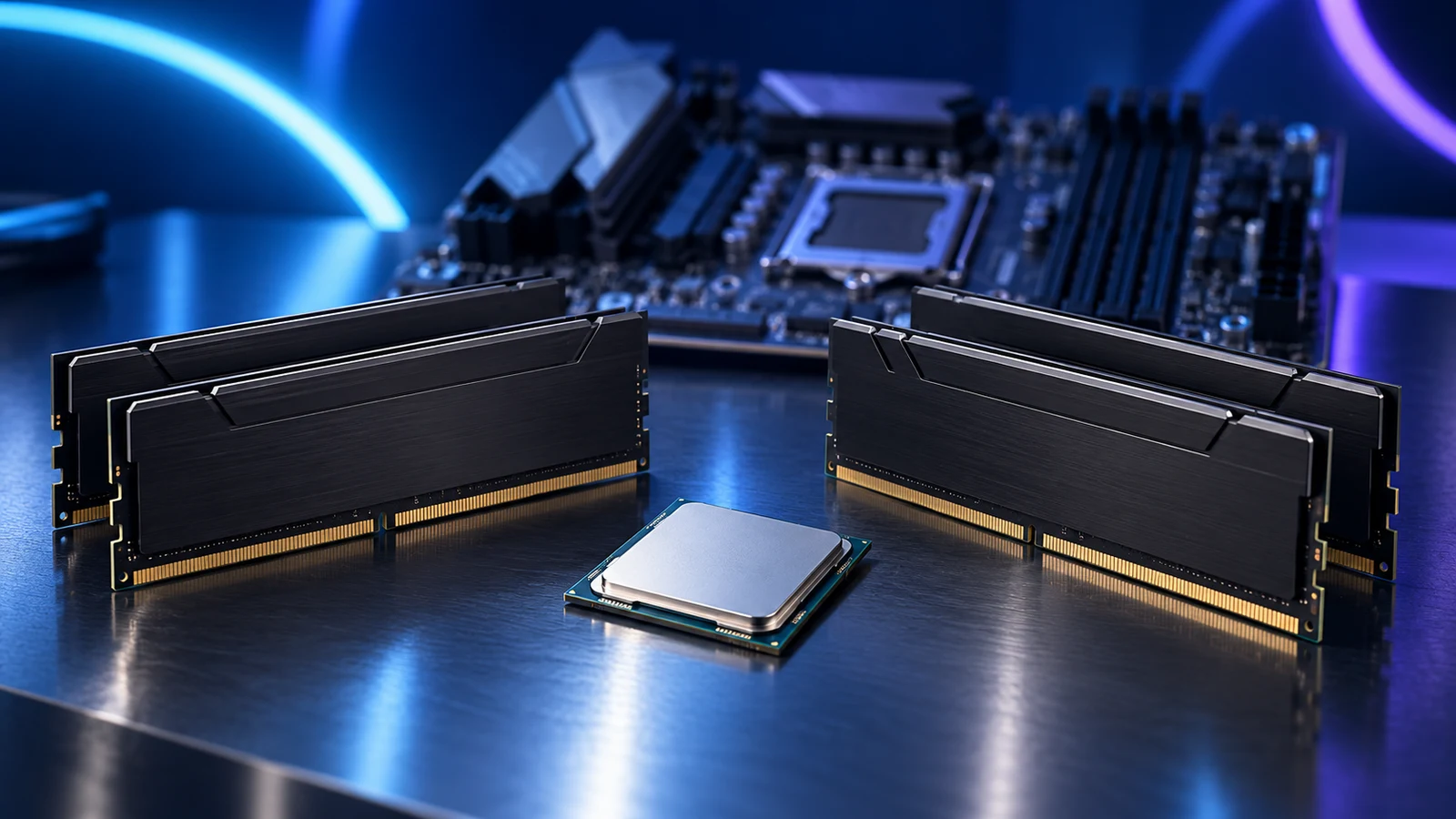
Intel’s 12th, 13th and 14th generation Core desktop families use LGA1700. They support DDR4 and DDR5 at the processor level, but an individual board takes its specified memory generation. The Intel DDR4 support guide shows how to preserve a useful existing kit.
The Core Ultra Series 2 desktop examples move to LGA1851 and DDR5. They are not drop-in replacements for an LGA1700 CPU. Keep the CPU support entry, required BIOS and memory specification beside the model in your parts list.
Use the CPU and motherboard checks for the actual purchase. A cooler’s similar mounting dimensions do not establish processor compatibility between two sockets.

Choose the workload, then compare the complete platform
Start with what the PC will spend its time doing. Gaming processor choices, editing choices and everyday-work choices have different priorities. Compare CPU, board, RAM and cooler together, keeping useful existing parts visible.
For application performance, compare the actual task and test conditions. Cores, clock speed and cache explains why neither the family badge nor the biggest model number is a complete performance result.
The PC Builder currently covers its curated AM5 tower parts. Use the manufacturer support lists for an Intel parts combination; these Intel names do not add an Intel catalogue to the tool.
Specifications and naming: Intel naming guide · Intel suffix meanings · LGA1700 desktop compatibility · Core Ultra Series 2 desktop information · 200S Plus launch details · i5-12500 specifications.