
Which Intel CPUs Support DDR4? Choose the Right Memory Platform
By James Thompson · Updated:
Some links in my articles are affiliate links. I may earn a commission when you buy through them.
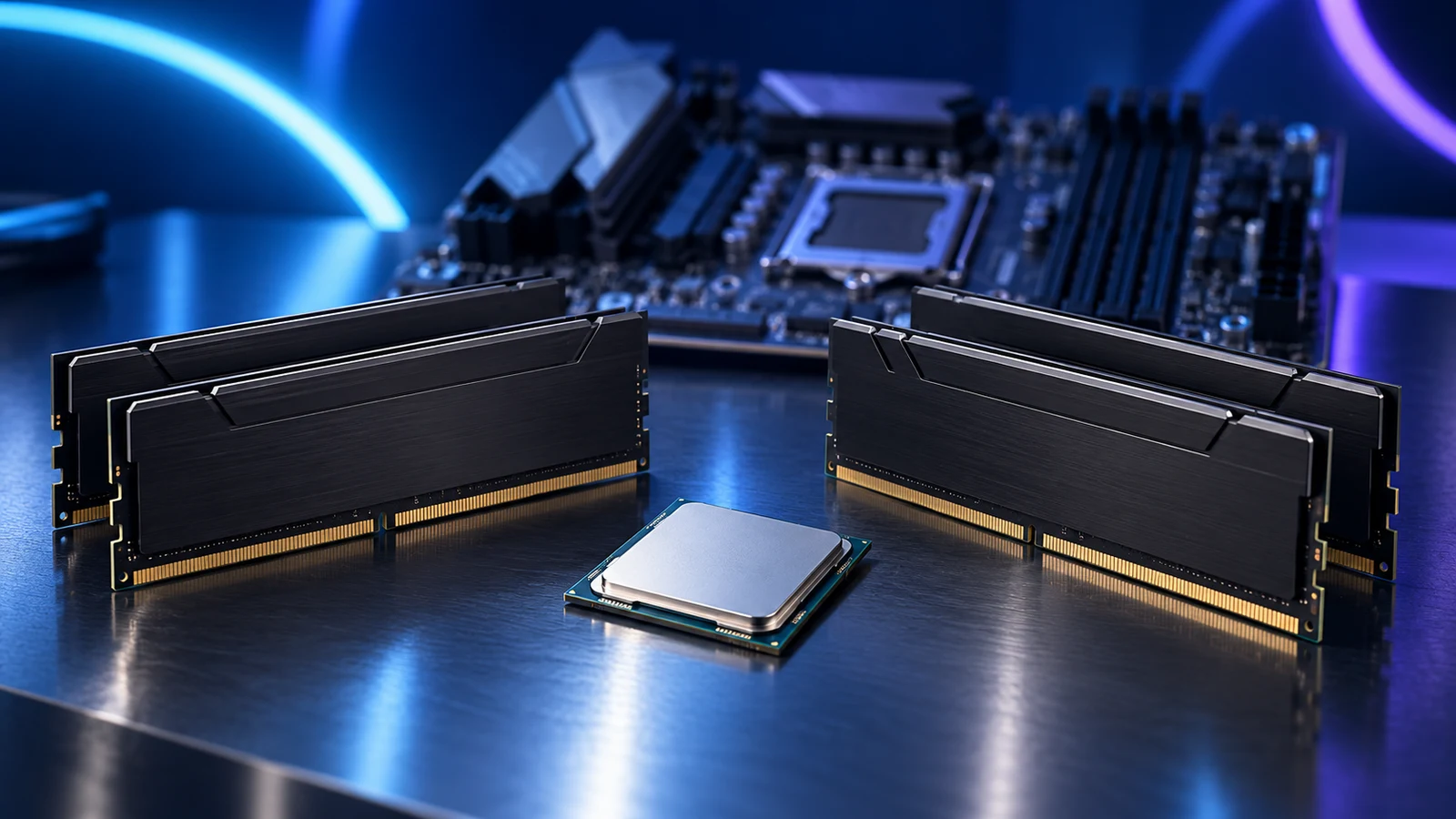
Intel’s 12th, 13th and 14th generation Core desktop CPUs support DDR4 when paired with a compatible DDR4 motherboard. The same processor families can also use DDR5 on a DDR5 board. Core Ultra Series 2 desktop processors, including the 270K Plus, use DDR5 instead.
If you already own a useful DDR4 kit, price the supported CPU and board before replacing the memory. If you are buying everything new, compare that whole basket with our current processor buying routes. Reuse is worth considering when it preserves something the finished PC will actually use.
Table of Contents
ToggleThe Intel DDR4 platform map
| Desktop family | Socket and chipset family | Memory choice | Required next check |
|---|---|---|---|
| 12th-generation Core | LGA1700; supported Intel 600/700-series board | DDR4 or DDR5, determined by the board | Exact CPU support entry, BIOS and board memory specification. |
| 13th-generation Core | LGA1700; supported Intel 600/700-series board | DDR4 or DDR5, determined by the board | A board may need updated firmware for that CPU. |
| 14th-generation Core | LGA1700; supported Intel 600/700-series board | DDR4 or DDR5, determined by the board | Do not infer BIOS support from the socket alone. |
| Core Ultra Series 2 desktop | LGA1851; supported Intel 800-series board | DDR5 | An LGA1700 CPU and DDR4 kit do not transfer into this CPU/board combination. |
This map covers the named mainstream desktop families. A laptop, mini PC or another Intel generation needs its own specification; “Intel supports DDR4” is too broad to buy from.
If a model number is unfamiliar, decode the Intel family and suffix first. Then use the exact CPU and motherboard checklist.

The motherboard commits you to DDR4 or DDR5
Choose the board by its complete model name and memory specification. DDR4 and DDR5 modules have different electrical and physical arrangements, so a DDR5 module is not an upgrade you fit into a DDR4 slot. Moving between them normally means changing the motherboard as well as the kit.
ASRock’s B760M Pro RS/D4 is a clear example: its specification lists four DDR4 DIMM slots. The /D4 is useful shorthand, but the manufacturer’s memory section is the decisive detail. Do not assume every B760 board uses the same memory.
Treat that ASRock model as a documented DDR4 example, rather than a fresh platform recommendation: its current page marks it discontinued in November 2025. For an actual purchase, use the current board’s CPU support list and firmware route.
When I would reuse DDR4
Keep a matched kit if it has enough capacity for the planned work, fits the intended board and leaves a worthwhile saving after CPU, motherboard and cooling are included. A useful existing 32GB kit is a stronger reuse reason than a small kit you expect to replace immediately.
Make a two-column basket: retained DDR4 plus the supported platform on one side; a new CPU, board and DDR5 kit on the other. Include adapters or a replacement cooler where they are needed. Compare the applications you care about before choosing the cheaper total.
Our CPU upgrade versus new platform guide covers that wider decision. For a media server, the Intel Core i5-12500 remains a specific older Intel option with integrated UHD 770 graphics and Quick Sync. Follow the media-server processor guide for the workload and software route; this is not a blanket reason to buy LGA1700 for every new PC.
Choose a kit only after choosing the platform
| Your situation | Useful route | What I would buy around |
|---|---|---|
| Existing DDR4 already has enough capacity | Keep the compatible matched kit | Spend on the supported CPU/board or another limiting component. |
| A DDR4 board needs a complete 32GB kit | Corsair Vengeance LPX 32GB DDR4-3200 · 2×16GB · CMK32GX4M2E3200C16 | A matching desktop DDR4 configuration; compare the board memory list and current total before replacing an adequate kit. |
| A new Core Ultra Series 2 desktop | Intel Core Ultra 7 270K Plus with a supported LGA1851 board | DDR5 is part of the new platform cost. The DDR4 LPX kit above does not fit this route. |
The LPX example is a capacity and form-factor choice, not a universal fastest-memory claim. Corsair specifies 32GB as two 16GB DDR4 modules, with a tested 3200MT/s profile. The memory-profile guide explains why the advertised profile and the initial default setting can differ.
Check module height against the cooler, fit the kit in the board’s recommended channel positions and establish a stable default setup before enabling its memory profile. Change one setting at a time so you can trace any instability.
For different capacity needs, use the RAM capacity guide and our RAM shortlist by use case.
Complete the support check before dismantling the old PC
- Record the full CPU name, exact motherboard model/revision and installed BIOS version.
- Open the board’s CPU support entry and note the required firmware.
- Confirm the board’s memory generation, module type and proposed kit arrangement.
- Check the cooler mount and RAM clearance; keep a documented firmware update route available.
For an existing working system, finish any required BIOS update using the manufacturer’s instructions before removing the supported processor. For a new board, establish whether its supplied firmware supports the CPU and whether it has a suitable update method.
Install the kit in the manual’s recommended positions and confirm the full capacity at default settings. Dual channel and mixed memory kits covers the choice between adding modules and replacing the kit; RAM troubleshooting covers missing capacity or an unexpectedly low reported rate.
Choose the complete build that earns the spend
Use the processor buying guide to choose by workload, then put the correct board and memory beside that CPU. Keep the DDR4 route for a suitable reuse basket; include DDR5 from the start when choosing Core Ultra Series 2.
The PC Builder’s current catalogue is for curated AM5 towers. It does not validate the Intel combinations discussed here. Use the Intel and motherboard support information for this platform.
Platform and kit specifications: Intel LGA1700 compatibility · Core Ultra Series 2 desktop memory · ASRock B760M Pro RS/D4 specification · Intel i5-12500 specifications · Corsair LPX kit specification.