
Best Hard Drives for a Home NAS in 2027
By James Thompson · Updated:
Some links in my articles are affiliate links. I may earn a commission when you buy through them.
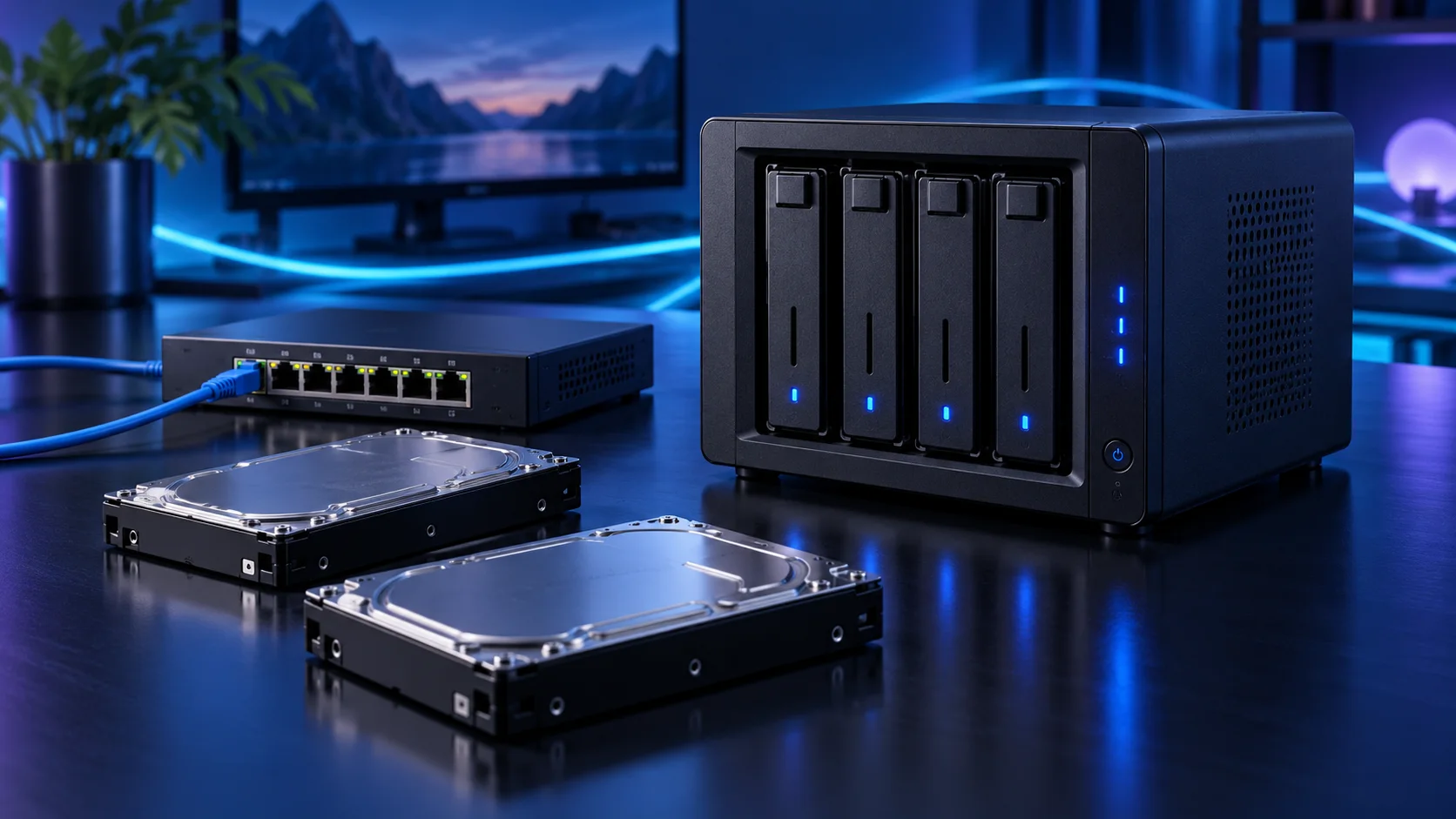
Choose exact CMR NAS models and capacity after the usable layout. A mirror makes one copy available on two drives, while parity layouts have their own capacity and expansion rules. Larger drives can preserve bays, but the independent backup must grow with the archive too. Here is the shortlist I would use, with the lower-cost and more capable routes kept alongside the complete home nas storage setup.
Table of Contents
ToggleChoose the right option for your build
| Best for | My choice | Why it fits |
|---|---|---|
| Best smaller mirrored start | Seagate IronWolf 4TB ST4000VN006 | 4TB CMR disks keep the complete first storage arrangement affordable. |
| Best larger home archive | WD Red Plus 8TB WD80EFPX | 8TB CMR disks conserve bays when the archive is already substantial. |
| Best capacity-per-bay route | Seagate IronWolf 12TB CMR NAS drive | 12TB CMR disks suit a defined larger archive and an independent recovery plan. |
Start with the shortlist below, then use the complete build guide to match your choice to the rest of the setup.
Use the storage-role guide to keep archive drives, active work and independent backup separate. The board connection map checks which ports remain available with SSDs installed.
Keep an independent server backup alongside this storage plan. External HDDs serve a separate copy or rotation; a compatible UPS supports the controlled shutdown.
Best smaller mirrored start: Seagate IronWolf 4TB ST4000VN006
4TB CMR disks keep the complete first storage arrangement affordable.
The Seagate IronWolf 4TB ST4000VN006 is the lower-capacity CMR NAS drive in this shortlist. It suits a modest archive or a first mirrored pair when buying the entire storage arrangement is more useful than stretching to the largest disk.
Count usable capacity after the layout. Two mirrored 4TB disks provide roughly one disk’s nominal capacity before filesystem overhead, not 8TB of independent storage. Keep a separate backup of important data.

Best larger home archive: WD Red Plus 8TB WD80EFPX
8TB CMR disks conserve bays when the archive is already substantial.
The WD Red Plus 8TB WD80EFPX is the larger CMR NAS option here. I would choose it when the archive is already big enough that smaller disks would use up bays too quickly.
Plan the next expansion before creating the pool. A drive bay, a SATA connection and a power lead are separate resources, and adding a disk does not automatically expand every storage layout in the same way.

Best capacity-per-bay route: Seagate IronWolf 12TB CMR NAS drive
12TB CMR disks suit a defined larger archive and an independent recovery plan.
A Seagate IronWolf 12TB CMR NAS drive is the high-capacity route when conserving bays matters. I would compare the exact 12TB model and delivered cost against the 8TB option, keeping the whole mirrored or parity arrangement in view.
Large disks change the recovery plan as well as the capacity. Allow for rebuild time and keep an independent copy of irreplaceable files; a redundancy layout protects availability rather than every form of data loss.

How I would choose between these routes
Choose capacity around applications, active files and working headroom. The final output file can be much smaller than the temporary data created to produce it. I would keep the working drive spacious and make the backup an independent destination rather than use a second partition as a second copy.
Match the drive to the board slot and software role. M.2 describes a form factor rather than every device’s interface or speed. Use the motherboard manual for slot sharing, heatsinks and disabled ports, particularly when combining several NVMe drives with SATA disks or an expansion card.
Match the purchase to the actual workload
Choose the storage software and layout before ordering a stack of disks. Pool expansion rules depend on that choice. Count drive bays, SATA ports, power leads and any controller slot as separate resources. I would begin with a modest platform and two suitable CMR disks, then leave a deliberate path to more storage instead of treating every advertised case bay as immediately usable.
The supporting parts I would put beside it
Keep a suitable boot drive separate from the data pool. The starting archive uses two 4TB IronWolf drives as a mirror, with usable space roughly equal to one nominal disk before overhead. Add an independent backup sized for the important files; a 2TB portable SSD only covers a selected subset of a larger archive.
| Role | Suggested route | Why I include it |
|---|---|---|
| Memory | Corsair Vengeance LPX 32GB DDR4-3200 | Choose capacity for the active work and surrounding desktop. |
| Working drive | WD_BLACK SN850X 1TB | Keep active files and useful free space on the NVMe drive. |
| Case | Fractal Node 804 | Use the complete layout rather than an isolated component maximum. |
Complete the purchase plan
Copy a small test set, restore it from the independent backup and document the disk layout before moving the main archive. Plan pool growth using the chosen software’s rules. If media transcoding or many virtual machines become the main job, use those dedicated server guides for the platform decision.
Compare the complete basket for the chosen route and keep the exact variant in the order. Use the wider ssds guide for the underlying choice, or return to the complete home nas storage build for the supporting purchases.
Technical references: TrueNAS hardware guide · IronWolf model and recording specification · B760M Pro RS/D4 specification.