
Best Controllers for a Living-Room PC in 2027
By James Thompson · Updated:
Some links in my articles are affiliate links. I may earn a commission when you buy through them.
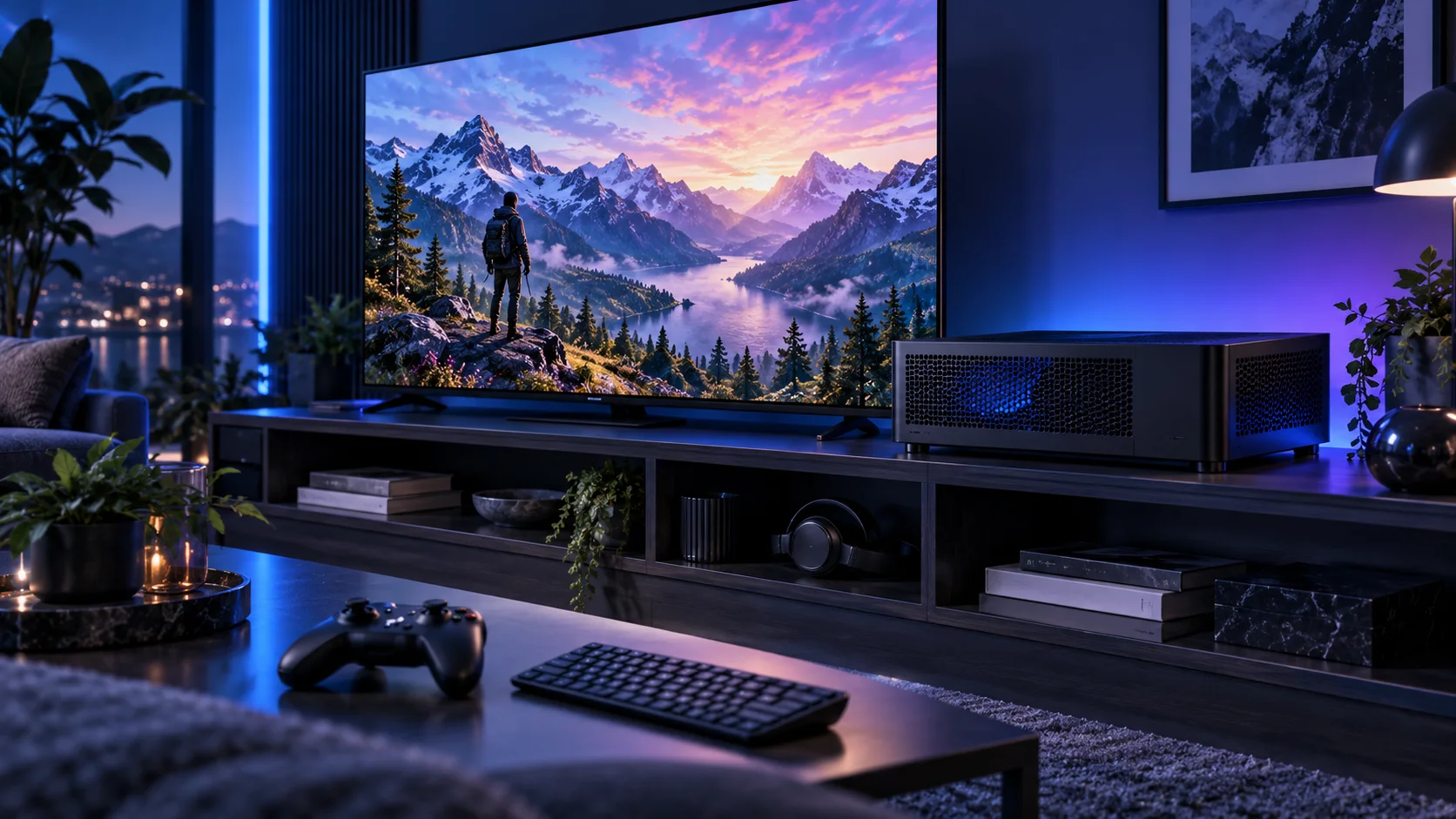
Choose a controller by the Windows connection, seating distance and the games you play. A cable is the simplest lower-cost route; wireless needs the correct receiver or supported Bluetooth arrangement and a sensible charging routine. Here is the shortlist I would use, with the lower-cost and more capable routes kept alongside the complete living-room gaming setup.
Table of Contents
ToggleChoose the right option for your build
| Best for | My choice | Why it fits |
|---|---|---|
| Best familiar Windows route | Xbox Wireless Controller – Carbon Black | The Xbox layout is an approachable starting point for conventional PC game prompts. |
| Best docked wireless alternative | 8BitDo Ultimate 2 Wireless Controller | Choose the Windows wireless kit when the dock and additional controls suit the desk. |
| Best lower-cost wired route | 8BitDo Ultimate 2C Wired Controller | A wired Windows controller keeps the purchase simple when the cable reaches comfortably. |
Start with the shortlist below, then use the complete build guide to match your choice to the rest of the setup.
Complete the desk with a compatible monitor arm and the keyboard layout. For a recording setup, use the microphone and webcam buying routes.
Best familiar Windows route: Xbox Wireless Controller – Carbon Black
The Xbox layout is an approachable starting point for conventional PC game prompts.
The Xbox Wireless Controller is the familiar Windows gaming route. I would choose it for a living-room PC where game prompts and conventional controller support make it easy to use the library from the sofa.
Include the chosen connection and power arrangement in the setup. A USB cable, Bluetooth and the appropriate wireless adapter are different routes, and not every PC has each one built in.
Best docked wireless alternative: 8BitDo Ultimate 2 Wireless Controller
Choose the Windows wireless kit when the dock and additional controls suit the desk.
The 8BitDo Ultimate 2 Wireless is the alternative Windows controller route when its dock and controls fit the way you play. I would compare the complete kit, including the receiver, with the Xbox arrangement.
Choose the Windows wireless version rather than a similarly named Switch-focused model. Follow the exact controller and receiver instructions; the word Bluetooth in another version’s title does not establish the same Windows connection modes.
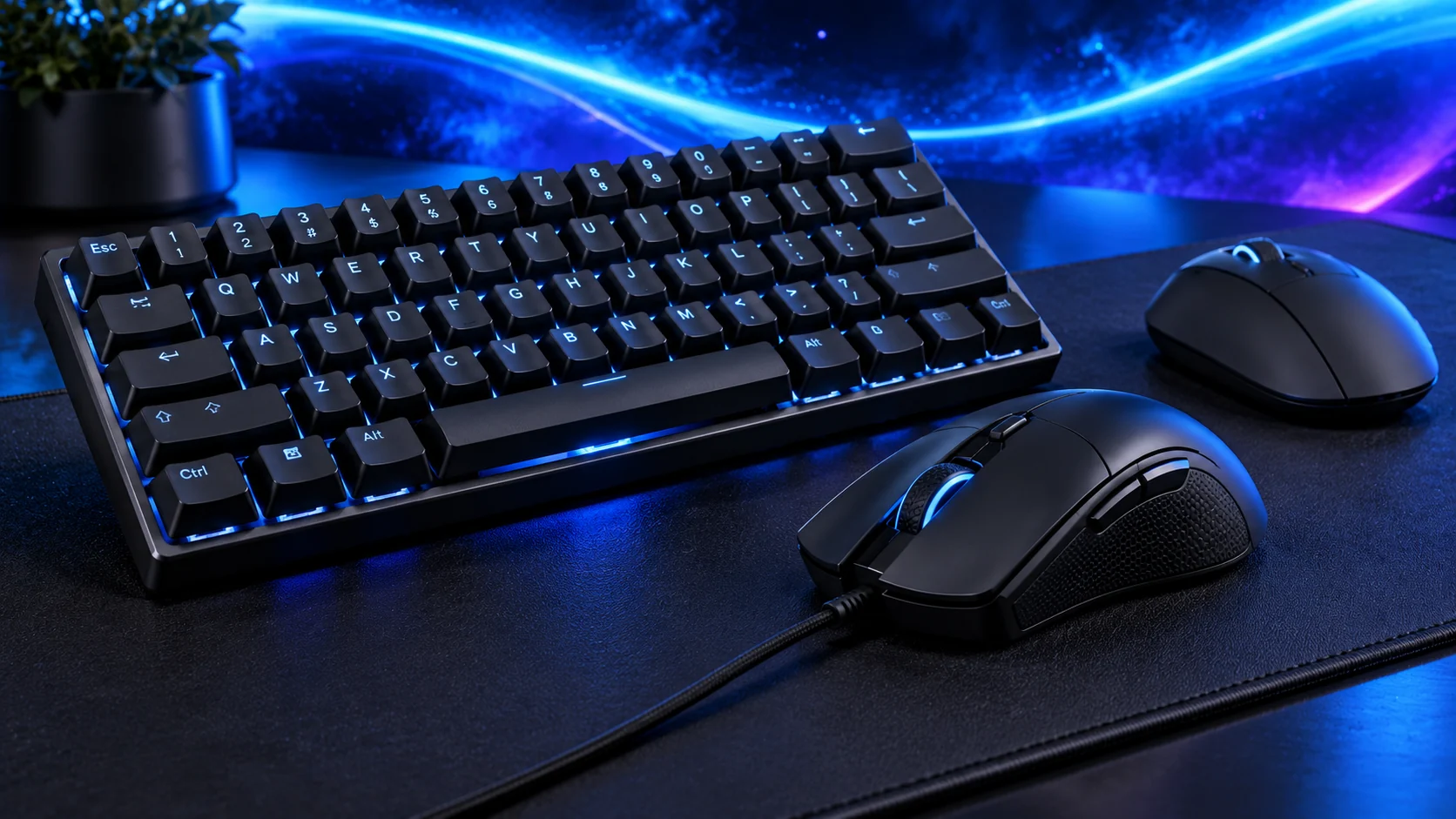
Best lower-cost wired route: 8BitDo Ultimate 2C Wired Controller
A wired Windows controller keeps the purchase simple when the cable reaches comfortably.
The 8BitDo Ultimate 2C Wired is the lower-cost Windows controller route. I would use it when a cable can reach the seating position comfortably and keeping the purchase simple matters more than wireless play.
The wired model is a separate product from similarly named Bluetooth and wireless versions. Decide the connection first, then choose the correct variant.

How I would choose between these routes
Choose the connection before the model variant. Similar 8BitDo names can describe different platform and transport combinations, so keep the Windows wireless or wired version clear in the basket. For an Xbox controller, decide whether the PC will use USB, supported Bluetooth or the appropriate adapter.
Place the receiver where the seating position has a useful signal path rather than hide it behind metal and a television. Keep a keyboard or pointing device available for launchers and desktop prompts. Configure Steam’s supported controller interface as needed, then test the games you actually use from the sofa before adding more accessories.
Include the rest of the setup
Start with the television’s supported input modes and the place the PC will live. A shelf, open stand and closed cabinet are very different cooling environments. List the seating distance, controller connection and a way to reach the desktop when a game or launcher needs it. A powerful tower is useful only if the room lets it breathe and the controls work reliably from the sofa.
Assemble the slim layout in the case’s documented order and route the PSU and display leads before closing the panels. Keep intake vents clear in the final position. Establish a restrained CPU power and fan plan with the case closed rather than judge noise on an open test layout.
The supporting parts I would put beside it
A spacious NVMe drive keeps the living-room PC simple and leaves room for the games you keep installed. Store captures and important files elsewhere as needed, and leave working room for updates. A long USB drive cable should not become the permanent obstacle across the seating area.
| Role | Suggested route | Why I include it |
|---|---|---|
| Memory | Crucial Pro 32GB DDR5-6000 | Choose capacity for the active work and surrounding desktop. |
| Working drive | WD_BLACK SN850X 2TB | Keep active files and useful free space on the NVMe drive. |
| Case | Fractal Ridge Black | Use the complete layout rather than an isolated component maximum. |
Complete the purchase plan
Set the television’s supported PC/game mode, resolution and refresh rate, then configure HDR or VRR if the whole path supports them. Pair the controller and test from the seating position. Keep a straightforward desktop-access route for the games and launchers that still need a mouse or keyboard.
Compare the complete basket for the chosen route and keep the exact variant in the order. Use the wider controllers guide for the underlying choice, or return to the complete living-room gaming build for the supporting purchases.
Technical references: Fractal Ridge layout manual · Ultimate 2C Wired platform and connection · Ultimate 2 Wireless manual.