
OLED vs IPS for Work and Gaming: Which Monitor Should You Buy?
By James Thompson · Updated:
Some links in my articles are affiliate links. I may earn a commission when you buy through them.
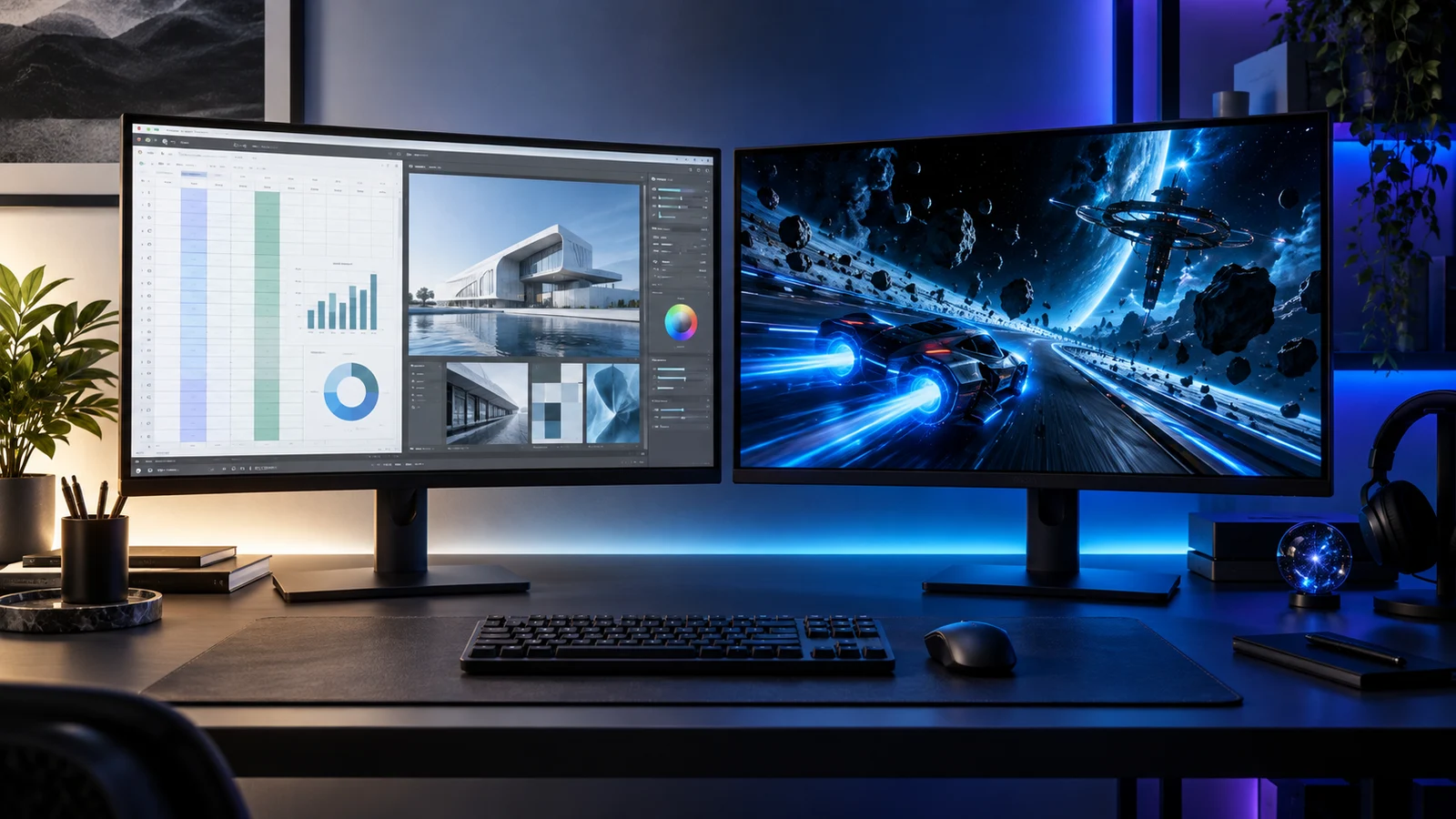
Choose OLED when games and films are the reason you want a new screen. Choose IPS when the monitor spends most of the day on documents, spreadsheets and fixed application panels. For a balanced shared desk, my starting comparison is the Dell S2725QC for 4K work and the Alienware AW2725D for 1440p OLED gaming.
If both uses matter equally, decide whether one premium screen or a separate work screen and gaming screen will fit the desk. You do not need to give up a useful IPS monitor just because you want OLED for the evening.
Table of Contents
TogglePick by the hours you actually spend at the desk
| Your routine | My starting route | What you gain | What to consider |
|---|---|---|---|
| Mostly games and films | OLED | Pixel-level light control and deep blacks in dark scenes. | Panel care, room reflections and the screen format. |
| Mostly documents, spreadsheets and static tools | IPS | A straightforward work display without OLED-specific static-image wear concerns. | Choose resolution, scaling, stand and ports for the job. |
| Work all day, games every evening | 4K IPS or a carefully chosen 4K OLED | One high-resolution screen can cover both tasks. | Text rendering, the OLED care routine and how much gaming matters. |
| Already own a useful office monitor | Keep IPS; add OLED for games | Each screen serves the task it suits. | Two stands or arms, desk width and the GPU outputs. |
IPS is a type of LCD panel: it uses a backlight. OLED pixels emit their own light, allowing a dark pixel to switch off independently. That explains the contrast attraction, but it does not make every OLED a better office monitor.
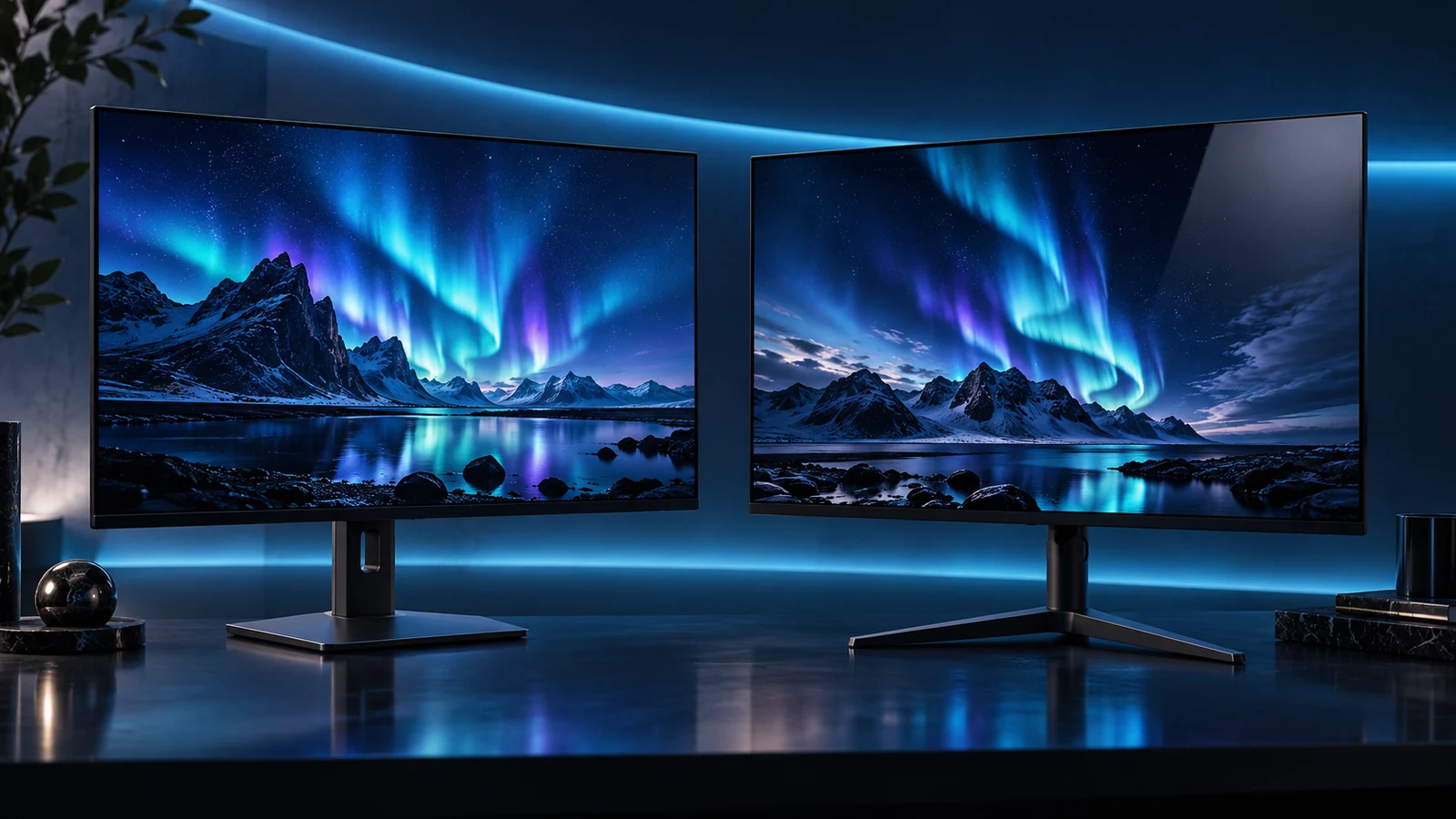
What OLED brings to games
Dark corridors, night skies and bright effects against a black background are good reasons to want OLED. You are buying the way the screen presents those scenes, not just a bigger number on the specifications.
A high-refresh OLED also belongs on the shortlist for fast games. Compare the exact monitor’s motion behaviour and your PC’s frame-rate target; advertised grey-to-grey response time is not the same thing as total input delay.
The Alienware AW2725D is the compact 1440p route I would look at first. It gives a 280Hz maximum without the extra pixel load of 4K. For different sizes and connections, go straight to the OLED buying shortlist.
What matters during a full working day
Reading text at a comfortable size, placing the screen at the right height and keeping reflections away from the work area matter every hour. A vivid demo video tells you little about whether a dense spreadsheet will be comfortable at your normal viewing distance.
OLED text appearance depends on pixel density, subpixel layout and software rendering. Do not assume that every model with the same panel-family name renders small text identically. Compare the actual display and use Windows scaling to make text comfortable rather than keeping everything tiny.
A Dell S2725QC gives you 27-inch 4K, a 120Hz maximum and USB-C video with up to 65W laptop charging. I would choose it for a work-led desk that also plays games, especially if the same windows stay open for long stretches.
For a gaming-led desk that also needs detailed work, the ASUS ROG Swift PG27UCDM puts 4K on a 26.5-inch viewable OLED screen. Its extra pixel density is a reason to consider it; your own text-size preference and the application’s rendering still matter.
A two-screen desk can be the better upgrade
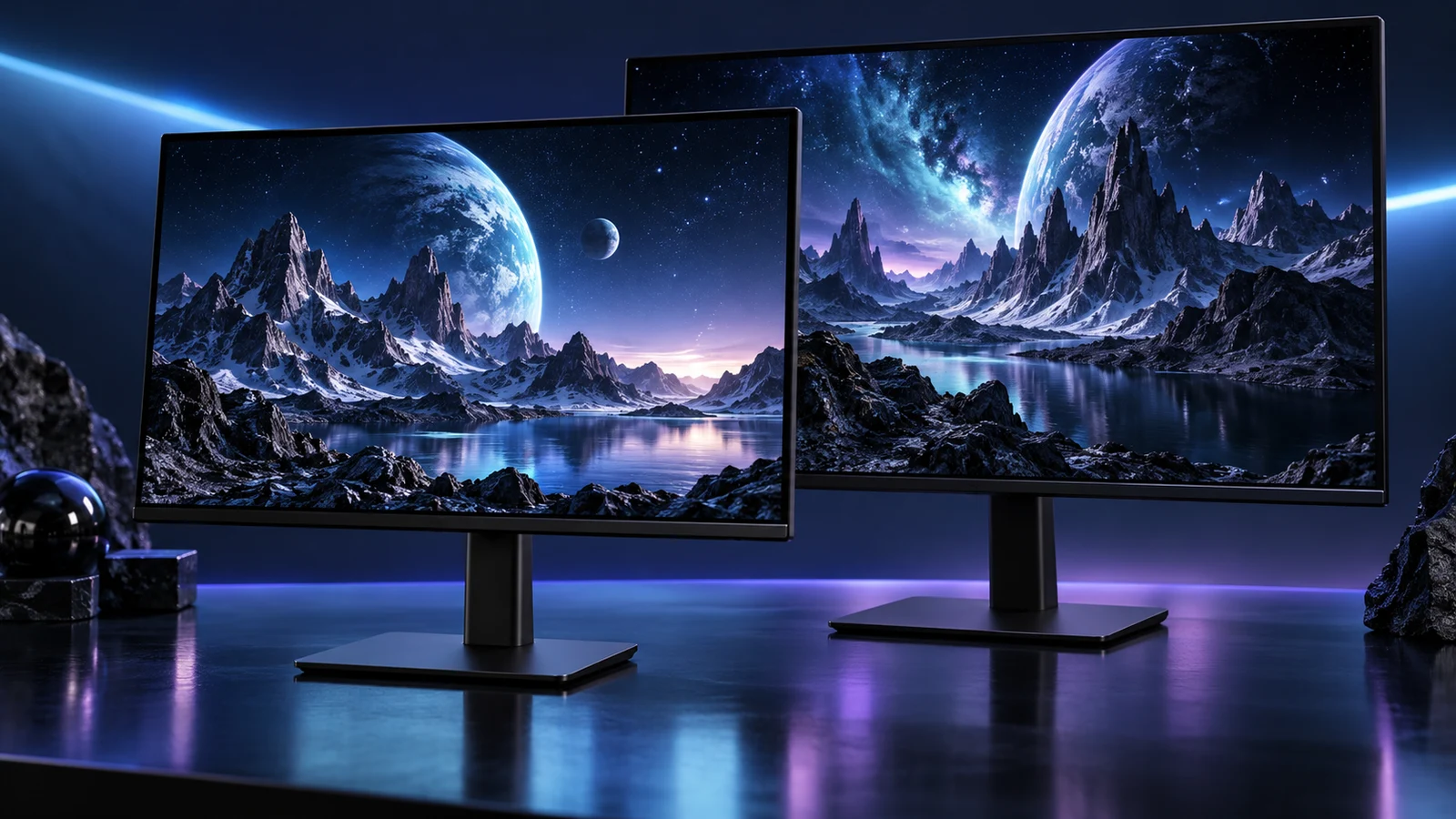
Keep your existing IPS screen for email, documents and chat, and use the OLED as the main gaming display. It is a particularly useful arrangement if the old monitor is already comfortable and still works well. You can move static secondary tools to it without losing access to them.
Put the screen you use most directly in front of you. A second monitor should sit to the side, rather than forcing you to twist your neck through the whole working day. Account for both stand footprints; a monitor arm can free desk space when its load and mounting requirements fit.
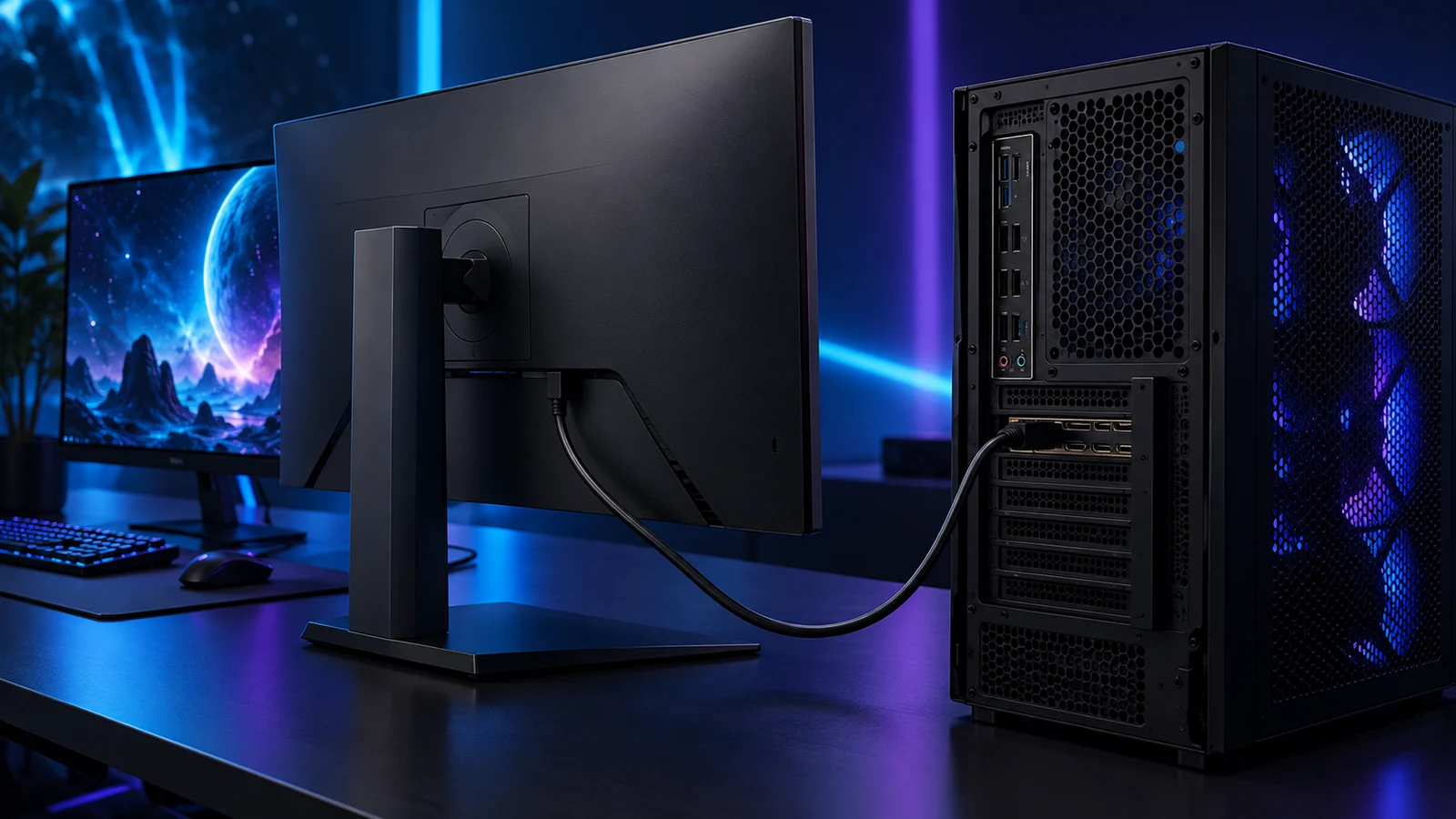
Use the monitor-arm guide for mounting and the display-connection guide for the GPU outputs. Two screens with similar-looking connectors can still need different cables or settings.
Colour work needs a workflow as well as a panel
If you edit photographs or prepare designs for other people, use the photography monitor guide and a colour-managed setup. A broad colour gamut can make an unmanaged picture look striking without making it accurate for an sRGB delivery.
Pick the correct picture mode for the work, then manage the application and display profile. Turning on HDR for every desktop task is not a substitute for colour management. Save the punchy gaming mode for games if it changes how work is displayed.
My choice for each kind of shared desk
For a work-first one-screen desk, I would buy the Dell S2725QC. For a game-first one-screen desk, I would start with the Alienware AW2725D. For dense 4K gaming and creative work in a small footprint, I would compare the ASUS ROG Swift PG27UCDM against those two rather than treating OLED as an automatic upgrade.
If you decide on OLED, set up its care routine and configure refresh and HDR. If you are still choosing the format, compare 1440p and 4K before committing to the GPU and display together.
Specifications and guidance: S2725QC · AW2725D · PG27UCDM · Windows HDR settings.