Best external SSDs for PC: everyday files, travel and 20Gb/s ports in 2027
By James Thompson · Updated:
Some links in my articles are affiliate links. I may earn a commission when you buy through them.
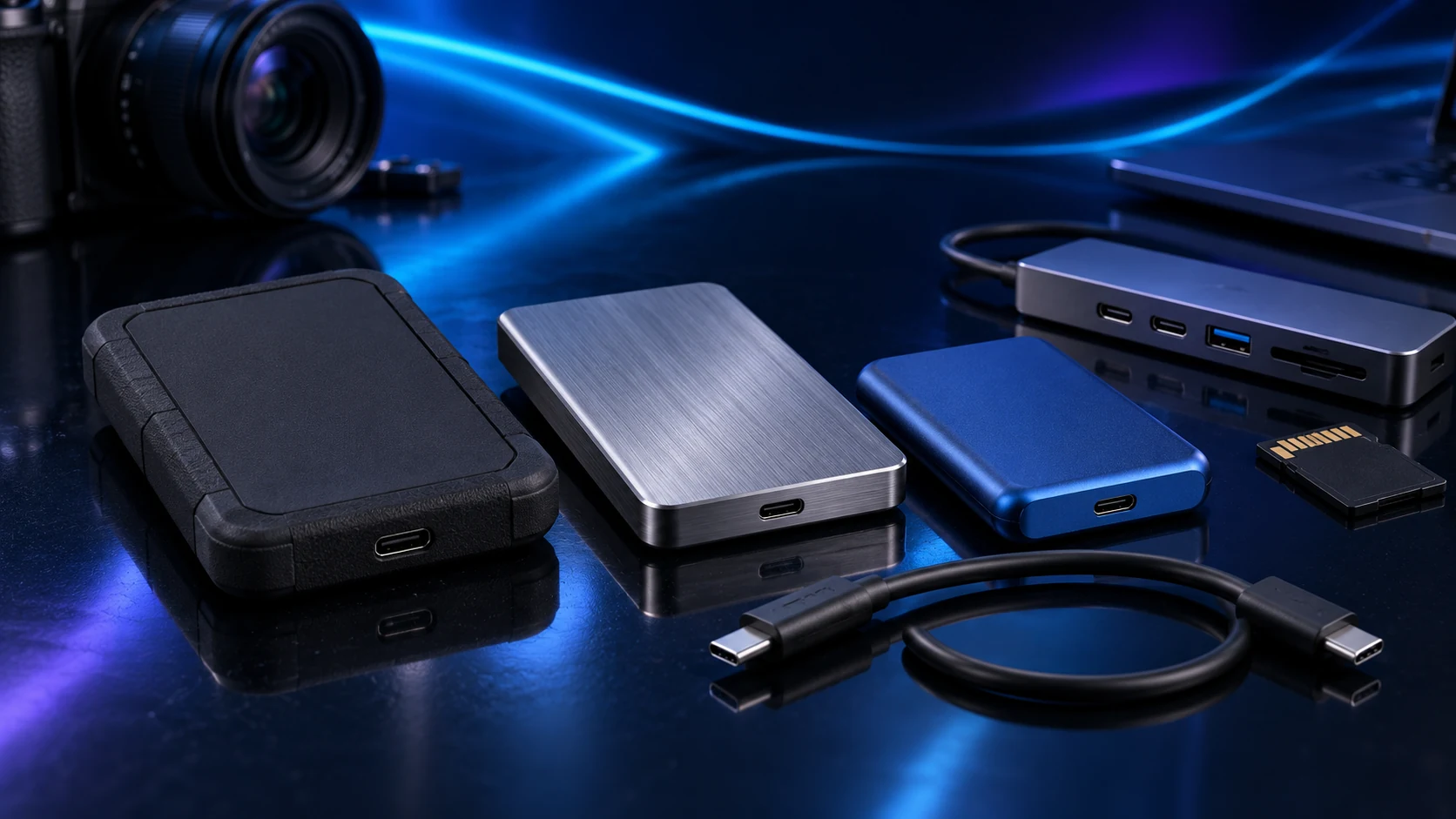
Buy capacity first, then the interface and enclosure that suit the work. The Samsung T7 is my straightforward 10Gb/s route, T7 Shield adds a protected enclosure for travel, and T9 is for a PC with a suitable 20Gb/s USB connection.
Table of Contents
ToggleThe shortlist: choose for your setup
| Use | My choice | Why choose it | Choose another when |
|---|---|---|---|
| Everyday portable work | Samsung T7 | A compact 10Gb/s USB portable SSD for moving and working with files. | The enclosure protection or a supported 20Gb/s route serves your work better. |
| Portable work with enclosure protection | Samsung T7 Shield | A 10Gb/s SSD with a rubberised enclosure and manufacturer-rated IP65 protection. | The drive stays on a protected desk and the extra enclosure does not help. |
| Compatible 20Gb/s transfers | Samsung T9 | A USB 3.2 Gen2x2 20Gb/s drive for a host that supports that exact mode. | The computer supplies only 10Gb/s USB, or its Thunderbolt port lacks Gen2x2 support. |
These choices compare published interface and enclosure features. They are not a measured speed ranking, and the selected capacity can affect the price comparison substantially.
Everyday portable work: Samsung T7
Choose the T7 when you want a manageable portable drive without paying for an interface the PC cannot use. Start with the size of the files kept on it together, then leave useful working room for the next project.
For a regular desk job, use a direct supported port and the appropriate cable. A faster internal NVMe drive can still be the better home for continuously active projects; the portable SSD earns its place when the files need to move.

Portable work with enclosure protection: Samsung T7 Shield
T7 Shield is the travel-focused choice in this comparison. Its enclosure is a reason to choose it over the standard T7 when the drive regularly leaves the desk. Follow the manufacturer’s protection conditions rather than treating the rating as permission to store files carelessly.
Keep a separate copy of valuable work. A tougher portable drive can still be lost, stolen or damaged, and protection from splashes does not create a backup of the files on it. Set up the independent backup around how often the project changes.
Compatible 20Gb/s transfers: Samsung T9
Choose T9 when the PC has a documented USB 3.2 Gen2x2 connection and large transfers justify the interface premium. A USB-C socket, USB4 label or Thunderbolt number alone does not prove the required 20Gb/s USB mode.
Compare the entire source-to-destination job. A slow card reader, network source or large set of tiny files can dominate the transfer. Buying the wider SSD interface does not remove those earlier limits.
Choose the format and backup plan
Use a file system that suits the computers sharing the drive. Reformatting erases the existing contents, so decide before moving the only copy of a project. For a Windows-only working drive, the requirements differ from a drive regularly shared with other operating systems.
Keep the supplied or correctly rated cable with the drive. Charge-only and lower-speed cables are easy to mix into a bag. The card-reader guide helps when the portable SSD is the destination for camera imports.
Finish the setup
Choose the capacity and connection, create a recognisable folder structure, copy a representative project and verify it opens. Then configure the backup routine; a larger external HDD can serve a different role from the active SSD.
Specifications and setup: Samsung interface comparison · T7 Shield protection · T9 host interface.