Best memory card readers for PC: microSD, UHS-II and CFexpress in 2027
By James Thompson · Updated:
Some links in my articles are affiliate links. I may earn a commission when you buy through them.
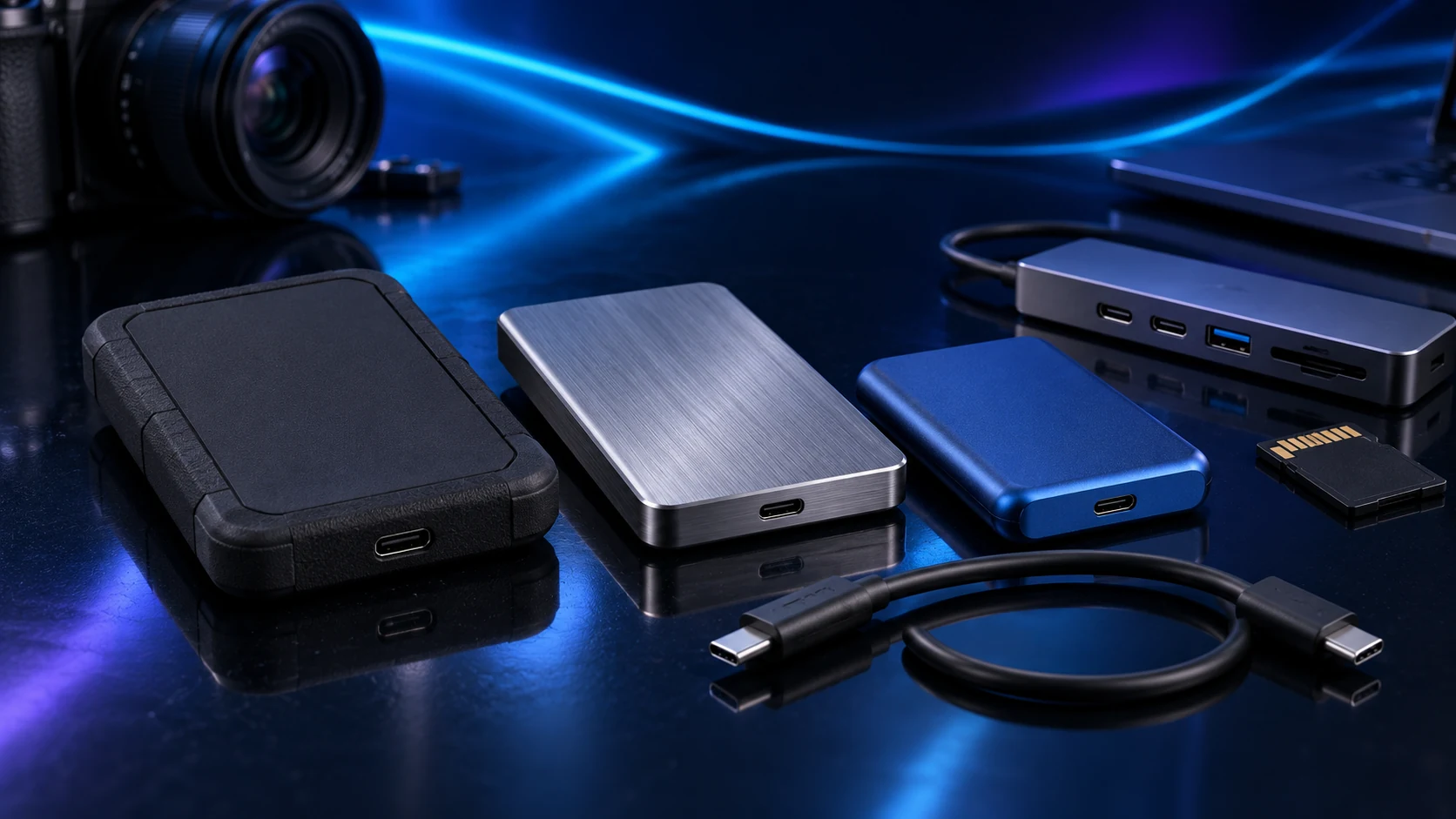
Buy the reader for the card format you use. A microSD reader is enough for a simple import; a UHS-II reader serves compatible SD cards; CFexpress needs its particular type supported explicitly.
Table of Contents
ToggleThe shortlist: choose for your setup
| Use | My choice | Why choose it | Choose another when |
|---|---|---|---|
| Simple microSD imports | SanDisk MobileMate USB 3.0 | A small UHS-I microSD reader for a direct USB-A import. | You use full-size SD, UHS-II or CFexpress cards. |
| SD, microSD and older CompactFlash | SanDisk ImageMate PRO USB-C | A multi-format reader supporting UHS-II SD/microSD and CompactFlash. | You need CFexpress support; its CompactFlash slot does not provide that. |
| CFexpress Type B and SD workflow | ProGrade PG05.5 | A dual-slot CFexpress Type B and SD reader with a 10Gb/s USB interface. | The camera uses CFexpress Type A or you only need an inexpensive microSD reader. |
CompactFlash, CFexpress Type A and CFexpress Type B are different formats. A familiar-looking slot or a USB-C plug is not proof of compatibility.

Simple microSD imports: SanDisk MobileMate USB 3.0
Choose MobileMate for a focused microSD job: a drone, handheld device or camera using the supported cards. Its small format makes sense when you do not need a desk reader with several different slots.
Keep the reader with the import cable/drive kit and copy to a named destination folder. Check a representative file before returning the card to use. Small readers are easy to leave in a bag or lose beside a tower.

SD, microSD and older CompactFlash: SanDisk ImageMate PRO USB-C
ImageMate PRO USB-C is the broader reader for a mixed card collection within its supported formats. Match the exact USB-C model, then connect it to a suitable data port. A UHS-II reader helps only when the card and source workload can use that route.
For a photographer with older CompactFlash and current SD cards, the format combination can remove the need for separate readers. It does not read CFexpress just because both card names begin with CF.
CFexpress Type B and SD workflow: ProGrade PG05.5
Choose PG05.5 around a camera using CFexpress Type B and a supported SD workflow. The distinction between Type A and Type B belongs at the start of the purchase, not in a troubleshooting session after the reader arrives.
The USB connection and destination drive can limit imports. A fast card and reader are most useful when the destination SSD and host interface keep pace with the task.
Build a repeatable import routine
Use a folder name that includes the shoot/project date and purpose. Copy rather than move from the card, verify representative files and make the second copy before formatting cards for another job.
For corrupted or unexpectedly missing files, stop writing new material to that card while investigating. The normal import routine should keep enough independent copies that card reuse does not remove the only surviving version.
To a named project folder
Open representative files
Make the independent second copy
Only after the copies are verified
Finish the setup
Pair the reader with the portable working drive and the backup routine. A hub is convenient when its data/power arrangement suits the connected devices.
Specifications and setup: MobileMate formats · ImageMate PRO formats · PG05.5 specifications.