Best gaming mice for PC builds: budget, wireless and extra controls in 2027
By James Thompson · Updated:
Some links in my articles are affiliate links. I may earn a commission when you buy through them.
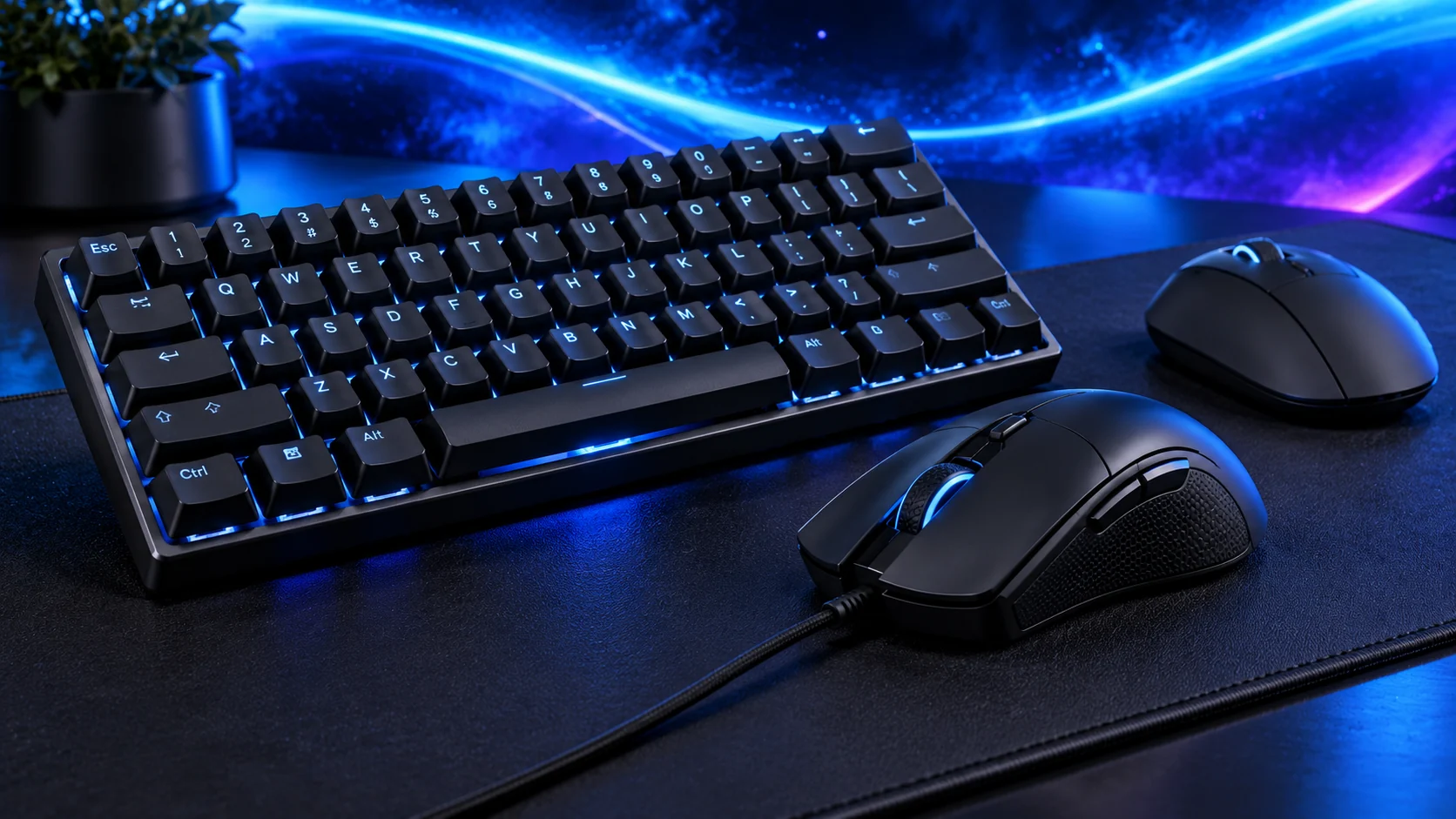
Choose the mouse around your hand, mouse travel and the controls you use. The G203 is my simple wired starting point, the classic G305 adds replaceable-battery wireless, the Superlight 2 SE puts weight first and the G502 X gives a control-heavy alternative.
Table of Contents
ToggleThe shortlist: choose for your setup
| Use | My choice | Why choose it | Choose another when |
|---|---|---|---|
| Budget wired start | Logitech G203 LIGHTSYNC | A straightforward six-button USB mouse without a charging routine. | You want wireless or a larger shell with more controls. |
| Wireless with an AA battery | Logitech G305 LIGHTSPEED | The classic G305 removes cable drag and uses a replaceable AA cell. | You want USB charging or the lightest rechargeable design. |
| Lightweight FPS-focused route | Logitech PRO X SUPERLIGHT 2 SE | A rechargeable wireless model specified around 60 g with a restrained button layout. | You want many thumb controls or deliberately prefer more weight. |
| More controls and scroll options | Logitech G502 X wired | Thirteen programmable controls and a dual-mode scroll wheel for a control-heavy setup. | You want a simple lightweight wireless shell. |
This is a comparison of shape, connection, controls and published weight/features. Pick for the way you move and play; a larger maximum DPI figure does not settle that choice.

Budget wired start: Logitech G203 LIGHTSYNC
For a first gaming PC, the G203 keeps the purchase focused. You get a familiar compact shape, wired USB and six programmable controls rather than paying for a feature pile you have not decided to use. Give the cable enough slack for your widest normal movement.
James’s recorded G203 setup uses a consistent sensitivity and a suitable mat, with only reachable shortcuts assigned. That is a useful way to start: set one familiar sensitivity, keep the main controls simple and judge the grip over a normal session. The short hold in your hand is only part of the fit.
Wireless with an AA battery: Logitech G305 LIGHTSPEED
Choose the classic G305 when you want wireless with an easy battery replacement routine. It uses its LIGHTSPEED USB receiver, so plan a convenient receiver position rather than hiding it behind a crowded metal tower. This is the G305, distinct from the newer G305 X SUPERLIGHT.
The AA-powered design trades a charging cable for battery management. Keep that difference explicit when comparing it with the Superlight 2 SE: one gives you replacement cells, the other a lighter rechargeable route. Neither connection choice changes whether the shell suits your grip.

Lightweight FPS-focused route: Logitech PRO X SUPERLIGHT 2 SE
The Superlight 2 SE belongs on the list when broad low-sensitivity movements and low mouse weight are priorities. Its simple button arrangement suits a player who wants the aiming controls easy to locate rather than a bank of side keys.
Match the exact SE model in the comparison. Standard Superlight 2 and later products have different specifications. I would choose the SE for the weight and rechargeable format, then configure a familiar sensitivity and report rate. It is not a reason to rewrite every setting that already works for you.
More controls and scroll options: Logitech G502 X wired
The wired G502 X suits strategy games, mixed work and gaming, or someone with useful commands ready for extra controls. Logitech specifies89 g for this wired model; the LIGHTSPEED and PLUS versions are separate products.
Map the commands you can reach without shifting your grip. If your games use only two side buttons, the bigger control set may add little. The scroll options are more compelling when the mouse also handles long documents or repeated navigation between applications.
Get the fit and setup right
Keep the keyboard close enough that the mouse is not pushed far to the side. A smaller keyboard can create more usable travel without requiring a new desk. Leave room for the whole movement rather than judging the mat by its printed dimensions alone.
Use the supplied receiver/connection route, set one sensitivity and save the profile. For unstable tracking, clean the sensor window and surface and try a direct USB connection before replacing hardware. The combined keyboard and mouse guide helps plan the full desk.
Weight, grip and travel
Controls you can reach naturally
Cable clearance, receiver or charging routine
Finish the setup
Choose a mat that fits the movement and a keyboard layout that leaves room for it. For everyday application controls, see the work-mouse shortlist.
Specifications and setup: G203 · Classic G305 · Superlight 2 SE · Wired G502 X.