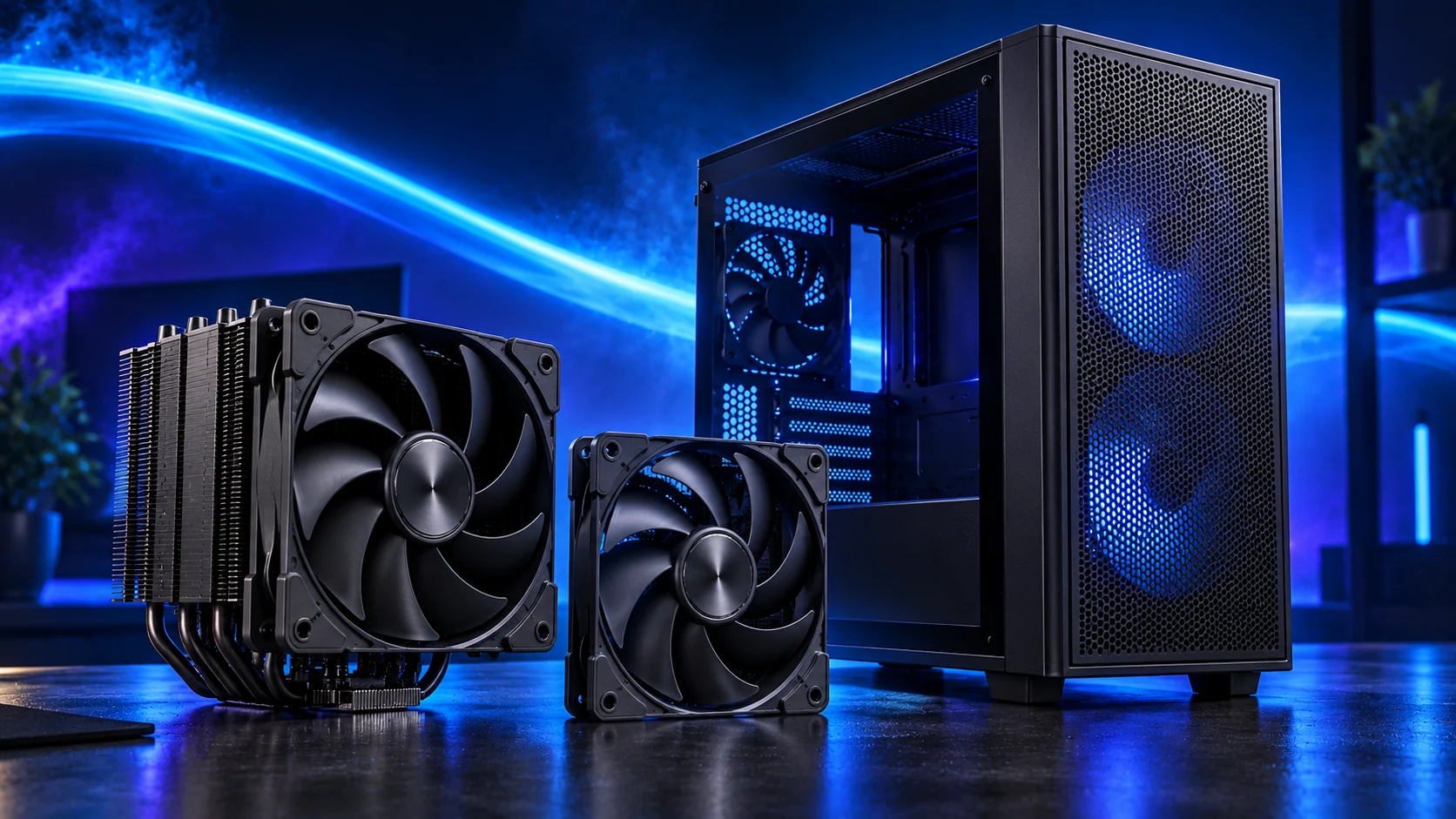
Plan your PC fan layout without filling every mount
By James Thompson · Updated:
Some links in my articles are affiliate links. I may earn a commission when you buy through them.
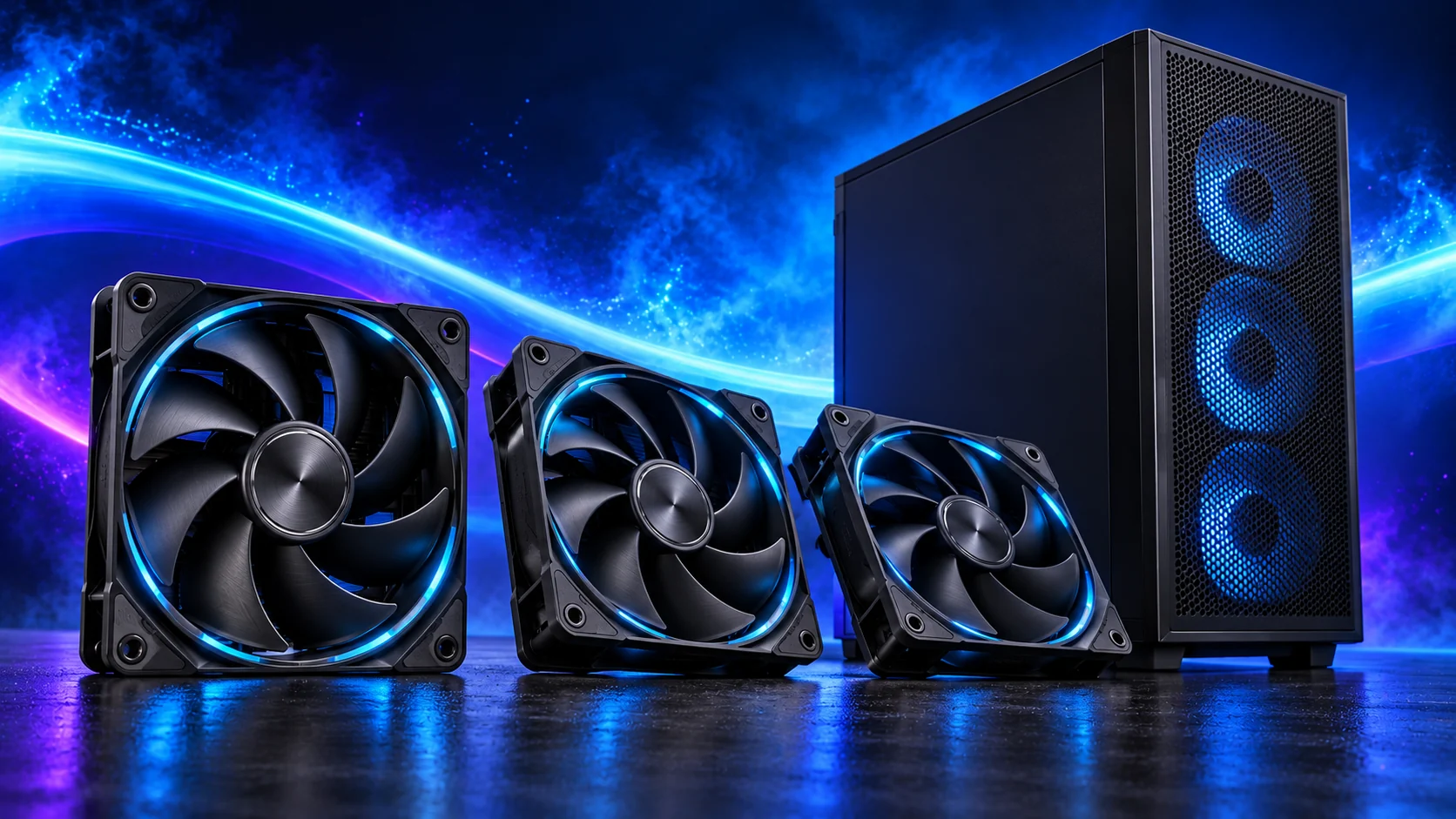
I’d start with a clear intake and exhaust route, then add fans where the components need airflow. Clearing a blocked intake or improving a control curve can be more useful than fitting another fan.
Match the fan plan to the case in the case buying guide. For a smaller system, the compact build guide explains why the GPU and PSU layout need to be decided before filling the mounts.
Table of Contents
ToggleStart with the case’s intended layout
Read the supported fan sizes, positions and cooling arrangements. Identify the fans already included and their control connections. Front, bottom and side intake options behave differently around actual components.
Follow the fan’s direction markings. Avoid assuming its lighting side establishes airflow direction, especially with reverse-blade models.
Plan intake and exhaust together
Draw the route around the GPU, CPU cooler, radiator, drive cage and PSU bracket. Check that intake is not pressed against a wall or blocked by cables.
Place fans around the actual layout rather than filling every mount. An extra fan behind an obstruction is less useful than clearing the existing air path.
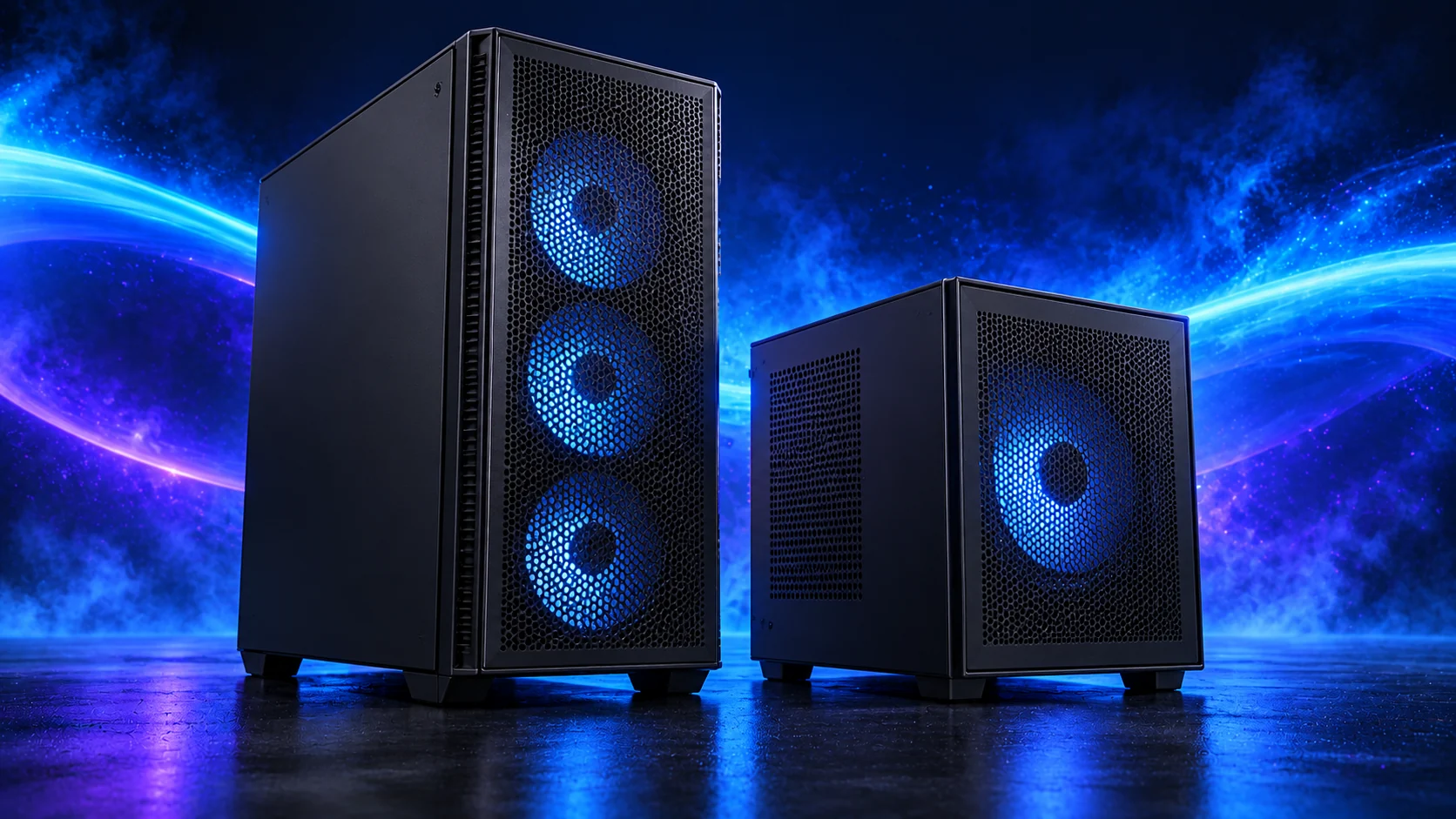
Count connections and electrical capacity
Match fan type to appropriate headers and control mode. Before using a splitter, check the total load against the motherboard header rating. Use an appropriate powered hub when required and follow its instructions.
Keep lighting connections separate from fan power/control. Do not confuse addressable RGB with ordinary RGB headers.
Test one arrangement at a time
Establish temperatures and sound during a repeatable normal workload. Change one fan position or control setting and repeat with comparable room conditions.
More airflow at a much higher sound level may not be the result you want. Filters and tight vents restrict airflow, so I judge the layout with the panels and filters fitted.

Check compact trade-offs
Bottom fans can take GPU thickness space; top fans can compete with cooling or cabling. Use the fit record rather than assuming an empty mount remains usable.
For a problem, follow temperature checks or noise assessment before another purchase.
Buy and control the finished layout
Start with the working included fans. Add a named intake or exhaust job from the case-fan shortlist rather than filling mounts for appearance alone.
Use PWM/DC mode, header loading and response delays to stop a good layout becoming an irritating one. Repeat the same sustained workload with the case closed; the temperature guide helps identify whether the remaining limit belongs to airflow, mounting or component power.