
QD-OLED vs WOLED Monitors: How to Choose for Your Desk
By James Thompson · Updated:
Some links in my articles are affiliate links. I may earn a commission when you buy through them.
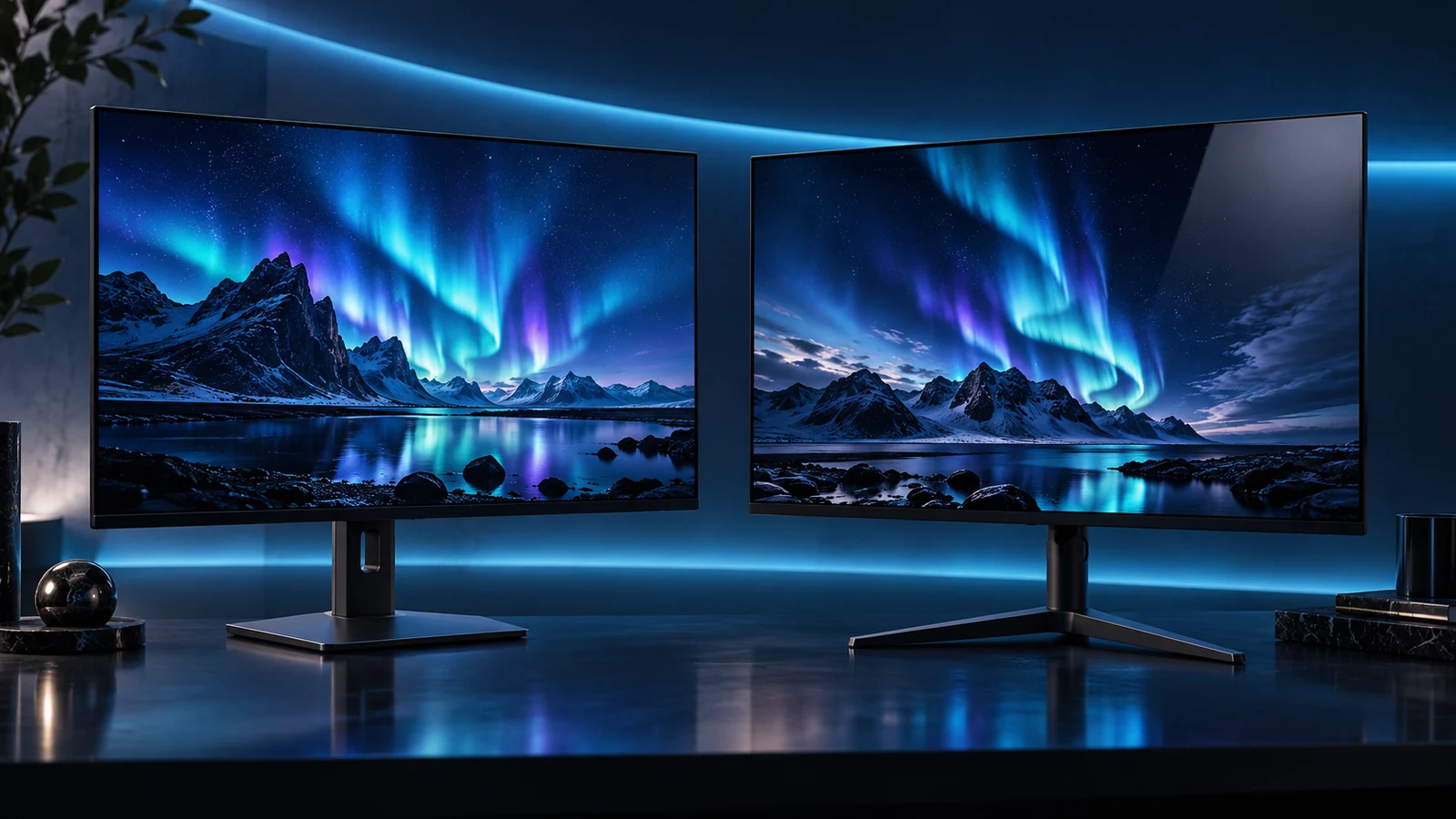
Choose the complete monitor, not the QD-OLED or WOLED name alone. The screen finish, pixel density, actual subpixel layout and connections can change the buying decision more than the badge. Both families use self-emitting OLED pixels; neither is automatically the best choice for every desk.
For a compact 1440p gaming screen, I would start with the Alienware AW2725D. For a denser 4K display, compare the ASUS ROG Swift PG27UCDM. Use the OLED monitor shortlist to choose the size and format first, then compare the panel details on the models that fit.
Table of Contents
ToggleWhat the two names mean
QD-OLED uses an OLED light source with quantum-dot colour conversion. Samsung Display’s explanation of its QD-OLED technology describes the blue emitting layers and quantum-dot conversion. The monitor around that panel still determines the ports, firmware, stand and care functions.
WOLED refers to a different OLED approach associated with LG Display. Older monitor generations often use an RGBW or RGWB subpixel arrangement that includes white. Newer panel generations can differ: LG Display’s current monitor panel page also describes an RGB-stripe structure. Do not assume a buying guide about an older panel describes every model now on sale.
Panel-maker descriptions explain the technology; their brightness and longevity claims do not replace a like-for-like measurement of the two finished monitors you are considering.
Compare the characteristics you will actually notice
| Decision | Check on the exact model | Why it can change your choice |
|---|---|---|
| Work in a lit room | Screen coating, reflection handling and the position of windows or lamps. | A reflection in your normal seating position can matter more than an HDR demo. |
| Read small desktop text | Pixel density, subpixel layout and software rendering. | A higher-density 4K screen and a lower-density 1440p screen are different text comparisons. |
| Play fast games | Refresh modes, adaptive-sync support and measured motion behaviour. | A panel-family label does not establish total input delay or behaviour with uneven frame rates. |
| Share a tower and laptop | USB-C video, power delivery and KVM provision. | These belong to the finished monitor, not the OLED family. |
| Keep the screen for daily use | Care functions, firmware and the published warranty. | The ownership routine and regional support terms differ by product. |
Glossy and matte are separate choices
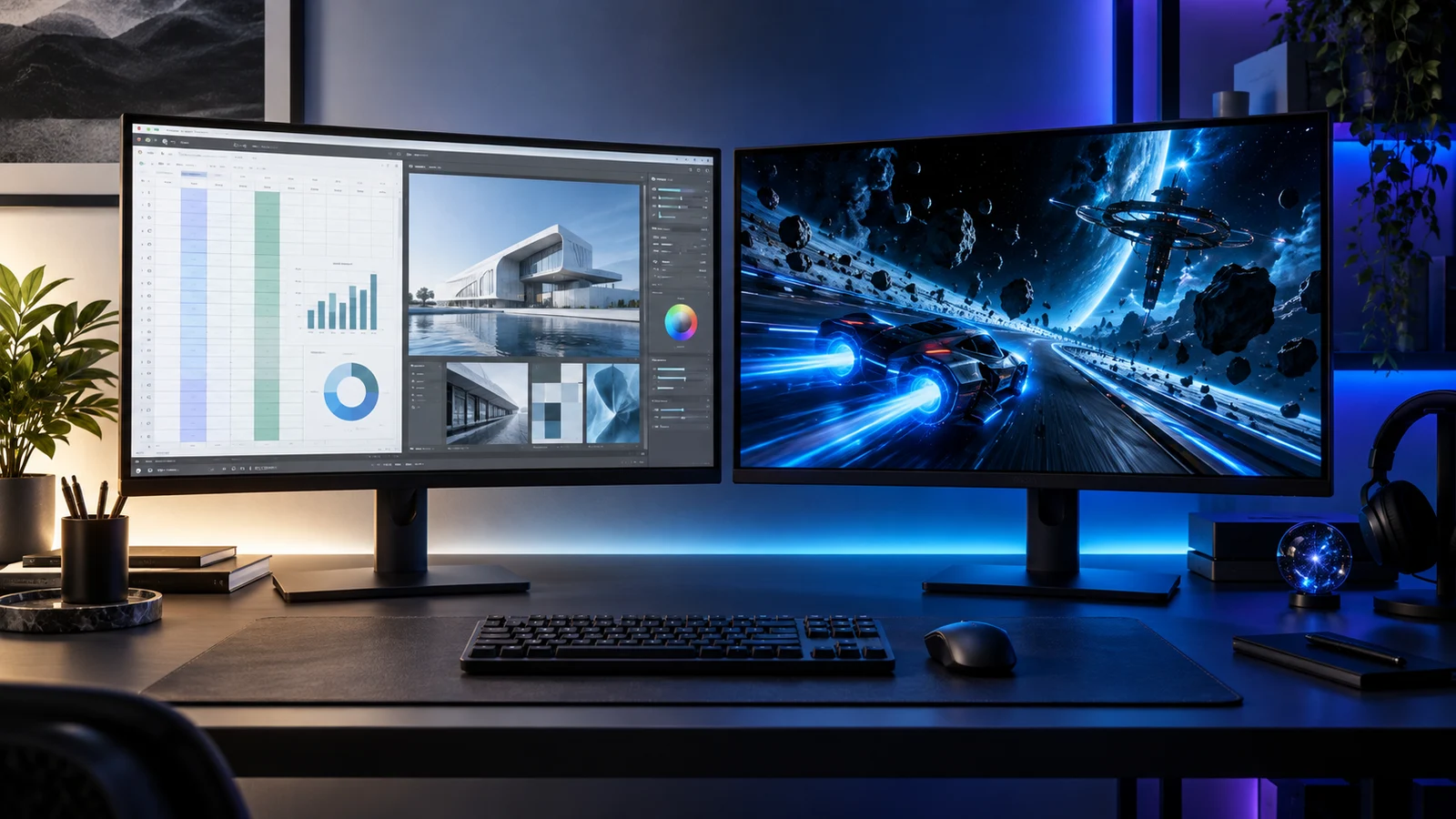
Do not use QD-OLED as a synonym for glossy, or WOLED as a synonym for matte. Look up the actual coating. LG describes the 27GS95QE-B as an anti-glare, low-reflection OLED screen; other OLED models use different surface treatments.
A matte surface diffuses reflections, while a glossier finish can produce a more defined reflection. Which bothers you depends on where the lamp or window sits and how dark the content is. Move the screen or light source before using extra brightness to fight a direct reflection.
I would favour the finish that works in the real desk position. A dim evening gaming room and a window-facing home office can lead to different choices even when both readers play the same games.
Text needs a model-specific comparison
Pixel density is an easy first filter. The 26.5-inch 4K ASUS ROG Swift PG27UCDM packs substantially more pixels into each inch than a 27-inch-class 1440p display. Use the resolution and density comparison for the calculation.
Subpixel layout and the way an application draws letters also matter. Windows text adjustments and scaling can help you find a comfortable presentation, but they do not physically change the panel. Avoid choosing a screen for a full day of coding based solely on a colourful game image.
For a desk dominated by reading and static tools, compare OLED with IPS before narrowing the purchase to two OLED families.
Connections can settle the choice
A screen that will serve a laptop as well as a gaming tower needs the right input and charging arrangement. The MSI MPG 321URX QD-OLED combines a flat 31.5-inch 4K panel with KVM and USB-C power delivery up to 90W. Those are useful desk features, independent of the QD-OLED label.
The ASUS ROG Swift PG27UCDM also provides USB-C with up to 90W charging, and adds a DisplayPort 2.1a UHBR20 input. Check the source device and supported timing before assigning value to the port. USB-C display compatibility covers the distinction between a matching plug and a working video route.
Choose the model, then set it up
Choose size and resolution, compare the screen finish for the room, examine text if you will work on it, then check the ports and care features. That order is more useful than deciding on a family and accepting any monitor with the matching name.
Use the OLED buying guide for the purchase, the panel-care guide for ownership and the setup guide to get the display running as intended.
Specifications and guidance: Samsung Display QD-OLED · LG Display WOLED · LG 27GS95QE · PG27UCDM · MPG 321URX.