
Best Graphics Cards for CAD and Engineering in 2027
By James Thompson · Updated:
Some links in my articles are affiliate links. I may earn a commission when you buy through them.
Before choosing from this shortlist, check the application’s acceleration route and project VRAM requirements. The GPU specification guide separates capacity from compute and bandwidth.
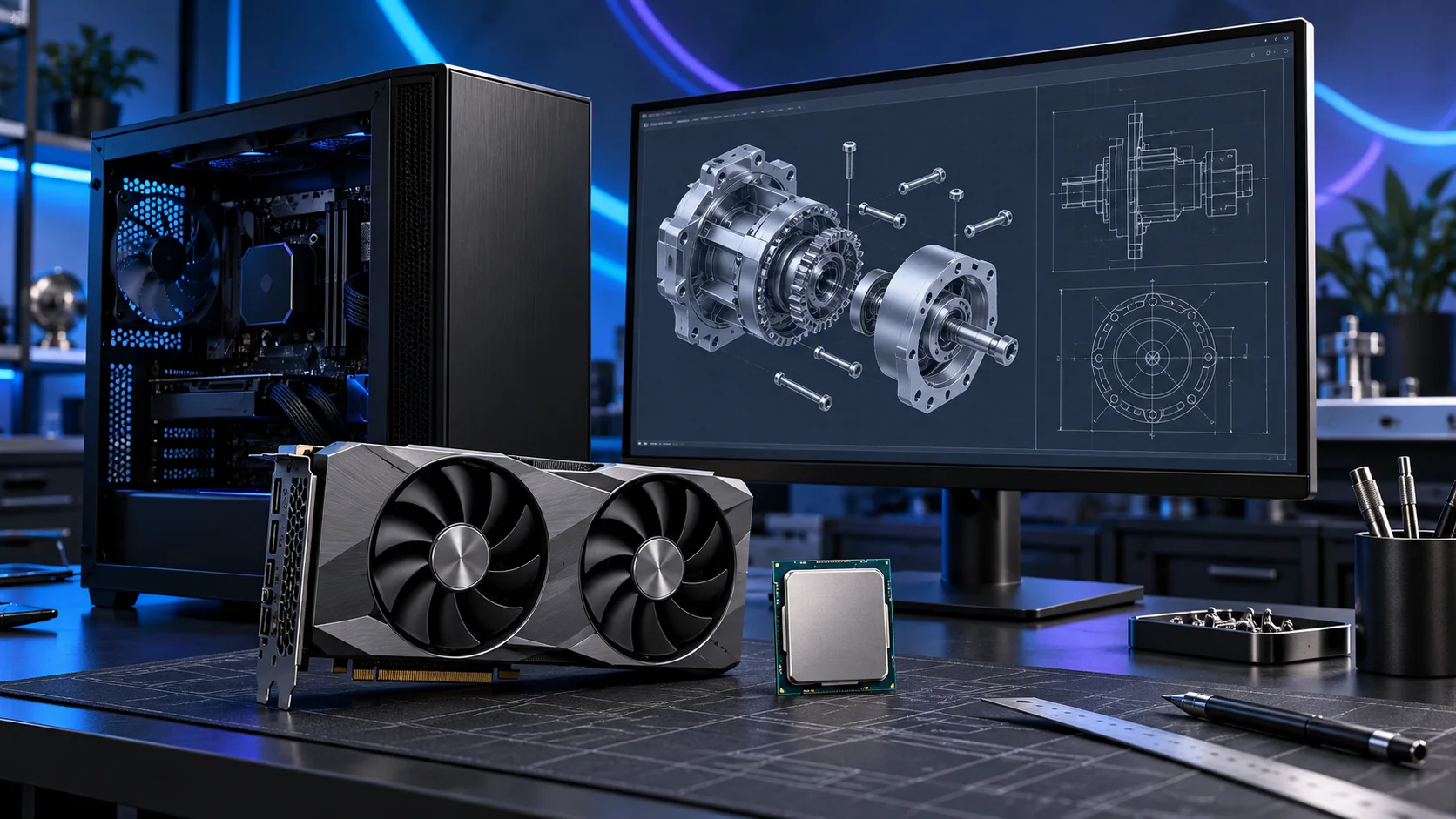
For SOLIDWORKS, use the exact certification database before the final order. For AutoCAD and Revit, choose graphics for the view, model and features you actually use. A GeForce card can be the appropriate supported creative route without becoming a certified professional workstation by association. Here is the shortlist I would use, with the lower-cost and more capable routes kept alongside the complete cad and engineering setup.
Table of Contents
ToggleChoose the right option for your build
| Best for | My choice | Why it fits |
|---|---|---|
| Best professional graphics route | NVIDIA RTX PRO 2000 Blackwell 16GB | Consider the professional 16GB card after matching the exact application and driver certification. |
| Best lower-cost visual creation route | MSI RTX 5060 Ti 16GB Shadow 2X OC Plus | A 16GB GeForce route for supported graphics workloads where workstation certification is not required. |
| Best heavier GPU rendering route | MSI RTX 5070 Ti 16G Ventus 3X OC | More NVIDIA rendering headroom for an explicitly supported renderer or visualisation workflow. |
Start with the shortlist below, then use the complete build guide to match your choice to the rest of the setup.
Try a catalogue graphics card in PC Builder alongside an AM5 processor, case and PSU. See the 3D tower, estimated total and supported power or fit warnings together.
Best professional graphics route: NVIDIA RTX PRO 2000 Blackwell 16GB
Consider the professional 16GB card after matching the exact application and driver certification.
The RTX PRO 2000 Blackwell offers 16GB of professional graphics memory in a low-profile, dual-slot card. I would consider it when a professional graphics route, compact installation and application support matter more than buying a gaming flagship.
SOLIDWORKS certification is an exact card, driver and software-version check. Professional branding does not certify a complete self-built PC. Allow for its mini-DisplayPort connections when choosing monitor cables.

Best lower-cost visual creation route: MSI RTX 5060 Ti 16GB Shadow 2X OC Plus
A 16GB GeForce route for supported graphics workloads where workstation certification is not required.
The MSI RTX 5060 Ti 16GB Shadow 2X OC Plus is the accessible 16GB NVIDIA route. I would buy it when graphics-memory capacity and NVIDIA application support matter more than jumping straight to a much more expensive card. It is also a useful place to start a compact parts plan.
Keep the exact 16GB variant in the basket. The model name, dimensions and power connection belong in the fit check, particularly when a riser cable and a small case are involved.

Best heavier GPU rendering route: MSI RTX 5070 Ti 16G Ventus 3X OC
More NVIDIA rendering headroom for an explicitly supported renderer or visualisation workflow.
The MSI RTX 5070 Ti 16GB Ventus 3X OC is my higher-performance 16GB NVIDIA route. It is attractive when the software ecosystem stays the same but the graphics workload is becoming more demanding. It keeps the decision focused on usable rendering headroom rather than only the memory number.
This is a substantial card. Include length, slot thickness, power-cable space and the PSU in the purchase plan. A 16GB card remains a 16GB card even when its processing tier is higher.

How I would choose between these routes
Start with the required feature or workload, then select memory capacity and processing tier. A larger graphics-memory allocation and a faster card are different upgrades. Two cards can both have 16GB while offering different rendering headroom; neither becomes a larger-memory card because the model number is higher.
The exact board-partner model matters at purchase time. Include length, height, thickness, PSU recommendation, connector type and power-cable space in the layout. A premium graphics purchase may need a larger case and PSU, making the complete upgrade more expensive than the card alone.
Match the purchase to the actual workload
For business-critical SOLIDWORKS work, decide whether a vendor-supported workstation is a requirement before building. The certification list identifies exact combinations rather than declaring every professional graphics card suitable for every version. For a self-build, use that list to choose the card and driver, and understand the support arrangement you need. The dedicated AutoCAD and Revit guides below narrow the parts plan further.
The supporting parts I would put beside it
Put the OS, applications and active projects on the NVMe drive, with versioned copies elsewhere. Shared project data can live on a properly managed network destination, but a network archive and a fast local working drive have different roles. Confirm the software’s supported project-sharing workflow before relocating active files.
| Role | Suggested route | Why I include it |
|---|---|---|
| Memory | Crucial Pro 64GB DDR5-5600 | Choose capacity for the active work and surrounding desktop. |
| Working drive | WD_BLACK SN850X 2TB | Keep active files and useful free space on the NVMe drive. |
| Case | NZXT H5 Flow (2024) | Use the complete layout rather than an isolated component maximum. |
Complete the purchase plan
Use the AutoCAD guide for drafting-led systems and the Revit guide for building models. For a SOLIDWORKS-led build, keep the certification check with the graphics order and choose memory around the assembly. Rendering can justify a separate CPU or GPU tier without forcing that spend on every designer.
Compare the complete basket for the chosen route and keep the exact variant in the order. Use the wider graphics cards guide for the underlying choice, or return to the complete cad and engineering build for the supporting purchases.
Build a cad and engineering PC
Technical references: SOLIDWORKS requirements · SOLIDWORKS certification database.