
Mini PC or Tower for a Proxmox Home Lab in 2027?
By James Thompson · Updated:
Some links in my articles are affiliate links. I may earn a commission when you buy through them.
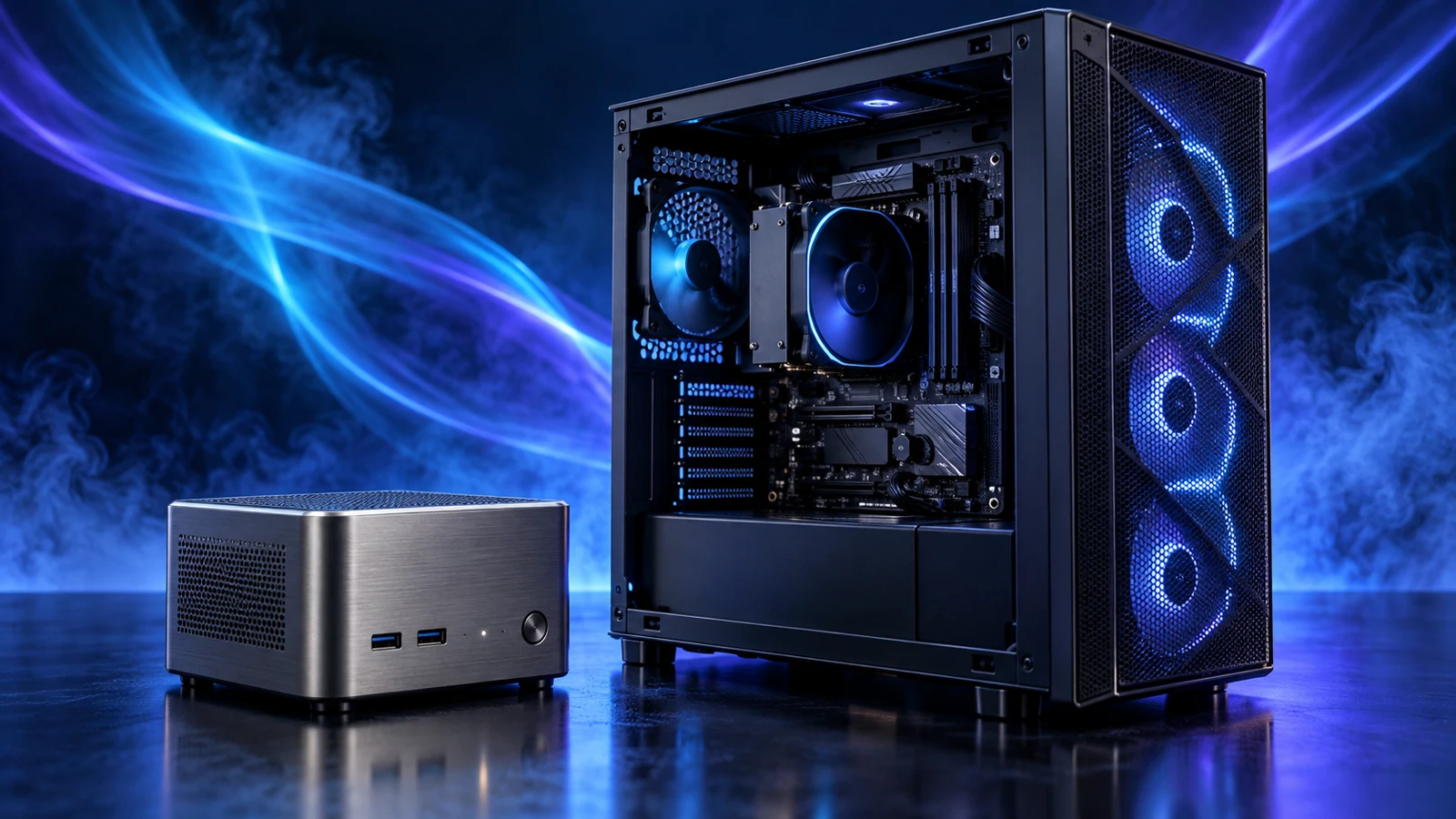
Choose a mini PC for a compact learning lab with a defined set of virtual machines, wired networking and no need for expansion cards. Choose a tower when the plan includes more internal drives, a separate network card, a passed-through GPU or a substantially larger memory configuration.
For a first lab, write down the services you want to run together before shopping. A small host with enough RAM can be a much more satisfying purchase than a powerful processor attached to too little memory. The complete Proxmox tower build and Proxmox processor shortlist cover the expandable route.
Table of Contents
ToggleChoose the host around the job
| Your plan | Route to favour | What drives the decision |
|---|---|---|
| A few learning VMs and lightweight services | Configurable mini PC | Enough installed RAM and SSD space; one wired connection may cover management and guest traffic. |
| Several larger guests active together | Compare a higher-memory mini PC with a tower | Guest RAM, storage activity and sustained CPU work decide the useful capacity. |
| Several internal hard drives or a storage controller | Tower with the required bays and slots | Space, cabling, cooling and usable PCIe connections need planning together. |
| A dedicated GPU or additional physical network ports | Tower, or a specialised compact host | Choose the actual connections and device isolation before buying. |
| Trying virtual machines before buying anything | Existing suitable computer | Nested virtualisation can provide an evaluation route when supported by the existing virtualisation software. |
A mini PC is appealing when you want the lab to disappear onto a shelf. A tower earns its space when you will use the connections inside it. If the machine is really for everyday office work, the desk-focused mini PC versus desktop comparison answers that different buying question.
Count the guests that will run together
Make a list with three columns: service, allocated memory and expected storage. Mark the guests that must stay on together. A test Windows VM that is switched off most of the week has a different effect on the purchase from a database that stays active beside several other services.
For example, two Linux VMs allocated 4GB each, one Windows VM allocated 8GB and two small services allocated 2GB each total 20GB of guest memory. A 32GB host leaves 12GB for Proxmox, storage services and growth. Larger guest allocations can quickly make a 64GB configuration the easier purchase.
Proxmox lists a minimum 2GB for its OS and services in the recommended requirements, plus the guests and additional storage needs. Treat that as a starting requirement, not a complete memory budget. The Proxmox RAM buying guide separates the desktop DDR4 and DDR5 routes; mini PCs may need short SO-DIMMs instead.
CPU demand depends on what the guests are doing. Several mostly idle services are different from simultaneous compilation or encoding jobs. Count recurring active work before paying for more cores.
List concurrent VMs, services and their allocated RAM.
Add active disks, templates and working free space.
Name each extra NIC, GPU or internal drive you will need.
Two practical buying routes
| Route | Example purchase | Why consider it | What remains to match |
|---|---|---|---|
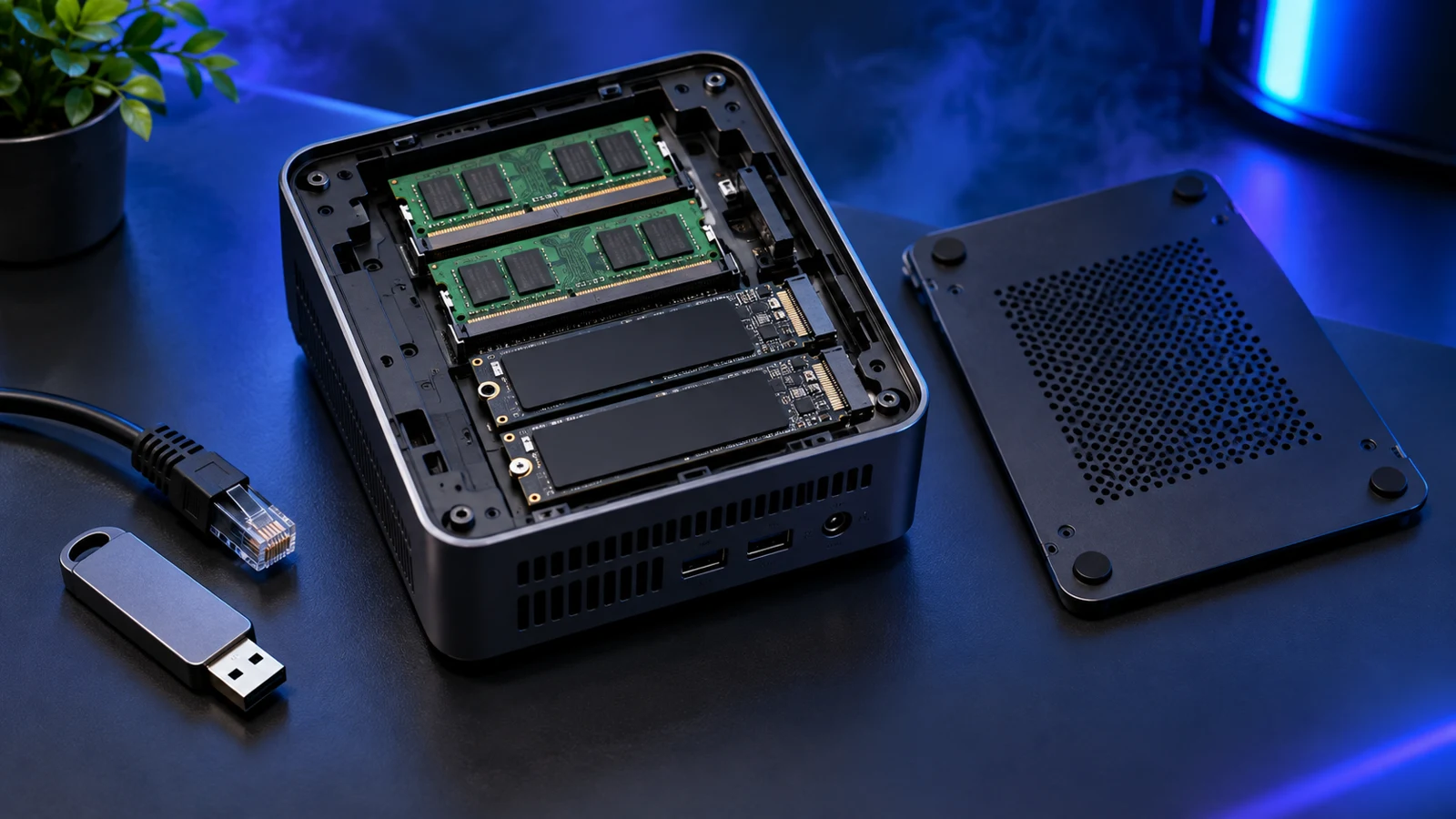
| Configured compact host | Beelink SER8 Ryzen 7 8745HS, 32GB/1TB | Eight-core CPU, 32GB supplied RAM, 1TB SSD, two SO-DIMM slots and two M.2 2280 positions. | Exact firmware, Linux network/storage operation and your intended passthrough devices. |
| Expandable AM5 tower | Ryzen 7 9700X | An eight-core, sixteen-thread desktop CPU for the existing AM5 lab route. | Compatible motherboard/BIOS, DDR5 kit, cooler, storage, case and PSU. This link is the processor only. |
The SER8 configuration is worth considering for a compact learning host because its memory and storage are accessible rather than fixed. Beelink specifies one 2.5Gb Ethernet connection. That suits a simple wired lab; if you need several physical network ports, choose a host with those ports or an appropriate tower layout. For Proxmox, use the pre-installation hardware checklist to validate the exact machine before moving services onto it.
For the tower, start with the lower-cost, balanced and larger-workload processor choices rather than assuming every lab needs the 9700X. Then keep the motherboard and matching memory platform together. Choose capacity for your guest list before adding a faster memory profile.
Storage and networking can decide the case size
Two M.2 positions are useful, but decide what each will hold. You might use them for separate host and guest storage or a supported mirrored arrangement. Two drives inside the same computer still leave your backup exposed to loss of that computer. Plan a separate backup destination before allocating the whole budget to the host.
A tower becomes attractive when you need several hard-drive bays, a storage controller or an additional network card. Read the board manual for lane sharing and usable slots with your chosen devices installed. A long GPU can physically cover a slot that looks available on a specification table.
For a learning lab, the Proxmox SSD guide compares active guest-storage options. A machine holding important always-on services needs a more demanding storage plan: Proxmox recommends SSDs with power-loss protection and discourages consumer SSDs for production.
Start with a wired management connection. If you pass a network controller directly to a guest, the host cannot keep using that same passed-through controller. Leave a working management route. The official passthrough requirements explain IOMMU support and device isolation; a virtualisation-enabled CPU alone does not establish that a particular GPU or NIC will pass through cleanly.
Compare the whole purchase and running cost
Put the mini PC and tower on two complete shopping lists. Include RAM, storage, power supply or external adapter, cooler where needed, extra networking and a backup destination. A configured mini PC may include a Windows licence that adds no benefit once it becomes a dedicated Proxmox host. A bare CPU price is not comparable with a complete computer.
For running cost, use measured wall power from the intended configuration. Processor TDP is not the power drawn by the whole machine at the socket. A tower with a modest guest load and efficient components may be closer to a mini PC than the case size suggests.
As an electricity-cost example, a constant 15W difference over a year is 0.015kW × 8,760 hours = 131.4kWh. At an assumed 25p/kWh that is £32.85 a year. Use your tariff and measured difference for the two hosts you are comparing.
Keep access to the fans, vents and service cover. A tiny computer pushed into a sealed cabinet is awkward to maintain, and a shelf full of external adapters and drives can erase the space saving you wanted.
Finish the plan before installing
For a compact lab, choose the exact RAM/SSD configuration and work through the mini-PC Proxmox checklist. For the expandable route, follow the complete home-lab build and its matched component guides.
Before trusting either host with services, back up a guest and restore it successfully. The Proxmox backup documentation covers guest backup and restore; files passed through from outside the normal managed guest disks need their own coverage.
Specifications and software requirements checked on 16 October 2026: Beelink SER8, AMD Ryzen 7 9700X and Proxmox installation requirements.