
How to wire a house with Ethernet: plan the rooms and installation
By James Thompson · Updated:
Some links in my articles are affiliate links. I may earn a commission when you buy through them.
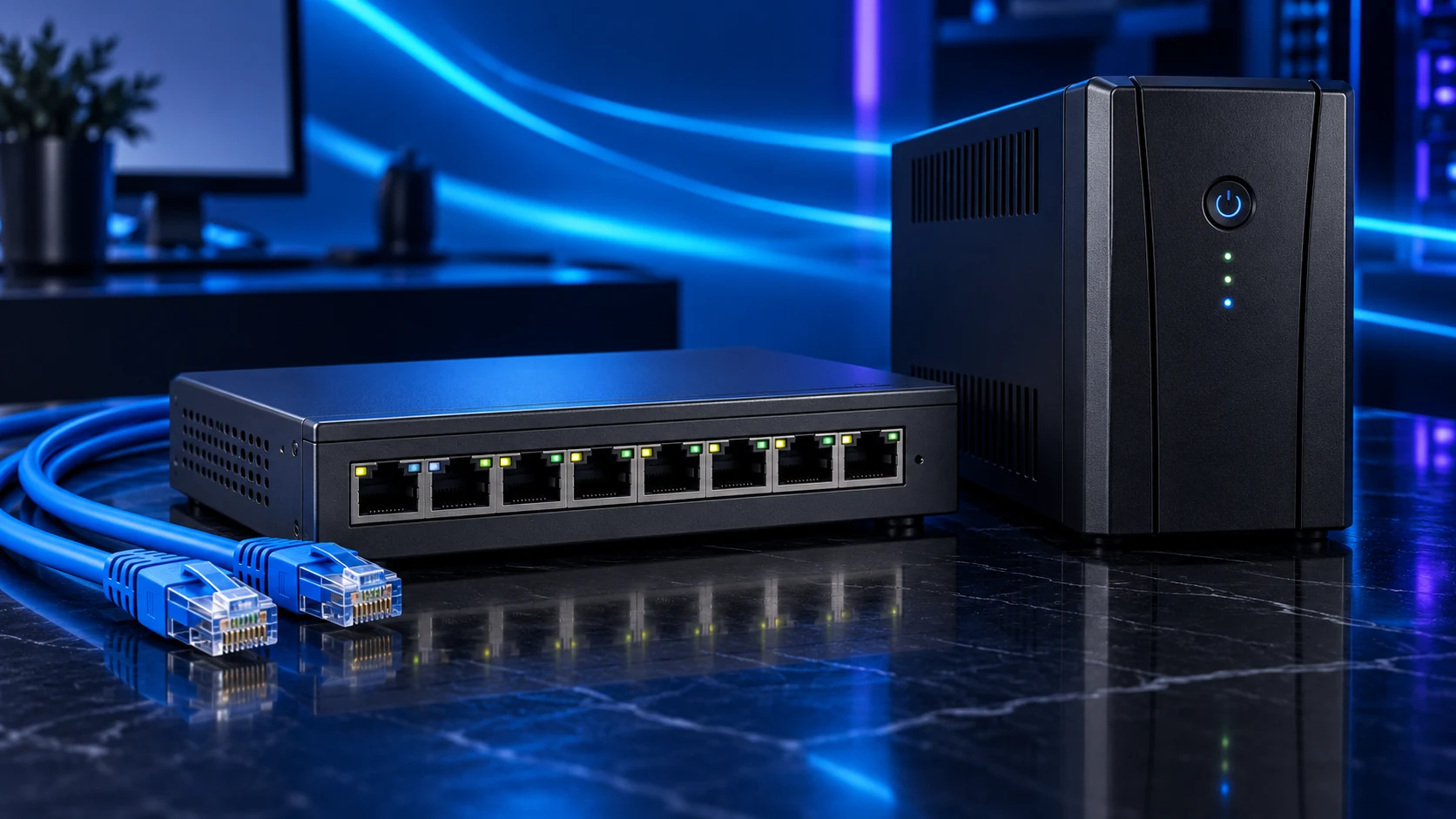
Start with the fixed devices and useful access-point locations, then specify cable routes and terminations. A good home installation leaves labelled sockets where the network is used and a sensible central location for patching, switching and power.
Draw the room and socket plan
Mark PCs, televisions, NAS/server equipment and possible wired access points. Allow useful spare sockets where a work desk might gain another device. Put the central patch/switch location somewhere accessible, ventilated and suitable for its power arrangement.
Separate permanent room runs from patch leads. A structured installation normally terminates fixed cable at modules and a patch panel, with flexible leads connecting the equipment. Plan both rather than filling walls with a long desk patch lead.

Specify the complete channel
Choose installation cable and matching terminations for the intended link. Cat6 is a common home starting route; a planned Cat6a channel serves a specified longer 10Gb/s requirement. Existing cable should be verified before assuming it needs replacement.
Have the installer specify conductor type, category, sheath/fire requirements, separation from power, termination and verification. Product fire classifications do not automatically establish suitability for every building route. Leave that decision tied to the actual installation.
Label each run consistently at both ends and record its room/socket position. A readable plan makes later switch or AP changes much easier.
Inspect the route before drilling
Rooms, sockets and central patch location
Hidden services, building fabric and safe access
Cable, separation, termination and fire-stopping
Labels, wiremap and suitable channel testing
Check hidden cables, pipes and building materials before drilling or opening a route. In older property, asbestos can be concealed in the building fabric; stop and arrange appropriate assessment where its presence is uncertain. Do not drill suspected material.
Use a competent installer where routes, electrical separation, fire-stopping or building fabric are uncertain. Keep data wiring out of mains fittings and avoid improvising a route simply because a hole is available. For an outbuilding, specify an appropriate link for that environment rather than extending indoor cable casually.

Terminate, check and connect
Use a consistent supported termination scheme with matched modules/tools, preserve the cable’s required bend radius and avoid crushing the sheath. A basic wiremap checks conductor arrangement; it does not certify every high-speed performance property of the channel.
Connect the switch, router and room equipment after the installed routes are checked. Avoid redundant patch paths that create loops. For PoE APs, verify the power standard and budget alongside the data connection.
Check the intended PC/server task and record the result by socket. The 2.5Gb/s guide handles the local upgrade; the home-network guide adds the wireless layout.
Specifications and setup: Installation-cable specification · Cable/channel guidance · HSE concealed asbestos locations · HSE drilling guidance.