
Best Ethernet cables for home PCs: patch leads and permanent runs in 2027
By James Thompson · Updated:
Some links in my articles are affiliate links. I may earn a commission when you buy through them.

Choose a flexible patch lead for the desk and cable designed for installation for a permanent house run. Cat6 is a sensible starting point for ordinary home links; a deliberate Cat6a installation serves a specified longer 10Gb/s channel.
Table of Contents
ToggleThe shortlist: choose for your setup
| Use | My choice | Why choose it | Choose another when |
|---|---|---|---|
| PC, router and switch patching | StarTech Cat6 copper patch cable | A documented flexible patch lead in a length suited to the desk. | You are buying cable for fixed in-wall termination rather than an accessible patch connection. |
| Permanent structured house run | Excel solid Cat6 U/UTP installation cable | A solid-conductor installation route to matching modules and a patch panel. | You need a ready-terminated flexible lead, or the specified installation requires another fire/classification route. |
| Specified Cat6a patching | StarTech Cat6a copper patch cable | A matching patch route for a deliberately specified Cat6a/10Gb/s channel. | The current gigabit or 2.5Gb/s job does not need the extra cable specification. |
A higher category label does not accelerate a slower endpoint. Cable, connectors and the installed channel must work together; buy documented copper cable rather than an impressive-looking number alone.
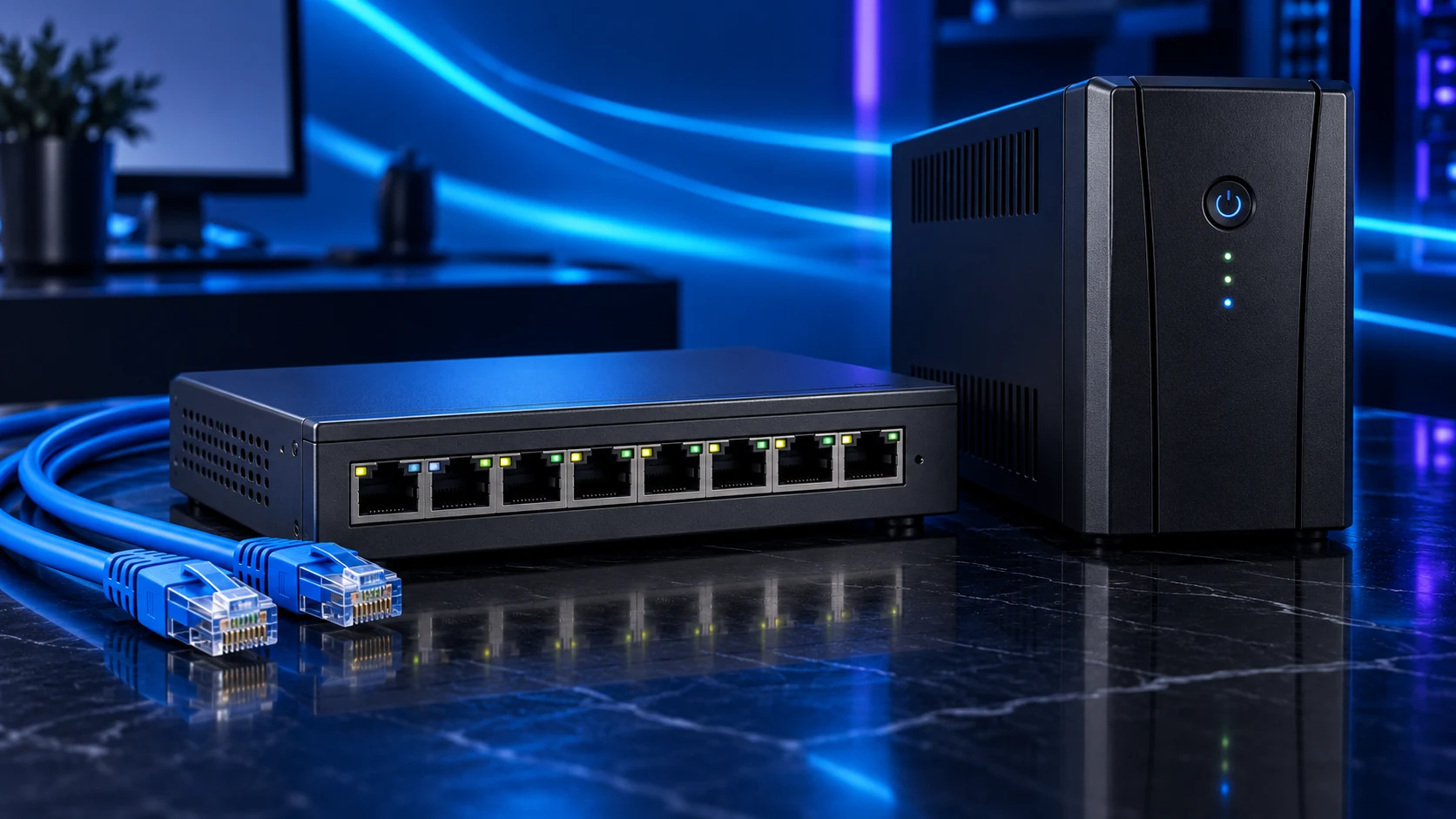
PC, router and switch patching: StarTech Cat6 copper patch cable
A Cat6 patch lead is the normal starting route between a PC, wall socket, switch or router. Choose enough slack for the actual placement without leaving a large loose coil under the desk. Match the connector clearance where equipment sits close to a wall.
StarTech documents copper conductors on this range. For an existing 2.5Gb/s link, test the installed cable before replacing it automatically. The network-upgrade guide checks the complete path.
Permanent structured house run: Excel solid Cat6 U/UTP installation cable
Choose installation cable for a planned permanent run, with modules and termination tools suited to the conductor and category. The cited Excel product has a stated sheath/fire classification; that label is a product property, not proof that it satisfies every building or route requirement.
Have the installer specify the full channel and installation requirements. A reel of cable alone does not include wall modules, patching, fire-stopping, safe routing or verification. The house-wiring plan covers the job before purchase.
Specified Cat6a patching: StarTech Cat6a copper patch cable
Use Cat6a patching when it belongs in a complete Cat6a channel or a specific 10Gb/s plan. The channel’s performance includes termination and permanent cabling; a short Cat6a lead does not upgrade every other installed part.
Choose shielded or unshielded equipment as a designed system rather than adding shielding at random. Cable thickness, bend requirements and connector clearance can affect a tight desk or cabinet installation.
Keep the route and equipment realistic
For permanent work, specify copper conductors, matched terminations and a documented installed channel. Avoid buying on a Cat7/Cat8 badge for a normal short gigabit desk lead when that feature has no useful task.
Keep power and data routing compliant with the installation design. Do not drill blindly through walls or put data cable into mains fittings. An outbuilding link needs an appropriate designed route and equipment for its environment.
Flexible patch lead or permanent run
Cable, modules and patching together
Length, clearance and installation requirements
Wiremap and appropriate performance verification
Finish the setup
Buy the measured patch length or an installer-specified run. Match the switch and the adapter to the intended link, then verify it with the actual task.
Specifications and setup: Copper Cat6 patch construction · Excel installation-cable specification · Cat6a patch specification.