
Best USB hubs for PC: simple ports, laptop video and powered desks in 2027
By James Thompson · Updated:
Some links in my articles are affiliate links. I may earn a commission when you buy through them.

Use a small data hub for a few desk controls, a supported USB-C multiport hub for a laptop display, or a powered hub when the peripheral set needs its own power arrangement. Choose the job before counting sockets.
Table of Contents
ToggleThe shortlist: choose for your setup
| Use | My choice | Why choose it | Choose another when |
|---|---|---|---|
| Simple USB-A desk expansion | Anker Ultra Slim 4-Port A7516 | A compact 5Gb/s USB-A data hub for a small peripheral set. | The device set needs more power, laptop charging or display output. |
| Compact laptop HDMI route | UGREEN Revodok 105 | USB-C multiport expansion with HDMI up to 4K30 on a video-capable host. | You need 4K60, multiple native screens or only a desktop data hub. |
| Powered multi-device desk | Plugable USB3-HUB7C | Seven USB-A data ports with an external power supply for a larger desk set. | You need a faster host link or laptop USB-C charging/video. |
Extra sockets still share the hub’s host link and power arrangement. A data hub is not a laptop charger or a guaranteed video dock.
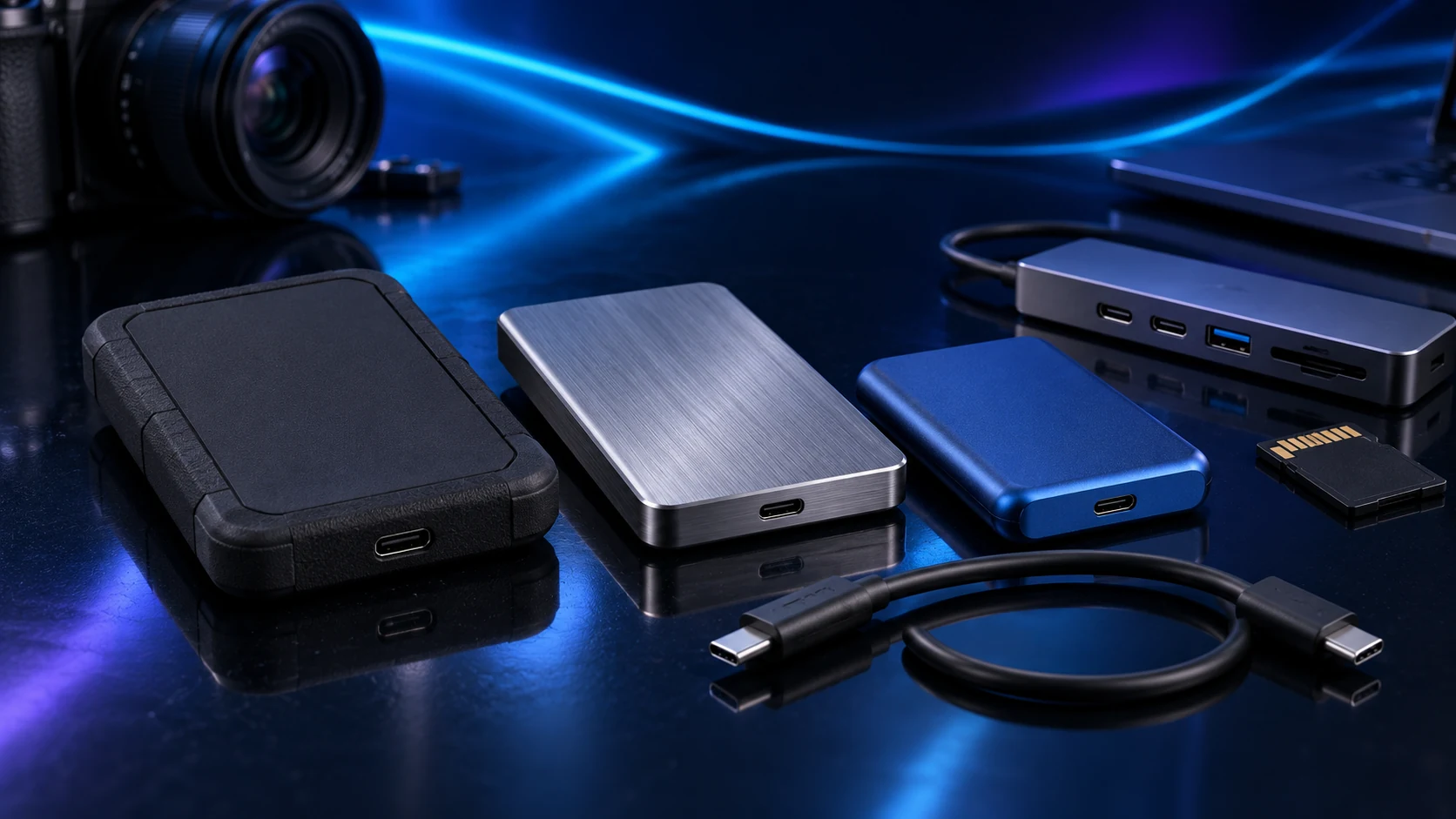
Simple USB-A desk expansion: Anker Ultra Slim 4-Port A7516
A7516 is the simple route when the PC has an accessible USB-A host port and you need more data sockets. Keep the total power demand modest and follow Anker’s device limitations rather than assuming four sockets can run four demanding drives.
For a wireless receiver or sensitive audio interface that behaves poorly through the hub, try the supported direct connection. A hub is convenient when it serves the device set; it need not sit in every signal path.
Compact laptop HDMI route: UGREEN Revodok 105
Revodok 105 suits a light laptop setup whose video needs fit its documented output. The host USB-C port must provide video. Its faster USB-A data socket and two USB2 sockets have different roles, so put an active drive on the appropriate connection.
The power input and host delivery are different ratings, and the charging adapter is a separate part of the arrangement. For a more demanding display/storage desk, compare full docking stations instead.
Powered multi-device desk: Plugable USB3-HUB7C
The powered Plugable hub is the route when the desk has more connected peripherals than a small bus-powered hub suits. Choose the UK power arrangement and follow the supported per-port and total load guidance.
The external adapter provides power; it does not multiply the host’s data bandwidth. For several busy storage devices, plan the shared USB link and use separate direct ports where that better serves the job.
Keep the demanding paths simple
Separate a receiver, input device or audio interface when its maker recommends a direct connection or when that resolves a specific issue. Label the host lead so the hub does not accidentally end up connected through another slow hub.
Use a supported power supply for powered equipment. A matching barrel-plug shape is not enough to choose a replacement adapter: voltage, polarity and current capability matter.
Finish the setup
Add devices one at a time and confirm each works through the chosen route. For laptop displays, read USB-C compatibility; for large transfers, choose the drive around the host interface.
Specifications and setup: A7516 data/power guidance · Revodok 105 modes · USB3-HUB7C ports/power.
