Best laptop docking stations for a shared PC desk in 2027
By James Thompson · Updated:
Some links in my articles are affiliate links. I may earn a commission when you buy through them.
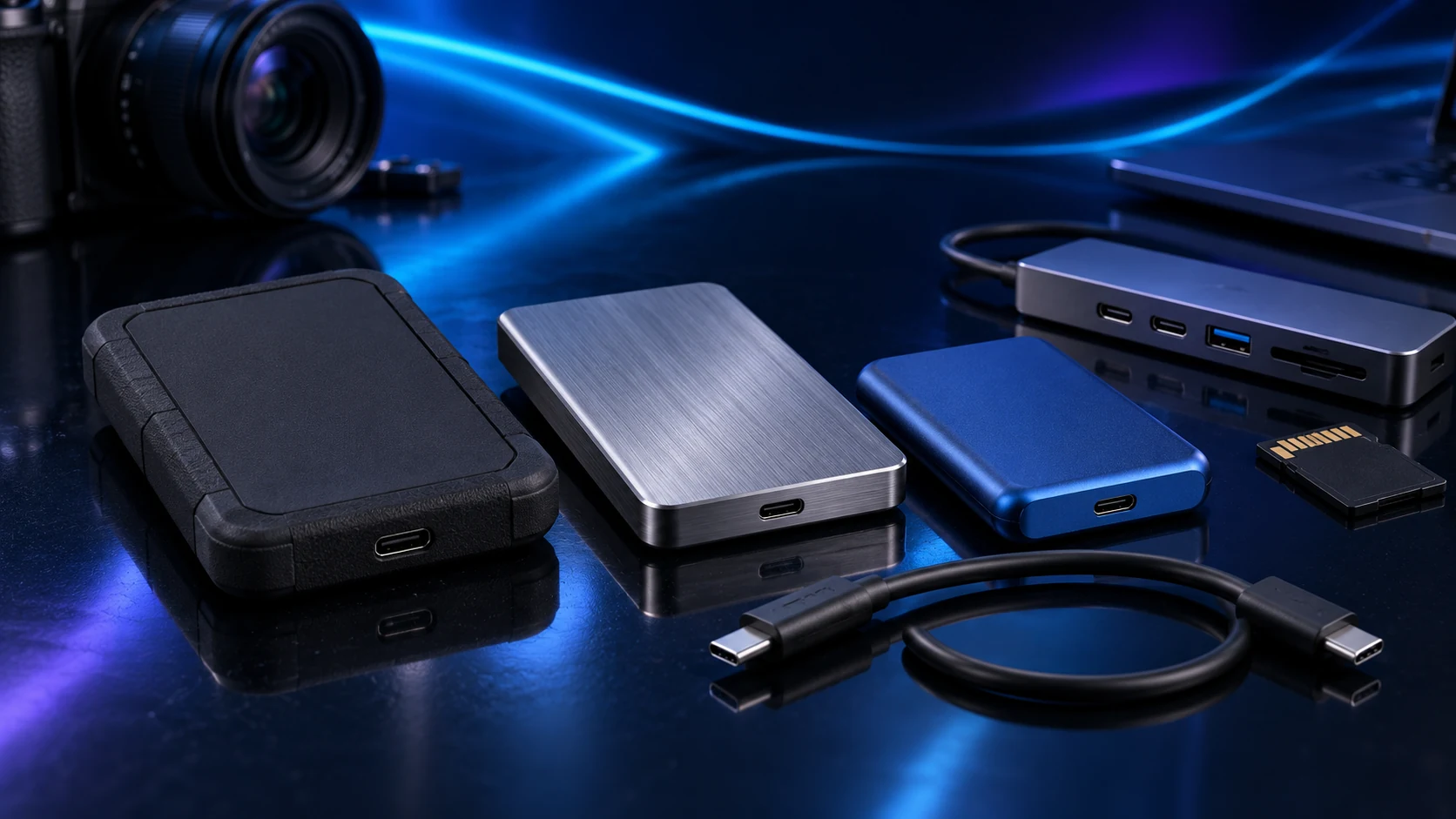
The right dock follows the laptop’s ports and the monitors you want to run. Use CalDigit SOHO for a compact native USB-C display setup, TS4 for a compatible Thunderbolt workstation, or Plugable UD-6950PDH for a driver-based office display route.
Table of Contents
ToggleThe shortlist: choose for your setup
| Use | My choice | Why choose it | Choose another when |
|---|---|---|---|
| Compact native USB-C desk | CalDigit USB-C SOHO Dock | A small 10Gb/s USB-C dock with display outputs and UHS-II card reading. | You need a Mac to extend across both video outputs, or need Ethernet built in. |
| Thunderbolt workstation | CalDigit TS4 | A Thunderbolt 4 dock with a broad port set, Ethernet and up to 98 W host charging. | The laptop lacks the required host capability or a small hub covers the job. |
| Driver-based dual-screen office | Plugable UD-6950PDH | DisplayLink adds two 4K60 office displays through a supported USB-C connection. | You need a gaming, protected-video or colour-critical native-display path. |
Video output, data bandwidth and laptop charging are separate requirements. A physically matching USB-C plug does not guarantee all three. These routes deliberately separate native display output from DisplayLink.

Compact native USB-C desk: CalDigit USB-C SOHO Dock
SOHO suits a desk with a compatible DisplayPort Alt Mode host and a manageable peripheral set. Its single 4K60 route requires the host capabilities listed in CalDigit’s support guide. It has a separate power input, so add the power-delivery adapter to the plan when you want laptop charging.
Its two display sockets do not mean two independent 4K60 screens. CalDigit documents dual extended 4K30 on supported Windows DP1.4 hosts; macOS mirrors those outputs. Choose around that topology, not around the count of sockets.

Thunderbolt workstation: CalDigit TS4
TS4 is a clearer upgrade when a compatible laptop needs fast storage, Ethernet and several desk devices connected together. Plan its display combinations around the host’s own support: a dock does not erase the external-display limit of a particular computer.
Compare the charging output with the laptop’s normal power requirement, especially for mobile workstations. For a tower that stays at the desk, a USB hub and direct graphics-card outputs can be a much simpler arrangement.
Driver-based dual-screen office: Plugable UD-6950PDH
The UD-6950PDH is the office route when DisplayLink solves the computer’s particular display limitation. Install the supported DisplayLink software and confirm that you can use it on a managed work laptop. The current PDH model is different from the discontinued UD-6950H.
Choose it for documents, browsers and office work. Keep games and demanding creative display work on a suitable native GPU output. Plugable’s documented driver and protected-content restrictions are part of choosing this route, rather than a problem to discover after reorganising the desk.
Map the complete desk
Write down each monitor’s resolution and refresh, the host port, the dock’s supported display combination, charging wattage and peripheral data needs. Put the keyboard and mouse on the dock only when you want them to travel with the laptop connection.
For an external SSD, share bandwidth deliberately. A busy display/storage arrangement can change the resources available to the drive. The external SSD speed guide explains why a connector label alone is insufficient.
Finish the setup
For a desktop/laptop desk, keep the tower connected directly to the screen and select the required input. Use the monitor guide and the arm measurements to finish the physical layout.
Specifications and setup: SOHO compatibility · TS4 host/display support · UD-6950PDH requirements.