
Mechanical keyboard switches explained: linear, tactile and clicky
By James Thompson · Updated:
Some links in my articles are affiliate links. I may earn a commission when you buy through them.
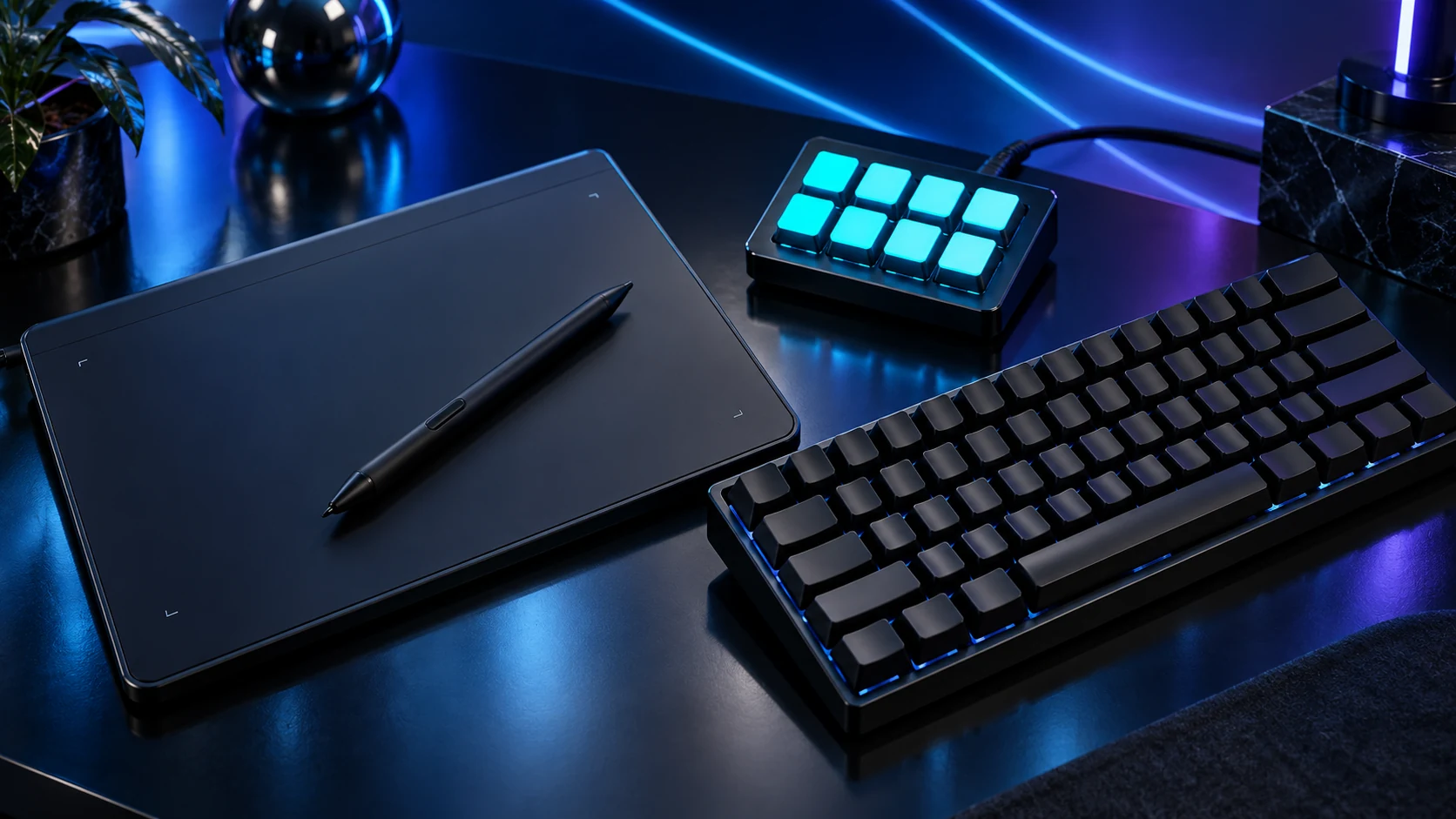
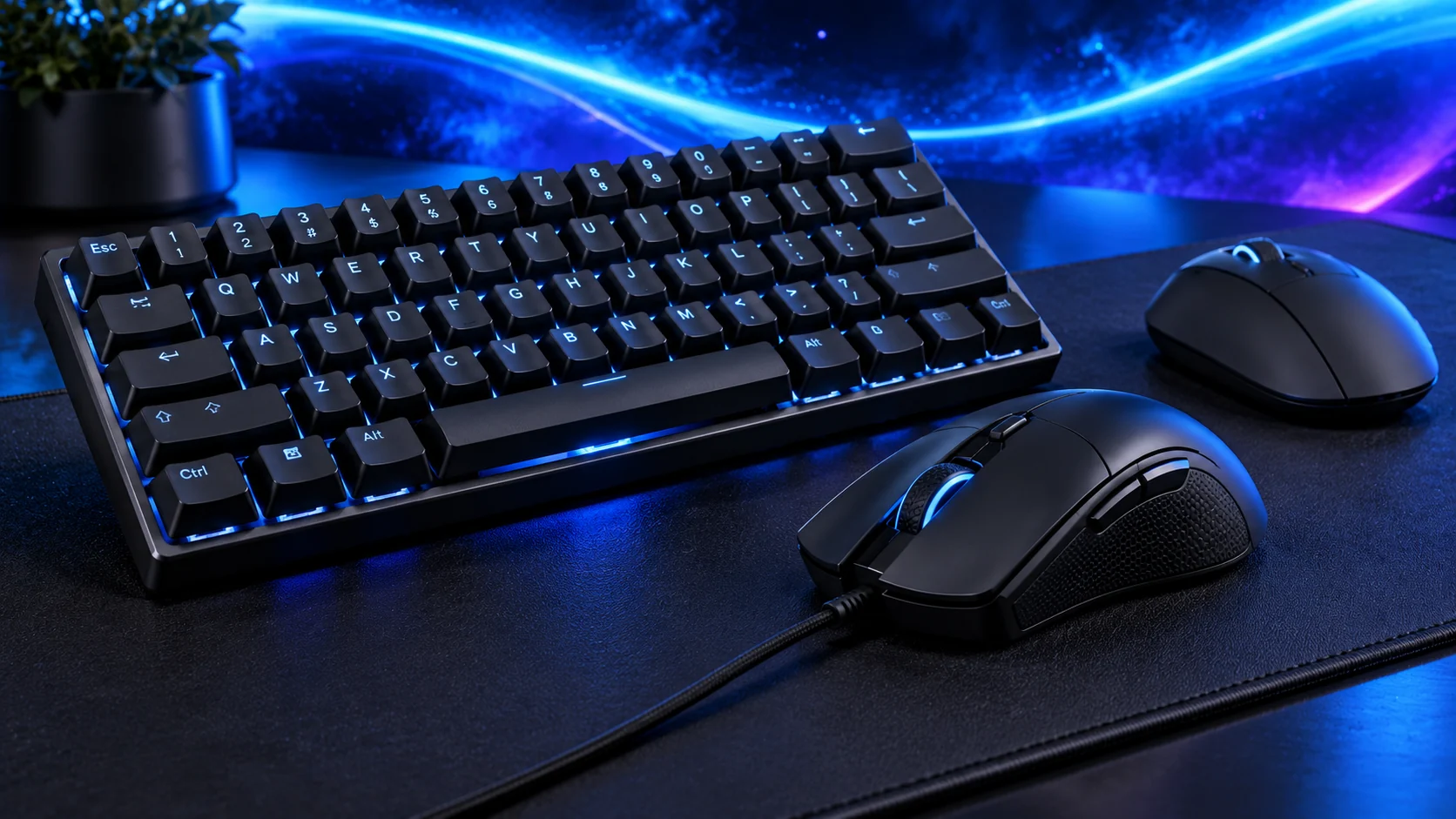
Choose the feedback you enjoy and the sound your room can accommodate. Linear switches move without a deliberate bump, tactile switches add a bump and clicky switches add an audible mechanism. None of those labels describes the entire keyboard.
The three common feel families
| Type | Feel | Good reason to choose it |
|---|---|---|
| Linear | Smooth travel without a deliberate tactile bump | You prefer an uninterrupted press. |
| Tactile | A noticeable change in resistance | You want feedback without an intentional click mechanism. |
| Clicky | Tactile feedback plus a deliberate click | You enjoy audible feedback and the room allows it. |
A tactile or linear keyboard can still be loud when keys bottom out or the case resonates. “Non-clicky” and “silent” are different claims. Dampened switches, plate material, case design, keycaps and the desk all contribute to the sound.
Colour names are only useful inside a named maker’s range. Cherry Red, Brown and Blue illustrate common families; another brand’s colour is not a universal force or travel specification.
Force, actuation and travel
Actuation is the point at which the switch registers the key, while total travel is how far the key can move. Required force and the tactile profile shape the feel. A shorter actuation distance can be appealing, but it can also make accidental presses easier for a particular typing style.
Compare the exact switch data rather than assuming all red switches share the same force. If you can try a tester, use it to narrow the feel family, then consider the complete keyboard. One loose switch held in the hand does not reproduce the plate, keycap and desk sound.
Smooth, a bump or a deliberate click
The force and profile you prefer
Layout, mounting, acoustics and controls
Hot-swap does not mean universal
A hot-swappable board allows supported switches to be replaced without soldering. The socket and PCB determine compatibility: mechanical contact switches, optical switches and Hall-effect designs are not interchangeable just because a keycap fits over them. Low-profile systems can have their own socket and stem arrangements.
Check the board’s supported switch family and pin arrangement. Disconnect it before removing supported switches, use the appropriate puller and follow the maker’s procedure. Do not force a bent pin into a socket. A board advertised as mechanical is not necessarily hot-swappable.

Choose the keyboard around the use
For a shared room or microphone near the desk, avoiding an intentional click mechanism is a useful first step. For a number-heavy job, the right layout can be more consequential than changing switch feel. UK layouts and sizes keeps that decision separate.
Use the keyboard shortlist once the layout, connection and preferred feel are clear. If you want application actions rather than a different typing feel, a macro pad may address the task more directly.
Specifications and setup: Corsair switch-family explanation · Cherry switch families · Example of a supported hot-swap keyboard.
