
Best macro pads for PC shortcuts, streaming and creative controls in 2027
By James Thompson · Updated:
Some links in my articles are affiliate links. I may earn a commission when you buy through them.
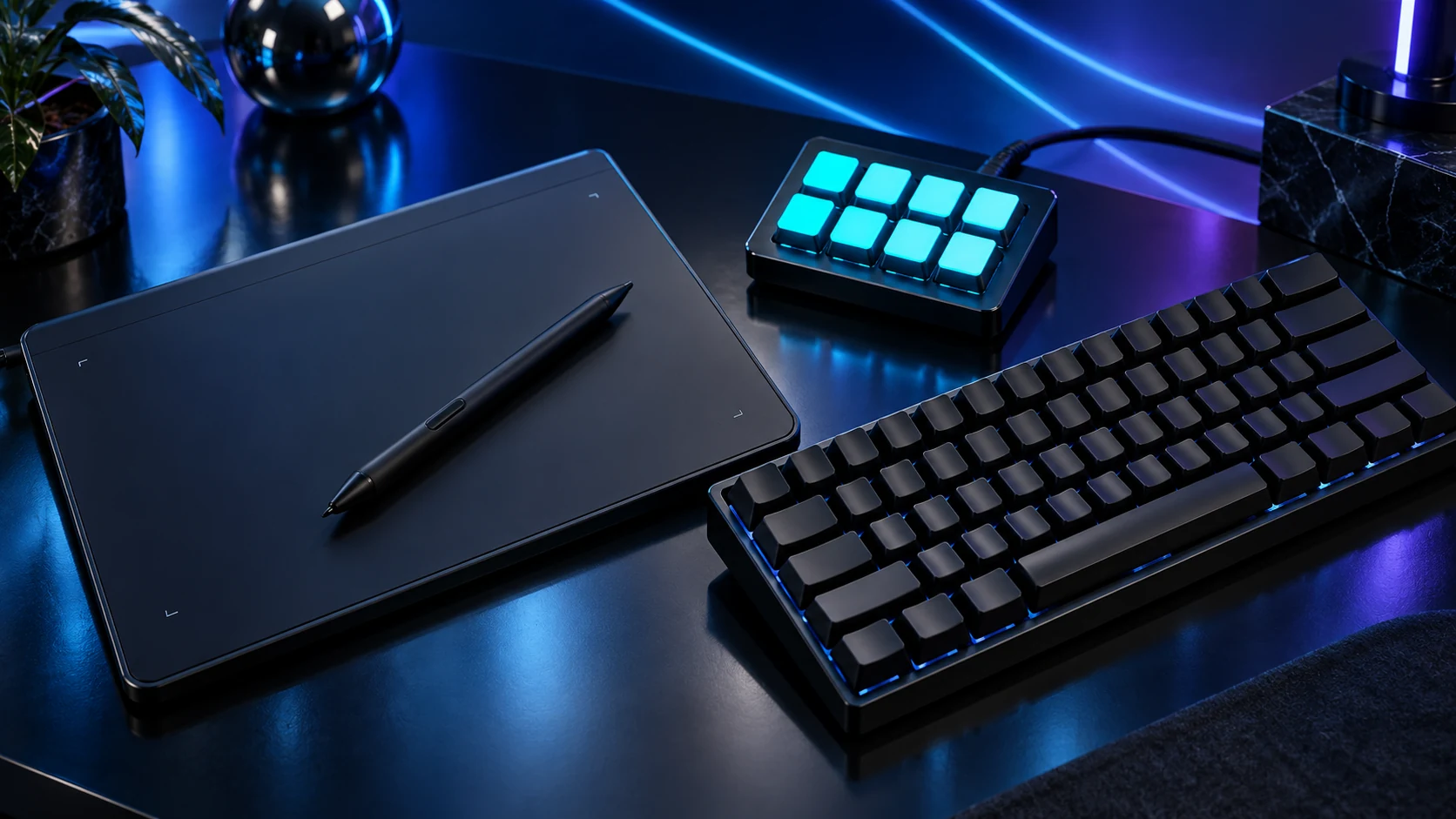
Count the actions you want visible at once. Stream Deck Mini suits a handful of repeat commands, Neo adds eight keys and page controls, and Stream Deck+ is the option when physical dials matter as much as buttons.
Table of Contents
ToggleThe shortlist: choose for your setup
| Use | My choice | Why choose it | Choose another when |
|---|---|---|---|
| Smallest useful shortcut set | Elgato Stream Deck Mini | Six LCD keys for a small stable group of actions. | You want many actions visible at once or rotary controls. |
| Everyday actions with page controls | Elgato Stream Deck Neo | Eight LCD keys, an Infobar and touch points for moving between layouts. | You need physical rotary controls or a large one-page control bank. |
| Volume, zoom and rotary control | Elgato Stream Deck + | Eight LCD keys plus four pushable rotary encoders and a touch strip. | You mainly need more visible buttons rather than dials. |
The choices compare visible keys, page navigation, physical dials and supported software. More pages add capacity, but switching pages also adds a step to the workflow.

Smallest useful shortcut set: Elgato Stream Deck Mini
Mini is the starting point when the same handful of actions repeats through the day: mute, a favourite app, an OBS scene and a few application shortcuts. Put the important actions on its first page so the device removes a step instead of introducing extra navigation.
Folders and supported multi-actions can extend the set, but six visible keys remain six visible keys. Compare the current software/OS requirements before relying on an older hardware specification page. The useful saving is easier access to existing actions, not a requirement to automate everything.
Everyday actions with page controls: Elgato Stream Deck Neo
Neo is the practical middle route for work and streaming. Its eight keys leave more actions visible than Mini, while separate touch points handle page changes. The Infobar offers another useful status area without taking a normal key away from the first group.
Start with a work page and a separate recording page. Clear labels matter more than a gallery of elaborate icons. Keep destructive actions off an easy-to-hit everyday position and avoid macros that type private credentials. The controller is useful when the command and feedback stay obvious.
Volume, zoom and rotary control: Elgato Stream Deck +
Choose Stream Deck+ for tasks that genuinely benefit from turning a control: supported audio levels, timeline zoom or another continuous adjustment. It has eight keys, so it is not a bigger button bank than Neo. The premium buys a different interaction.
Check the plugin/action available for the application you use. A dial does not automatically control every slider in every program. Build one working profile, save it and verify the application focus behaviour before expanding the arrangement. Stream Deck+ XL is a separate larger product.
Create a useful first profile
Use named single actions first. Add multi-actions only when the order is predictable and the application state is clear. A keyboard shortcut that behaves differently depending on which window is active can still behave differently when a macro pad sends it.
For streaming, keep mute, scene changes and start/stop controls distinguishable. For editing, put repeated commands on the main page and move infrequent actions into folders. The streaming build guide and the microphone shortlist complete the recording route.
Name the actions repeated every session
Use clear labels and supported integrations
Check focus, feedback and the result
Export the working profile before changes
Finish the setup
Use a suitable USB hub only when the controller needs extra ports. A macro pad needs a data connection; a charging-only connection cannot carry its commands.
Specifications and setup: Current Stream Deck comparison · Mini hardware · Neo · Stream Deck+ hardware.
