Best mouse mats for small desks, broad aiming and full setups in 2027
By James Thompson · Updated:
Some links in my articles are affiliate links. I may earn a commission when you buy through them.
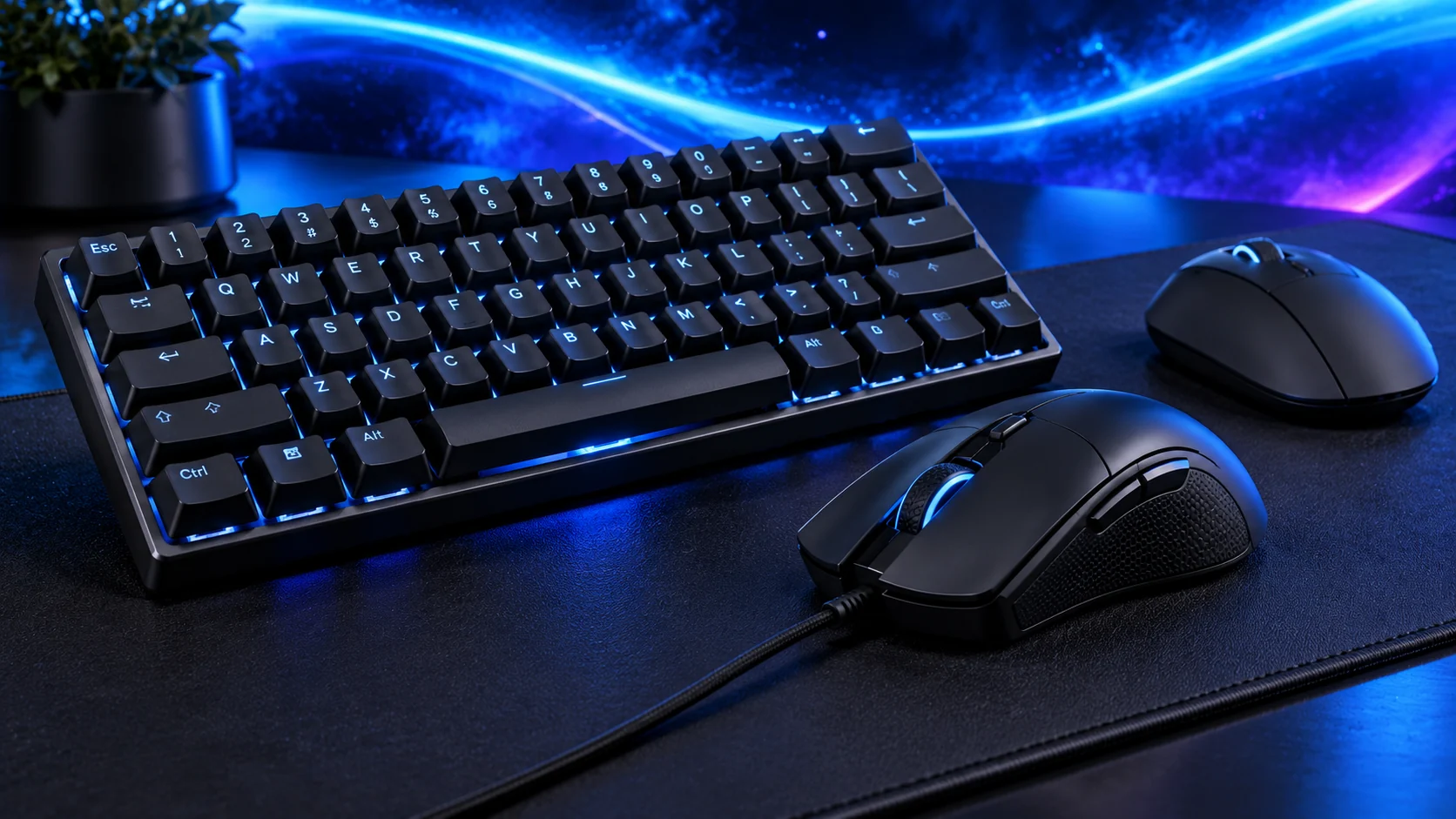
Buy the surface area you can use. A QcK Medium fits a modest mouse space, Gigantus V2 Large gives broader gaming movement and the XXL version puts keyboard and mouse on one surface. Measure around the equipment before choosing the largest size.
Table of Contents
ToggleThe shortlist: choose for your setup
| Use | My choice | Why choose it | Choose another when |
|---|---|---|---|
| Budget and a compact mouse area | SteelSeries QcK Medium | A320×270 mm cloth surface that leaves the rest of a small desk clear. | Your normal low-sensitivity swipe extends beyond that area. |
| Broad gaming movements | Razer Gigantus V2 Large | The450×400 mm area gives more depth and width for the mouse alone. | Your desk cannot accommodate it alongside the keyboard. |
| Keyboard and mouse together | Razer Gigantus V2 XXL | A940×410 mm shared surface for a wider desk setup. | You need to lift and clean the mouse area independently or have a narrow desk. |
These are cloth-mat choices compared on dimensions and desk role. Glide and stopping feel are personal preferences; the table does not invent a measured speed ranking.

Budget and a compact mouse area: SteelSeries QcK Medium
The QcK Medium is the sensible route for a small desk or a compact mouse area beside a full-size keyboard. Its ordinary cloth surface keeps the purchase focused on a consistent working space rather than lighting or a desk-wide print.
James’s QcK account describes measuring the available mouse travel around the keyboard and letting the mat settle on a clean flat desk. Follow that order. A broad mat that overlaps the monitor base or reaches an awkward wrist edge can make the desk less useful.
Broad gaming movements: Razer Gigantus V2 Large
The Large Gigantus V2 is the choice here for bigger mouse movements without putting the keyboard on the same mat. Razer specifies450×400×3 mm. The extra depth matters when forward movement or cable positioning uses more than a shallow strip of desk.
Keep the whole area available. A keyboard corner, drinks coaster and speaker on the mat can erase the reason for buying the larger size. This is the standard V2 cloth model; different Pro or licensed variants need their own comparison.

Keyboard and mouse together: Razer Gigantus V2 XXL
Choose the XXL for a desk that benefits from one surface beneath both keyboard and mouse. Measure the usable width between speakers or accessories, then the depth from the keyboard position to the front edge. The footprint is the reason to choose it.
A shared mat means moving more equipment to clean it. Leave it fully dry before returning it to the desk and follow the maker’s care instructions. If only the mouse needs a new surface, the Large or Medium route is a more manageable purchase.
Find the size before changing sensitivity
Mark the mouse movement you use in a normal game or editing session. Include lifts and repositioning, then measure that space. Do not increase sensitivity simply to fit an unnecessarily small mat if the existing movement already feels controlled.
Keep feet and the surface clean. If tracking changes, inspect dust or debris before attributing the problem to the sensor. DPI and in-game sensitivity should be adjusted deliberately, one variable at a time.
| Measure | Include |
|---|---|
| Width | Normal swipe plus keyboard clearance |
| Depth | Forward travel, cable and comfortable wrist position |
| Thickness/edge | The contact point at the desk front |
| Cleaning access | Equipment that must be moved |
Finish the setup
Choose the smallest size that comfortably covers the real movement. For more desk space, compare keyboard layouts and sizes before buying a desk-wide mat.
Specifications and setup: QcK cloth range · Gigantus V2 sizes.