
SSD NAND, DRAM, Cache and Endurance: Read the Specs That Matter
By James Thompson · Updated:
Some links in my articles are affiliate links. I may earn a commission when you buy through them.
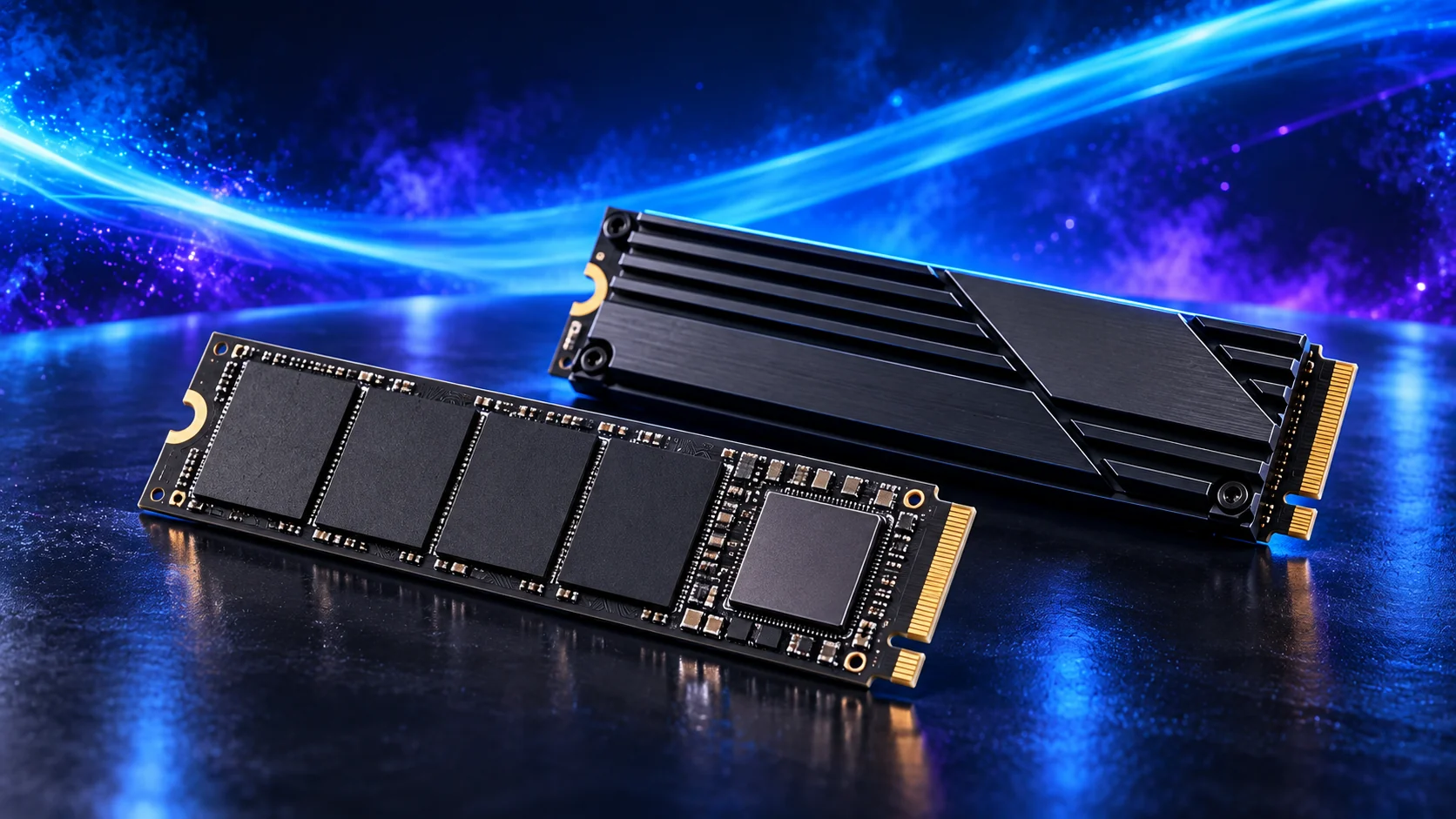
Judge an SSD by the workload, exact capacity and sustained behaviour. TLC/QLC, DRAM and write-cache descriptions explain parts of the design; none is a universal quality score. Endurance and warranty terms matter most when you write heavily, and neither replaces a backup.
Table of Contents
ToggleFlash cells and the controller
NAND flash stores the data. TLC stores three bits per cell; QLC stores four. That density affects design trade-offs, but the complete drive also includes a controller and firmware that manage the media. Judge the resulting product rather than assigning every drive of one NAND type an identical result.
For a write-heavy working drive, investigate sustained writes, consistency and the exact endurance rating. For a read-heavy game library, capacity and useful loading performance can deserve more weight. A suitable QLC product is not automatically the wrong library purchase, while a TLC label alone does not establish the best workstation drive.
Compare the same capacity variant. The SSD buying guide separates those use cases.
Manages requests and flash organisation.
Supports management and short bursts.
Stores the data under the controller’s direction.

DRAM and host memory buffer
An SSD may use onboard DRAM to support controller work, including mapping data to physical flash locations. Some NVMe designs instead use Host Memory Buffer to access a portion of the computer’s RAM for controller use. This is distinct from simply having a large write cache on the drive.
A DRAM-less label does not describe every detail of performance. Compare the exact drive in the relevant workload and check whether HMB is supported in the intended environment. An external enclosure can change the available route, so internal-drive results do not automatically describe USB use.
The NVMe specification defines HMB as an optional mechanism for host memory allocation to the controller. The specification is the technical reference; the product’s actual workload behaviour is the buying evidence.
Why the first write burst can look faster
Many consumer SSDs use a fast-write cache that treats some flash in a lower-bit mode before moving data into its longer-term storage arrangement. The available cache and management behaviour depend on the design and free space.
A short transfer can stay within that fast region. A large or repeated transfer can exhaust it and reveal a lower sustained write rate. Read a long-write test that reports the amount written, remaining capacity and temperature, rather than treating the first seconds as the whole job.
For a hypothetical workload, transferring 300GB of source footage can ask a different question from installing a small application. The comparison should use that operation, its frequency and the source-drive speed. The PCIe speed guide puts interface bandwidth beside those other limits.
TBW is a rating, not a countdown to sudden failure
TBW means total bytes written, commonly expressed as a number of terabytes in the datasheet. It is an endurance rating under the maker’s stated conditions and can also form part of the warranty limit. The drive does not become immune to faults below that number or necessarily stop immediately above it.
For a simple planning example, 100GB of host writes each day is about 36.5TB per year using decimal units. Compare your expected write pattern with the exact product rating and warranty period. This calculated example is not a prediction of an individual drive’s lifespan.
Warranty conditions can end at a time limit or TBW threshold, whichever applies first. Samsung’s UK SSD warranty illustrates that distinction. Check the selected model’s own terms.
Health readings and backup
Manufacturer utilities can report firmware, temperature and health information for supported drives. A warning is useful evidence to investigate; a healthy reading is not a guarantee against tomorrow’s failure. Important work still needs an independent copy and a recovery plan.
If the drive disappears or produces errors, protect the data before running write-heavy experiments. Do not initialise or format an existing data drive simply because Windows does not display its files. The second-drive guide distinguishes new blank media from an existing drive.
For heavy project writes, compare editing SSDs or home-lab SSDs. For a library, use the gaming shortlist at the capacity you need.