
Best Graphics Cards for Competitive Esports in 2027
By James Thompson · Updated:
Some links in my articles are affiliate links. I may earn a commission when you buy through them.
Use the FPS/frame-time comparison guide to judge the results at your intended settings. The rendering-feature guide keeps native, reconstructed and generated frames separate. For the broader choice, start with the GPU overview.
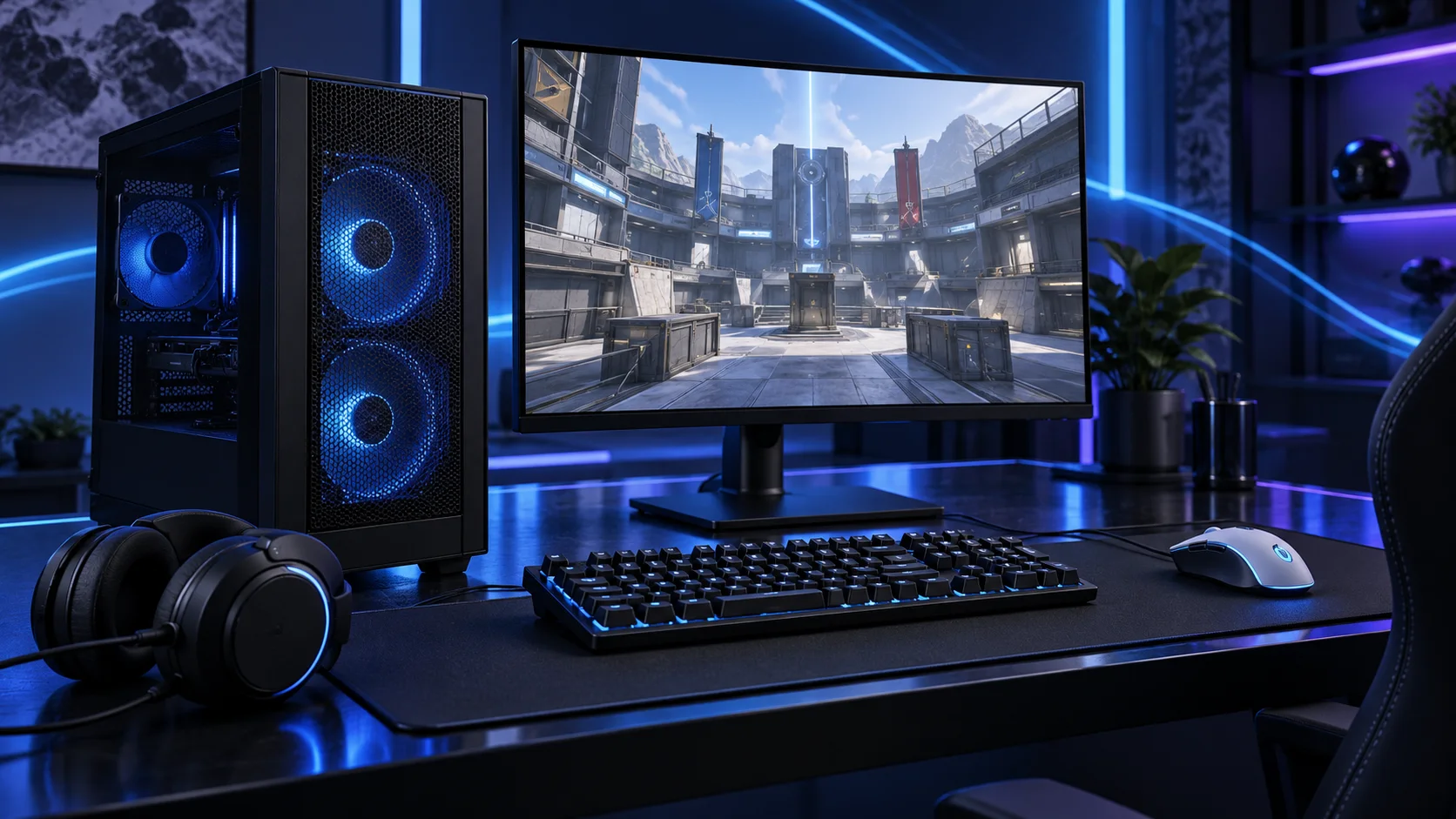
A focused competitive tower can justify a lower graphics spend than a high-resolution cinematic build. Choose the GPU for the native workload you intend to run. A higher card tier is useful when it addresses the limit, rather than merely makes the tower look more expensive on paper. Here is the shortlist I would use, with the lower-cost and more capable routes kept alongside the complete competitive esports setup.
Table of Contents
ToggleChoose the right option for your build
| Best for | My choice | Why it fits |
|---|---|---|
| Best budget-focused 1080p route | ASUS Dual RTX 5060 8GB OC | Keep a deliberately modest dedicated card in a focused low-resolution gaming basket. |
| Best value 16GB gaming route | ASUS Dual RX 9060 XT 16GB | Choose the 16GB AMD route when gaming is the job and the complete price is attractive. |
| Best stronger graphics workload | Gigabyte RX 9070 XT Gaming OC 16GB | Move up when the actual title, resolution and settings make the GPU the useful upgrade. |
Start with the shortlist below, then use the complete build guide to match your choice to the rest of the setup.
Try a catalogue graphics card in PC Builder alongside an AM5 processor, case and PSU. See the 3D tower, estimated total and supported power or fit warnings together.
Best budget-focused 1080p route: ASUS Dual RTX 5060 8GB OC
Keep a deliberately modest dedicated card in a focused low-resolution gaming basket.
The ASUS Dual RTX 5060 8GB is the lower-spend dedicated-graphics route. It buys into the NVIDIA software ecosystem without allocating the budget of a much larger card. I would choose it for a deliberately modest workload and keep the rest of the tower balanced.
Its 8GB capacity is part of the decision. Choose the 16GB route when the project or model needs more graphics memory; increasing system RAM does not turn this into a 16GB graphics card.

Best value 16GB gaming route: ASUS Dual RX 9060 XT 16GB
Choose the 16GB AMD route when gaming is the job and the complete price is attractive.
The ASUS Dual RX 9060 XT 16GB is the value-oriented gaming route in this shortlist. The useful attraction is the combination of a mainstream card and 16GB of graphics memory, while leaving room for a good processor and the rest of the setup.
For software-led work, choose the card after the application backend. A CUDA-specific tool changes the shortlist; a gaming product name alone does not establish compatibility with a workstation or local-AI package.

Best stronger graphics workload: Gigabyte RX 9070 XT Gaming OC 16GB
Move up when the actual title, resolution and settings make the GPU the useful upgrade.
The Gigabyte RX 9070 XT Gaming OC 16GB is the gaming-focused upgrade for a larger graphics budget. I would put it in a normal airflow tower where the card can breathe and the money is being spent on the display experience.
Choose a PSU with the exact card’s required leads, and leave space around the cooler. For creator software, establish AMD support for the feature you use before treating a faster gaming tier as the better workstation purchase.

How I would choose between these routes
Start with the required feature or workload, then select memory capacity and processing tier. A larger graphics-memory allocation and a faster card are different upgrades. Two cards can both have 16GB while offering different rendering headroom; neither becomes a larger-memory card because the model number is higher.
The exact board-partner model matters at purchase time. Include length, height, thickness, PSU recommendation, connector type and power-cable space in the layout. A premium graphics purchase may need a larger case and PSU, making the complete upgrade more expensive than the card alone.
Match the purchase to the actual workload
Distinguish responsiveness from a large generated-frame counter. For competitive play, native rendering behaviour and the actual input-to-display path matter. I would establish a stable baseline and change one setting at a time. Choose settings for the title you actually play and compare the same map or match conditions when judging an upgrade.
The supporting parts I would put beside it
Use a roomy NVMe drive for the titles you play and leave space for patches and recordings. Fast storage improves convenience around loading and updates; it is not a substitute for the CPU, graphics and display path during a match.
| Role | Suggested route | Why I include it |
|---|---|---|
| Memory | Corsair Vengeance 32GB DDR5-6000 CL30 | Choose capacity for the active work and surrounding desktop. |
| Working drive | Crucial P310 2TB M.2 2280 | Keep active files and useful free space on the NVMe drive. |
| Case | NZXT H5 Flow (2024) | Use the complete layout rather than an isolated component maximum. |
Complete the purchase plan
When upgrading, identify the limit in the actual title and settings. Keep frame generation separate from native responsiveness decisions. A stable configuration and comfortable display are a useful first goal before chasing a headline number without an exact benchmark to support it.
Compare the complete basket for the chosen route and keep the exact variant in the order. Use the wider graphics cards guide for the underlying choice, or return to the complete competitive esports build for the supporting purchases.
Build a competitive esports PC
Technical references: NVIDIA Reflex and latency guidance.