
Best Processors for Music Production in 2027
By James Thompson · Updated:
Some links in my articles are affiliate links. I may earn a commission when you buy through them.
For the specification behind these choices, read cores, clock speed and cache. Include sustained power and cooling and CPU/board compatibility in the complete platform comparison.
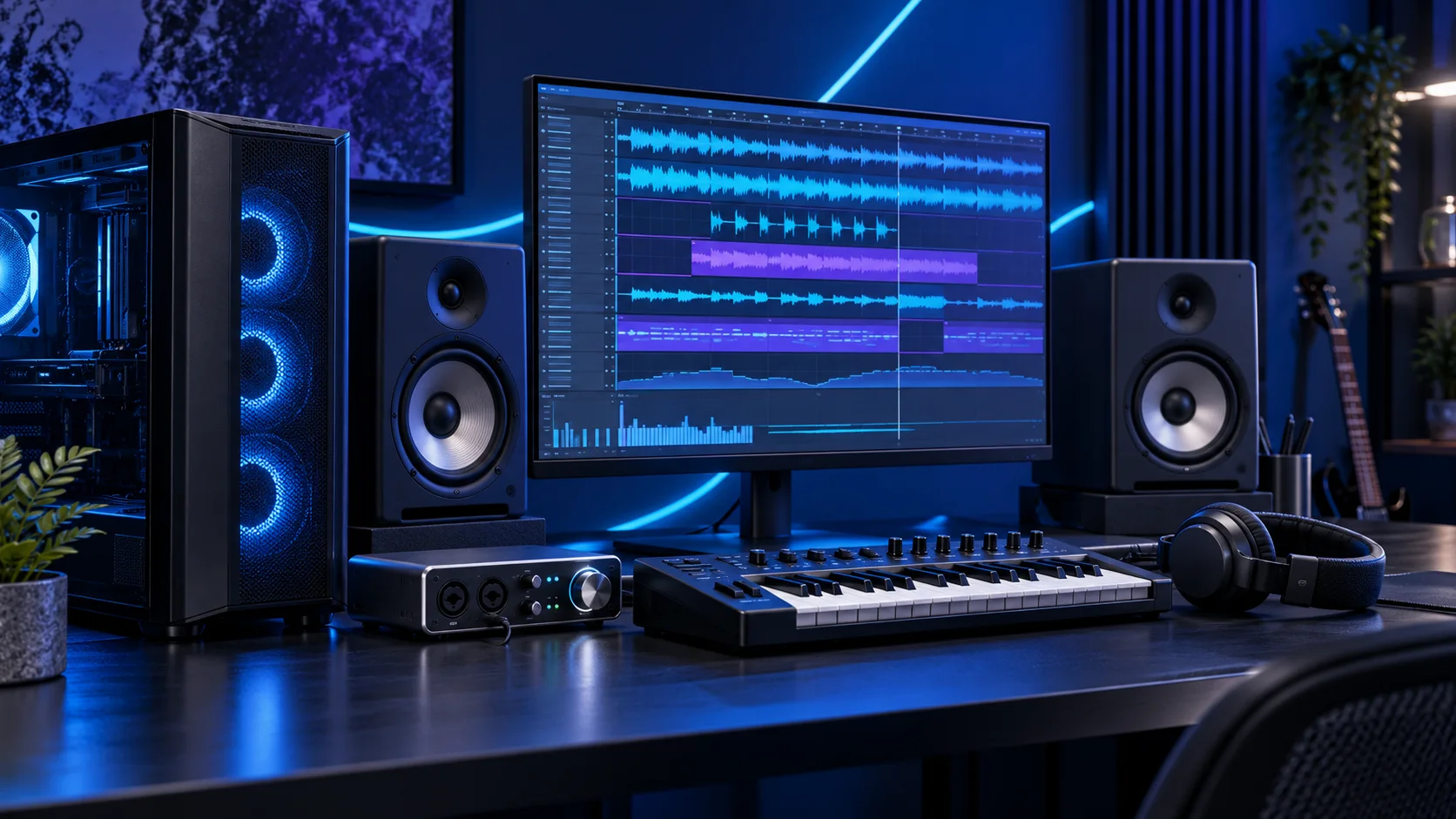
The processor is the centre of a DAW tower, but the useful test is the actual session and audio settings. An effects chain can hit a limit while other cores remain available. I would choose the 9700X for a balanced studio and move to the 9900X when larger projects make the extra throughput worthwhile. Here is the shortlist I would use, with the lower-cost and more capable routes kept alongside the complete music production setup.
Table of Contents
ToggleChoose the right option for your build
| Best for | My choice | Why it fits |
|---|---|---|
| Best balanced studio route | Ryzen 7 9700X | An eight-core AM5 processor is my first choice for a capable home-studio desktop. |
| Best lower-cost recording PC | Ryzen 5 9600X | Choose this for a focused first studio and preserve the interface and listening budget. |
| Best heavier production route | Ryzen 9 9900X | More cores belong in a machine with larger sessions and work that can use them. |
Start with the shortlist below, then use the complete build guide to match your choice to the rest of the setup.
Compare an AM5 processor with its motherboard and the rest of the tower in PC Builder. The whole-build estimate helps you balance CPU spending against graphics and storage.
Best balanced studio route: Ryzen 7 9700X
An eight-core AM5 processor is my first choice for a capable home-studio desktop.
The Ryzen 7 9700X is my middle route: eight cores without making a flagship processor the centre of the whole purchase. I would choose it for a machine that needs to stay useful while several applications are open, and put the remaining money into the parts that hold the actual project.
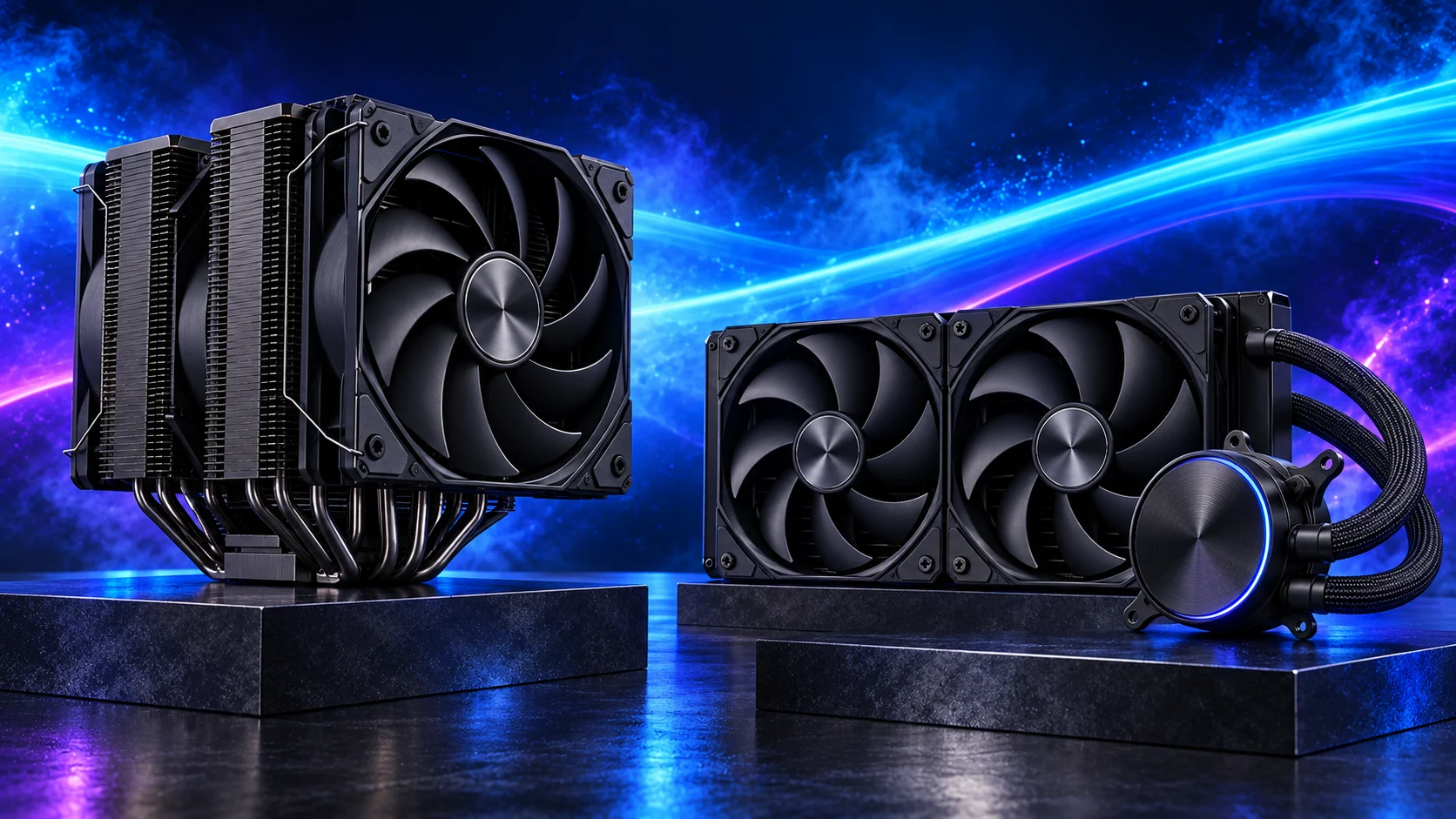
Use a matched two-stick DDR5 kit. If the PC spends its day on sustained processing, give the cooler a sensible fan curve and keep the case intake clear rather than relying on short boost specifications.

Best lower-cost recording PC: Ryzen 5 9600X
Choose this for a focused first studio and preserve the interface and listening budget.
The Ryzen 5 9600X is the AM5 route I would start with when the graphics card, storage or specialist equipment deserves more of the budget. Its six-core layout is a sensible foundation for a focused desktop rather than a machine bought to run every heavy task at once.
Pair it with DDR5 and an AM5 board with the right BIOS. An inexpensive tower cooler makes sense in a normal case; a tiny enclosure needs a separate cooler and power plan.
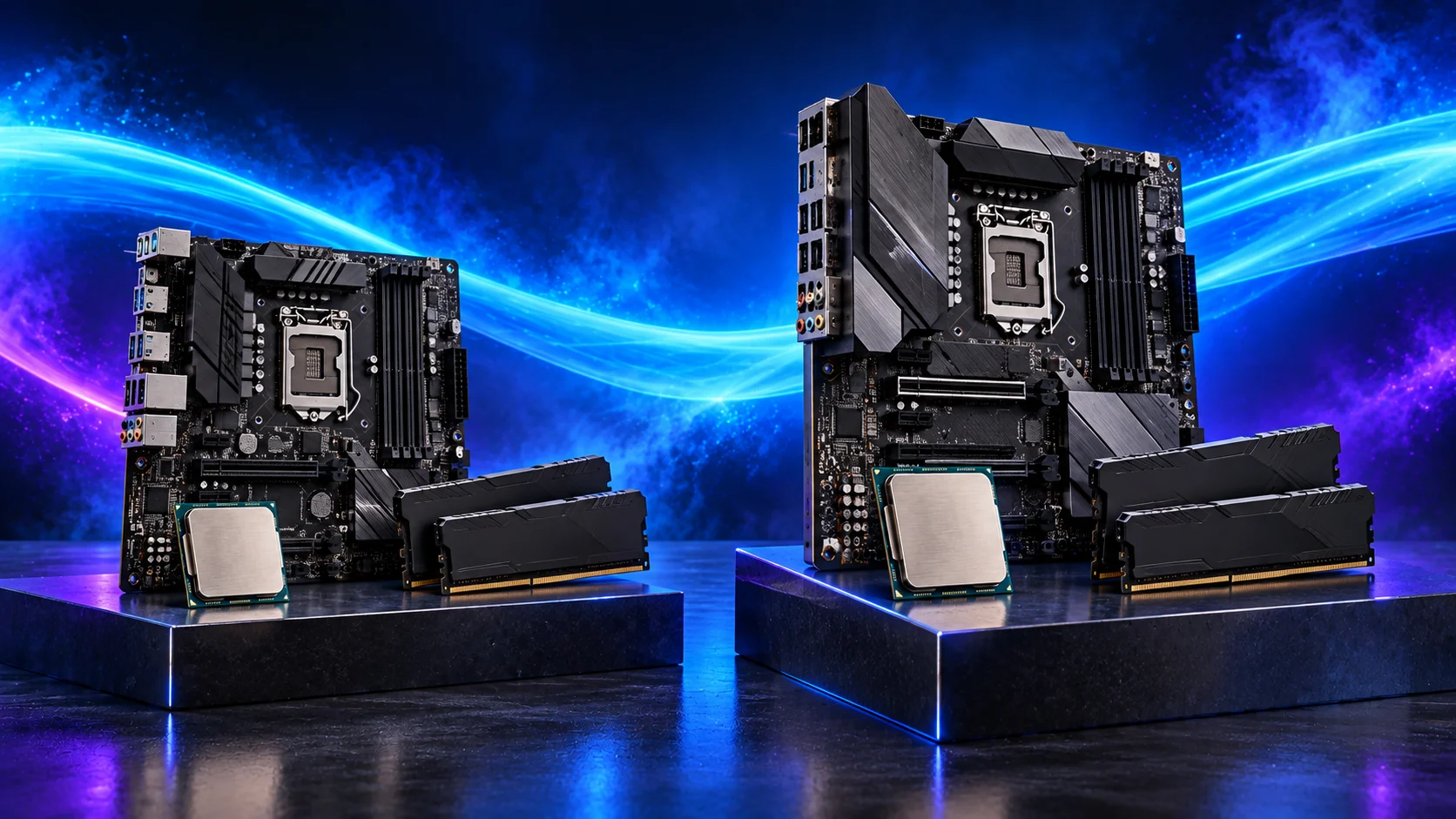
Best heavier production route: Ryzen 9 9900X
More cores belong in a machine with larger sessions and work that can use them.
The Ryzen 9 9900X is the step up when the PC regularly has useful work for more cores. It belongs on a workstation shortlist for parallel jobs and a busy desktop; it is harder to justify when almost all the time is spent waiting on one task.
Include cooling and the complete AM5 platform in the cost. More cores do not replace sufficient RAM, and a fast processor still waits for a storage device that is full or overloaded.
How I would choose between these routes
Keep interactive responsiveness and repeated parallel jobs separate in the decision. More cores are worth buying when useful work can occupy them; they are a weak reason to make the processor the most expensive part of a lightly loaded desktop. Choose the complete platform, then give memory, graphics and storage enough of the budget to support it.
The suggested Ryzen choices use AM5 and DDR5. Compare the complete platform, including the board, memory, cooler and useful connections. Keep those supporting parts together when changing the processor route.
Match the purchase to the actual workload
Start with the session you want to record. A singer and guitar need a different input arrangement from two microphones or several pieces of hardware. List the DAW, virtual instruments, largest sample libraries and simultaneous recording sources. That gives the interface and memory a job, instead of choosing a gaming parts list and hoping it becomes a studio.
The supporting parts I would put beside it
32GB is a sensible first-studio capacity. I would choose 64GB when large sample instruments and several applications are part of the normal session. Buy capacity for the libraries you load together; empty RAM does not improve a small recording project.
| Role | Suggested route | Why I include it |
|---|---|---|
| Memory | Crucial Pro 64GB DDR5-5600 | Choose capacity for the active work and surrounding desktop. |
| Working drive | WD_BLACK SN850X 2TB | Keep active files and useful free space on the NVMe drive. |
| Case | NZXT H5 Flow (2024) | Use the complete layout rather than an isolated component maximum. |
Complete the purchase plan
Record a short real session, play it back and restore a copied project before relying on the machine for a long take. Increase the buffer for mixing if live input responsiveness no longer matters. Keep working sessions backed up independently of the main PC.
Compare the complete basket for the chosen route and keep the exact variant in the order. Use the wider processors guide for the underlying choice, or return to the complete music production build for the supporting purchases.
Technical references: Ableton multicore performance · Scarlett 2i2 specification.