
Best Graphics Cards for Portable Mini-ITX in 2027
By James Thompson · Updated:
Some links in my articles are affiliate links. I may earn a commission when you buy through them.
Read GPU power, dimensions and specifications alongside the installed-fit checklist. If the platform is older, check PCIe and Resizable BAR support before the purchase.
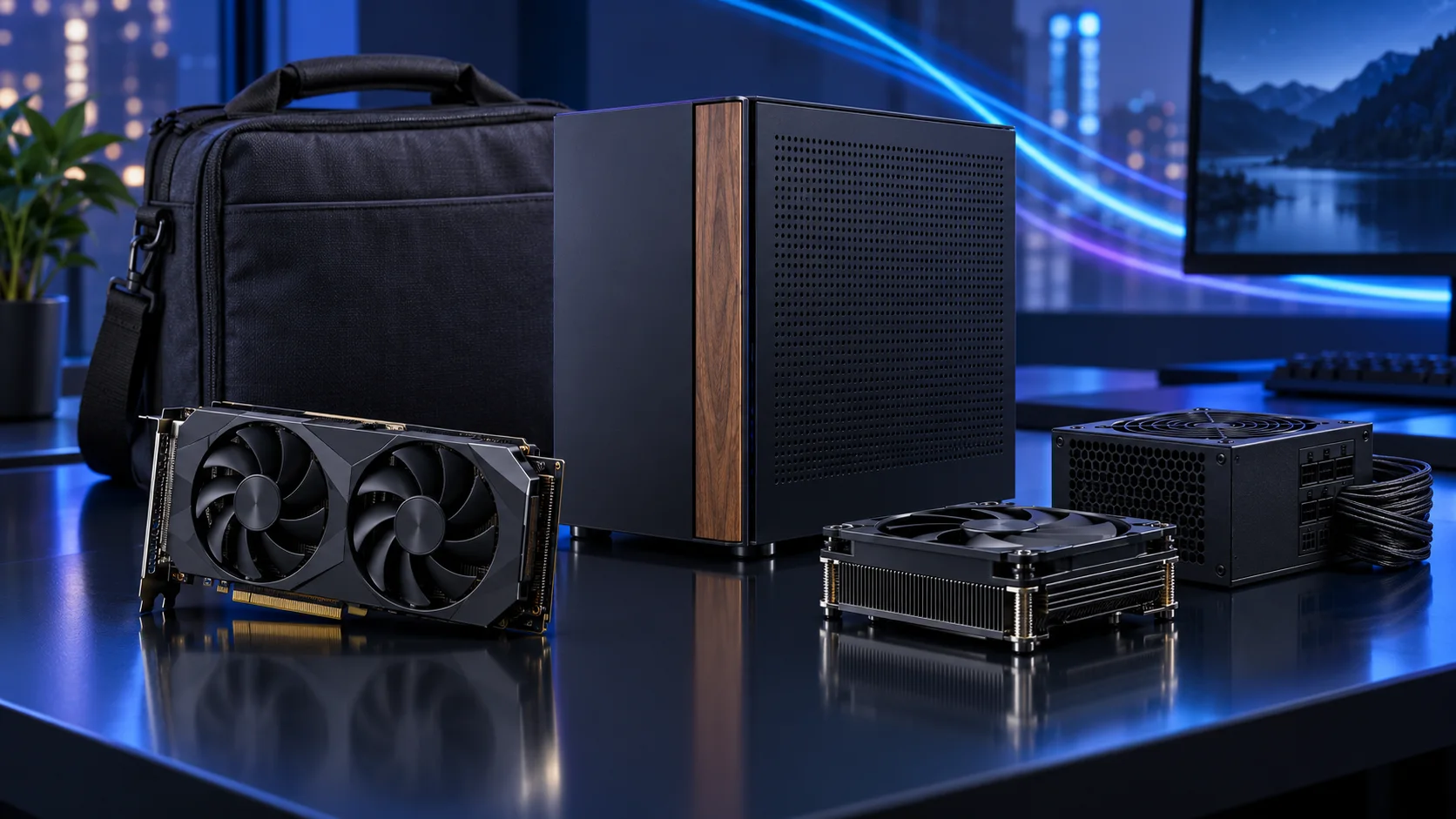
Choose the exact board-partner card, not only the GPU chip. Length, height, thickness and the power lead must fit together. For Terra, use the spine-position table: extra room on the graphics side reduces the CPU-cooler allowance, and card height can reduce the thickness allowance further. Here is the shortlist I would use, with the lower-cost and more capable routes kept alongside the complete portable mini-itx setup.
Table of Contents
ToggleChoose the right option for your build
| Best for | My choice | Why it fits |
|---|---|---|
| Best compact NVIDIA starting point | MSI RTX 5060 Ti 16GB Shadow 2X OC Plus | A dual-fan 16GB route worth measuring into a carefully planned small case. |
| Best value-oriented gaming alternative | ASUS Dual RX 9060 XT 16GB | A 16GB AMD gaming route when its exact card dimensions fit the chosen layout. |
| Best lower-cost dedicated route | ASUS Dual RTX 5060 8GB OC | Keep the graphics allocation restrained when portability and total kit cost come first. |
Start with the shortlist below, then use the complete build guide to match your choice to the rest of the setup.
Best compact NVIDIA starting point: MSI RTX 5060 Ti 16GB Shadow 2X OC Plus
A dual-fan 16GB route worth measuring into a carefully planned small case.
The MSI RTX 5060 Ti 16GB Shadow 2X OC Plus is the accessible 16GB NVIDIA route. I would buy it when graphics-memory capacity and NVIDIA application support matter more than jumping straight to a much more expensive card. It is also a useful place to start a compact parts plan.
Keep the exact 16GB variant in the basket. The model name, dimensions and power connection belong in the fit check, particularly when a riser cable and a small case are involved.

Best value-oriented gaming alternative: ASUS Dual RX 9060 XT 16GB
A 16GB AMD gaming route when its exact card dimensions fit the chosen layout.
The ASUS Dual RX 9060 XT 16GB is the value-oriented gaming route in this shortlist. The useful attraction is the combination of a mainstream card and 16GB of graphics memory, while leaving room for a good processor and the rest of the setup.
For software-led work, choose the card after the application backend. A CUDA-specific tool changes the shortlist; a gaming product name alone does not establish compatibility with a workstation or local-AI package.

Best lower-cost dedicated route: ASUS Dual RTX 5060 8GB OC
Keep the graphics allocation restrained when portability and total kit cost come first.
The ASUS Dual RTX 5060 8GB is the lower-spend dedicated-graphics route. It buys into the NVIDIA software ecosystem without allocating the budget of a much larger card. I would choose it for a deliberately modest workload and keep the rest of the tower balanced.
Its 8GB capacity is part of the decision. Choose the 16GB route when the project or model needs more graphics memory; increasing system RAM does not turn this into a 16GB graphics card.

How I would choose between these routes
Start with the required feature or workload, then select memory capacity and processing tier. A larger graphics-memory allocation and a faster card are different upgrades. Two cards can both have 16GB while offering different rendering headroom; neither becomes a larger-memory card because the model number is higher.
The exact board-partner model matters at purchase time. Include length, height, thickness, PSU recommendation, connector type and power-cable space in the layout. A premium graphics purchase may need a larger case and PSU, making the complete upgrade more expensive than the card alone.
Match the purchase to the actual workload
True Mini-ITX gives you less expansion freedom and two memory slots, so choose the final capacity and connections early. The graphics-card size and CPU-cooler height are linked in a sandwich case such as Terra. I would choose a modest-power CPU and a suitably compact graphics card rather than chase the maximum specification in every category. A slightly larger micro-ATX alternative can be the better overall purchase.
The supporting parts I would put beside it
An NVMe drive keeps the portable machine simpler than a bundle of internal disk cables. Choose enough capacity for the travelling game or project library and keep an external copy of important files at home. The small case is not a reason to leave the only copy on the travelling PC.
| Role | Suggested route | Why I include it |
|---|---|---|
| Memory | Crucial Pro 32GB DDR5-6000 | Choose capacity for the active work and surrounding desktop. |
| Working drive | WD_BLACK SN850X 2TB | Keep active files and useful free space on the NVMe drive. |
| Case | Fractal Terra Graphite | Use the complete layout rather than an isolated component maximum. |
Complete the purchase plan
Set a restrained CPU power profile if the chosen low-profile cooler needs it, then adjust fan response with the panels installed. Keep the GPU model and Terra spine-position table together in the fit check. For less demanding carrying requirements, compare the A3 micro-ATX route before paying the Mini-ITX premium.
Compare the complete basket for the chosen route and keep the exact variant in the order. Use the wider graphics cards guide for the underlying choice, or return to the complete portable mini-itx build for the supporting purchases.
Technical references: Terra spine and component-clearance table · NH-L9a-AM5 specification · B650I Lightning WiFi specification.