
USB vs XLR microphones: which recording setup should you build?
By James Thompson · Updated:
Some links in my articles are affiliate links. I may earn a commission when you buy through them.
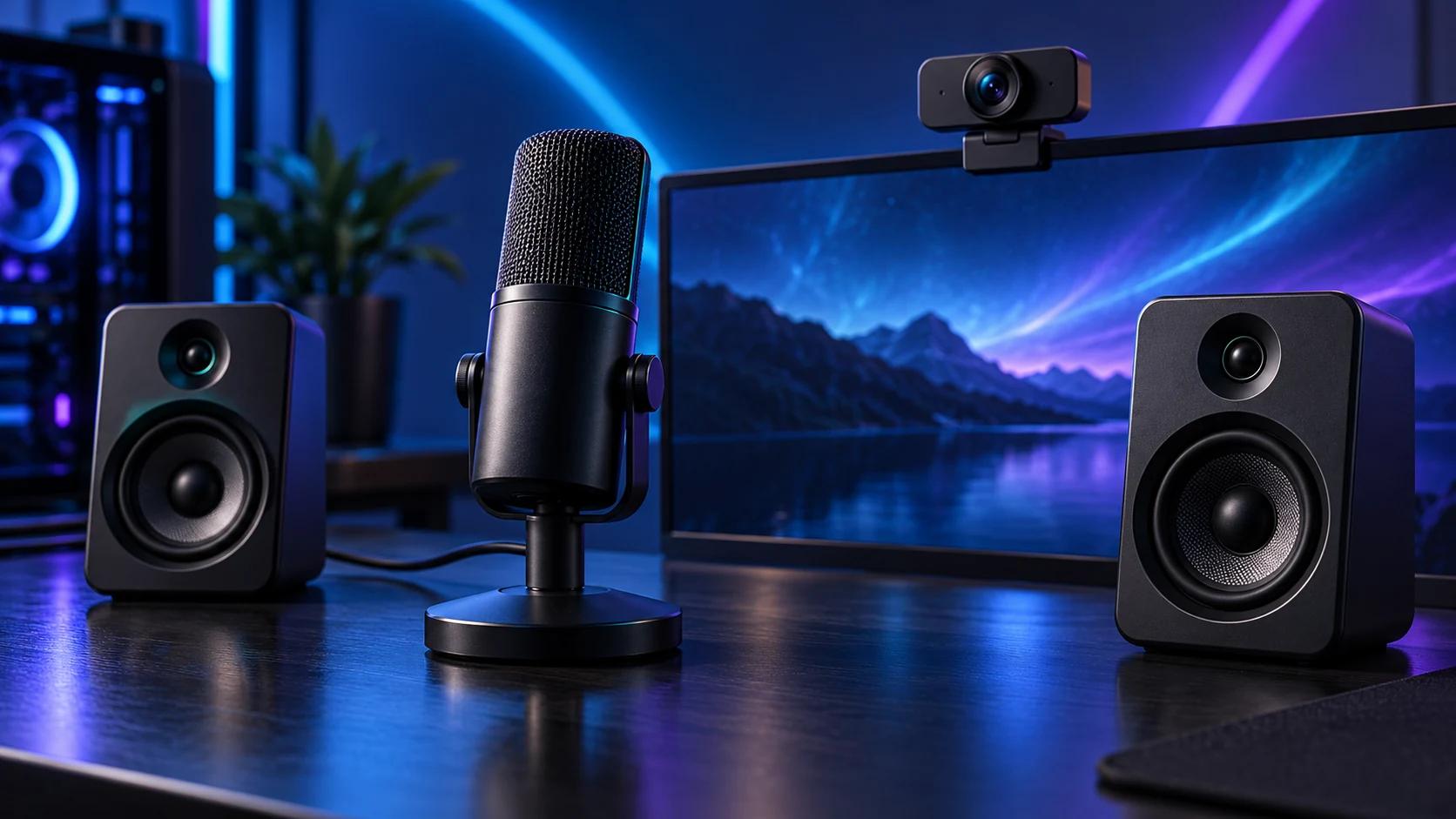
Choose USB for a simple microphone-to-PC setup. Choose XLR when you need an interface-based system, several inputs or a specific studio workflow. The connector changes the recording chain; it does not by itself decide the sound quality.
What each connection includes
| Route | Conversion and control | Extra hardware |
|---|---|---|
| USB microphone | Built into the mic; exposed as a PC audio device | Suitable mount/headphones as needed |
| XLR microphone | Microphone signal enters an audio interface or mixer | Interface, XLR cable, mount and monitoring |
| USB/XLR hybrid | Two supported workflows around one microphone | Interface needed only for the XLR route |
A USB mic combines the microphone and computer connection in one product. An XLR chain separates those parts, letting you choose an interface with the inputs and monitor routing you need. That separation is valuable for a named workflow, not a universal requirement for good calls.
A passive XLR-to-USB-shaped cable is not a substitute for the correct preamp/conversion system. Identify whether the accessory is an actual interface and whether it supports the intended microphone.
One voice or several sources?
For one desk voice, USB keeps the connection straightforward. For a podcast with several local speakers, count simultaneous inputs and headphone-monitor requirements first. Several unrelated USB microphones can introduce application/device-routing complications that one suitable interface avoids.
For an XLR condenser requiring phantom power, the interface must provide the specified supply. Dynamic microphones have their own gain needs; consult the exact mic and interface specifications. Do not apply a voltage rule based simply on the shape of a connector.
Monitoring and processing are different
Direct monitoring lets you hear the incoming signal without waiting for a full software round trip. Application monitoring lets you hear the processed path but can introduce delay. Decide which result you need rather than accidentally enabling both and hearing doubled audio.
Hybrid microphones may provide digital controls or DSP on USB that are not carried by their analogue XLR output. Shure’s MV7+ guide documents the two paths. Choose the intended recording route and test the application level; a mute or effect in one path should not be assumed to govern the other.
1. Inputs
One voice, several voices or instruments
2. Monitor
Direct listening and headphone routes
3. Controls
Gain, mute and supported processing
4. Cost
Mic plus every necessary part
If you want to record computer playback alongside the microphone, the interface loopback guide explains which mix reaches the recording and when separate application capture is more useful.
Choose the microphone once the chain is clear
Use the USB microphone shortlist for a direct PC route or a hybrid option. Before buying an interface, check the actual number of inputs, supported drivers and microphone gain/power needs. The music-production build guide provides the wider recording context.
Keep the room and mic position in the plan. The background-noise guide helps solve problems that a connector change alone cannot address.
Specifications and setup: USB Wave Neo setup · Hybrid MV7+ paths.
