
Best webcams for PC calls and streaming:1080p choices that fit the job in 2027
By James Thompson · Updated:
Some links in my articles are affiliate links. I may earn a commission when you buy through them.
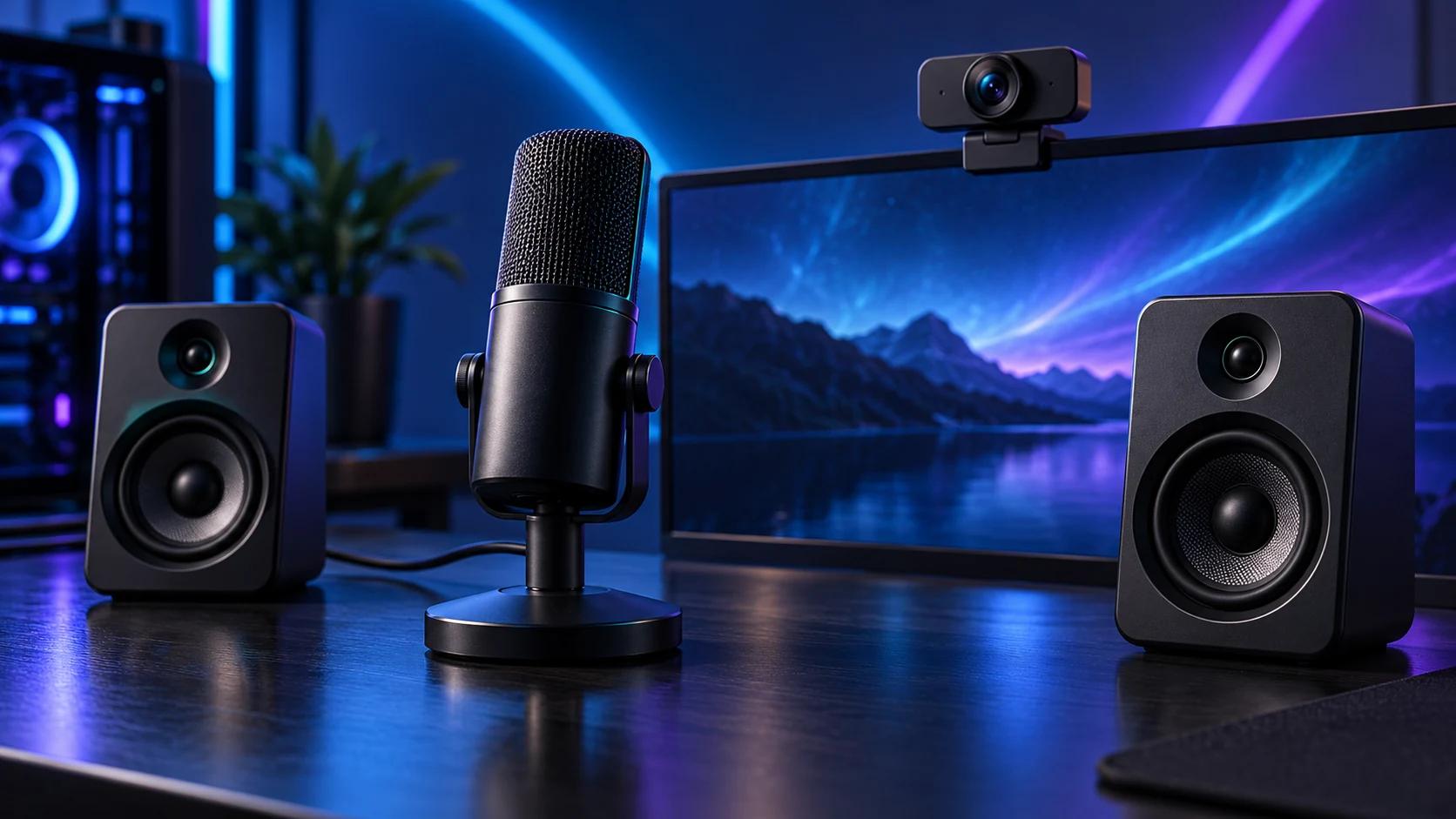
For normal calls, a well-lit1080p image is a useful starting point. Brio100 keeps the camera simple, C920s adds autofocus and Facecam MK.2 offers1080p60 with more control for a fixed streaming position.
Table of Contents
ToggleThe shortlist: choose for your setup
| Use | My choice | Why choose it | Choose another when |
|---|---|---|---|
| Budget everyday calls | Logitech Brio 100 | Full HD1080p with an integrated privacy shutter and microphone. | You need autofocus,60fps output or detailed streaming controls. |
| Calls with autofocus | Logitech C920s | 1080p calling with autofocus and a privacy shutter. | You want1080p60 or a camera specifically built around fixed-focus streaming. |
| Fixed-position1080p60 streaming | Elgato Facecam MK.2 | 1080p60 and Camera Hub controls with a documented fixed-focus range. | You move outside its 30–120cm focus range or need a webcam microphone. |
The comparison uses resolution/frame modes, focus behaviour, privacy controls and USB requirements. Camera quality in a dark room is not established by resolution alone.

Budget everyday calls: Logitech Brio 100
Brio100 is the uncomplicated choice for a fixed desk call position. The integrated shutter gives a physical way to cover the lens between calls. Select the camera in the app and make a short preview at the distance you normally sit.
Improve the lighting before replacing a camera that is struggling with a bright window behind you. Put the main light in front or slightly to the side, keep the background exposure manageable and avoid a tiny camera angle looking steeply upward from a desk.
Calls with autofocus: Logitech C920s
C920s is the route when autofocus is useful and a conventional Full HD call camera is enough. Its shutter is the s-model distinction worth keeping explicit when comparing offers with the C920 family. Frame the image at the desk distance rather than choosing on model familiarity alone.
Call services may compress the feed or limit the selected mode. Check the app’s camera settings and preview before attributing every soft image to the hardware. The separate microphone can remain the main voice input even when the webcam includes one.

Fixed-position1080p60 streaming: Elgato Facecam MK.2
Facecam MK.2 is the streaming route for a deliberate seated position and a separate audio setup. Elgato specifies fixed focus over30–120cm. That means your position belongs in the choice: a product-demonstration setup close to the lens is a different task.
Use a suitable USB3 connection for its uncompressed supported modes. Elgato documents MJPEG operation over USB2, so the port and hub can change the path. Choose exposure and lighting around the selected frame rate rather than assuming1080p60 works equally well under every room condition.
Light, mount and bandwidth
Mount the camera steadily near eye level and keep the cable slack enough for monitor movement. Check that a clip does not press against a thin panel or obstruct a raised rear housing. A suitable threaded mount can be useful when the monitor clip is awkward.
Use a direct port while diagnosing stutter, then add a compatible hub if needed. External SSD transfers and several video devices can share a connection’s bandwidth. The USB-C/dock guide explains why the shape of a socket is not a complete specification.
| Symptom | First adjustment |
|---|---|
| Face too dark | Move light in front and reduce bright backlighting |
| Soft image | Clean lens, verify focus range and app mode |
| Stutter | Use direct USB and compare device bandwidth |
| Poor voice | Select the intended separate microphone |
Finish the setup
Complete the recording setup with a clear microphone path and convenient call/scene controls.
Specifications and setup: Logitech webcam range · C920s setup · Facecam MK.2 modes and focus.
