
Best Audio Interfaces for a Home-Studio PC in 2027
By James Thompson · Updated:
Some links in my articles are affiliate links. I may earn a commission when you buy through them.
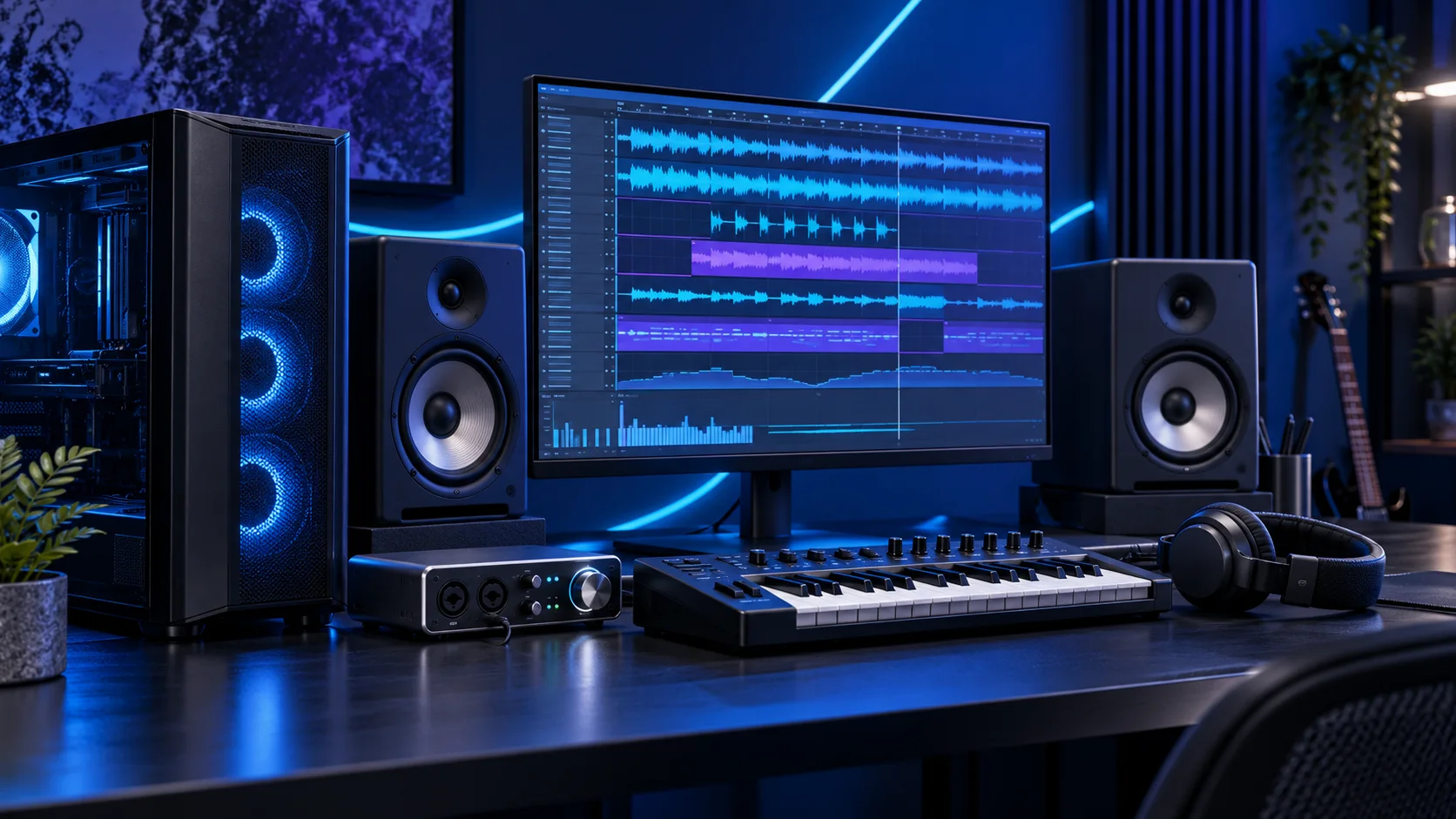
Choose an interface by simultaneous recording sources and the connections on your instruments. The two-channel route is a good home-studio starting point; a bigger box only earns its space when more inputs or outputs have a clear job. Here is the shortlist I would use, with the lower-cost and more capable routes kept alongside the complete music production setup.
Table of Contents
ToggleChoose the right option for your build
| Best for | My choice | Why it fits |
|---|---|---|
| Best balanced two-input setup | Focusrite Scarlett 2i2 4th Gen | The Scarlett 2i2 gives two recording channels for a flexible small studio. |
| Best solo recording setup | Focusrite Scarlett Solo 4th Gen | The Solo suits a microphone-and-instrument arrangement without paying for two mic channels. |
| Best alternative with MIDI | Arturia MiniFuse 2 Black | The MiniFuse 2 is the alternative when MIDI hardware connectivity belongs in the setup. |
Start with the shortlist below, then use the complete build guide to match your choice to the rest of the setup.
Best balanced two-input setup: Focusrite Scarlett 2i2 4th Gen
The Scarlett 2i2 gives two recording channels for a flexible small studio.
The Scarlett 2i2 4th Gen is my two-input home-studio route. It is the useful step up when recording two microphone sources or a mic-and-instrument arrangement makes the smaller Solo too restrictive.
The front line/instrument socket and the corresponding rear microphone connection are alternatives for that input channel, not extra simultaneous channels. Count recording sources before choosing the interface.
Best solo recording setup: Focusrite Scarlett Solo 4th Gen
The Solo suits a microphone-and-instrument arrangement without paying for two mic channels.
The Scarlett Solo 4th Gen is the simple microphone-and-instrument route. I would choose it for a solo recording setup that does not need two microphone inputs simultaneously, keeping money available for the microphone and listening setup.
Use the proper Windows driver and select the interface in the DAW. The useful interface is the one with the required simultaneous inputs, not simply the highest supported sample-rate number.
Best alternative with MIDI: Arturia MiniFuse 2 Black
The MiniFuse 2 is the alternative when MIDI hardware connectivity belongs in the setup.
The Arturia MiniFuse 2 is the alternative two-input route when conventional MIDI connectivity belongs in the setup. I would compare it against the Scarlett according to the instruments and connections on the desk rather than buy by brand habit.
Keep audio inputs, MIDI connections and USB controller connections distinct in the plan. MIDI notes do not carry the audio output of a synthesiser.
How I would choose between these routes
Count the sources you want to record at the same time. Two sockets associated with one input channel are not two extra channels. For a synth, MIDI carries performance information while its audio outputs still need an audio input. This is the point to decide whether the interface needs two microphones, a stereo instrument or more channels than this shortlist provides.
Install the manufacturer’s driver and select the interface’s ASIO route in the Windows DAW. Start with a stable buffer, then lower it for live playing through effects. Use direct monitoring when that suits the recording, and turn it off if monitoring through the DAW would otherwise produce a second copy. Keep the microphone and headphones in the complete studio budget.
For a streaming setup, compare the interface loopback for streaming guide before buying. Use separate OBS recording tracks when voice, game and conversation need independent editing.
Include the rest of the setup
Start with the session you want to record. A singer and guitar need a different input arrangement from two microphones or several pieces of hardware. List the DAW, virtual instruments, largest sample libraries and simultaneous recording sources. That gives the interface and memory a job, instead of choosing a gaming parts list and hoping it becomes a studio.
Set a gentle fan curve and place the tower where the microphone is least likely to hear it. Begin with the interface connected directly to the motherboard rather than a busy USB hub. Install the DAW and plugins in a deliberate order, saving licence and project information securely outside the article workflow.
The supporting parts I would put beside it
Use an NVMe drive for the DAW, current sessions and the sample libraries you access regularly. A second drive can make the library easier to manage, while an external copy protects the sessions. Keep exports and a recoverable copy of the project, not only the finished stereo mix.
| Role | Suggested route | Why I include it |
|---|---|---|
| Memory | Crucial Pro 64GB DDR5-5600 | Choose capacity for the active work and surrounding desktop. |
| Working drive | WD_BLACK SN850X 2TB | Keep active files and useful free space on the NVMe drive. |
| Case | NZXT H5 Flow (2024) | Use the complete layout rather than an isolated component maximum. |
Complete the purchase plan
Record a short real session, play it back and restore a copied project before relying on the machine for a long take. Increase the buffer for mixing if live input responsiveness no longer matters. Keep working sessions backed up independently of the main PC.
Compare the complete basket for the chosen route and keep the exact variant in the order. Use the wider audio interfaces guide for the underlying choice, or return to the complete music production build for the supporting purchases.
Technical references: Ableton multicore performance · Scarlett 2i2 specification.