
How to replace an unavailable PC part
By James Thompson · Published 7 October 2026
Some links in my articles are affiliate links. I may earn a commission when you buy through them.
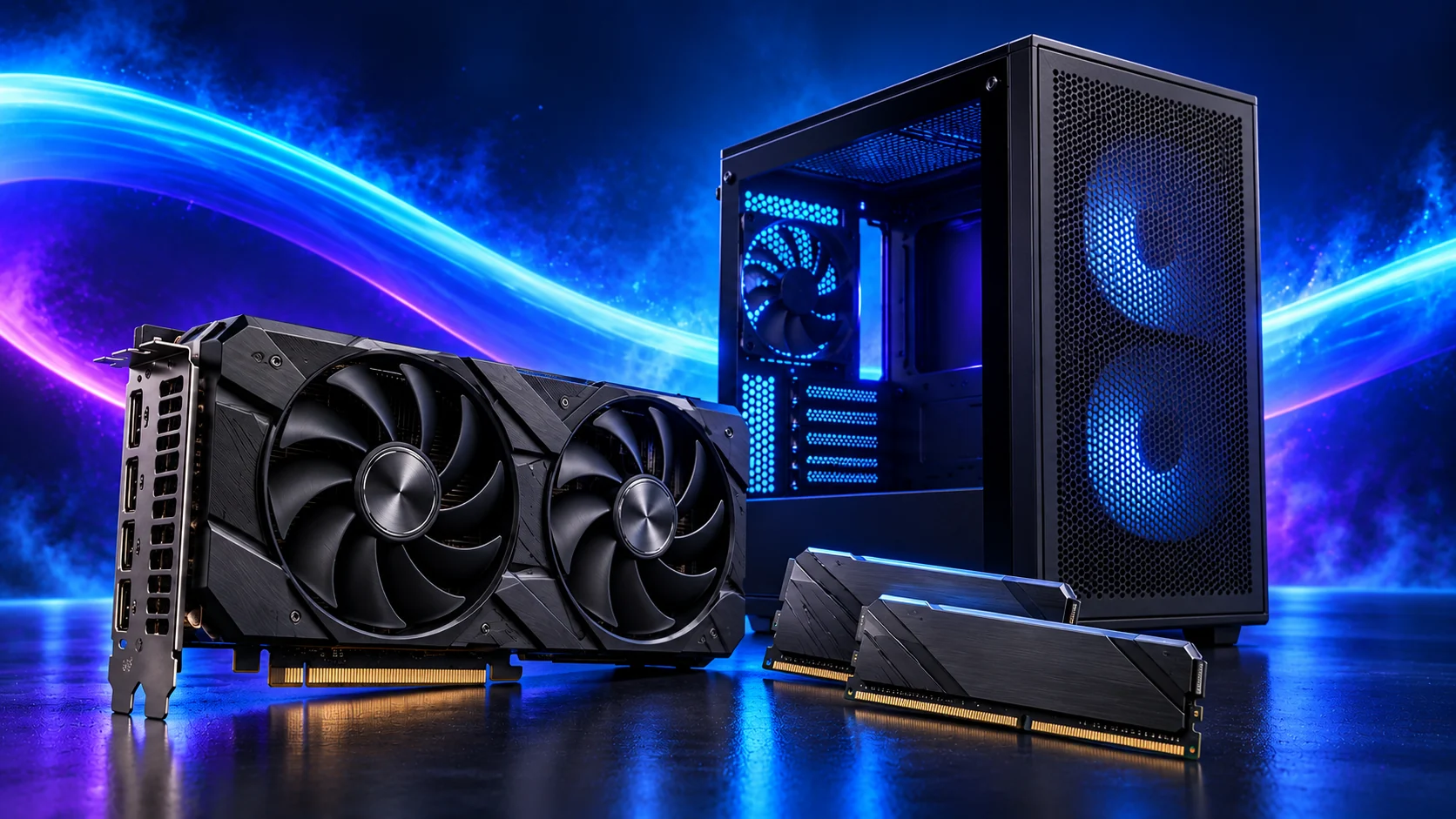
When a recommended part is unavailable, I look for the same useful features in another model. A replacement board, graphics card or cooler can be an easy swap once you account for the connections and space it changes.
Compare alternatives in the components hub and the gaming build guide, then apply these substitution checks to the exact replacement. Keep the full platform and physical layout intact.
Table of Contents
ToggleWrite the requirement before searching
For a motherboard, list socket, CPU support, memory generation, form factor and needed connections. For a GPU, list the gaming target, memory considerations, dimensions, outputs and power requirements. A familiar family name is not a specification.
Keep essential requirements separate from preferences such as colour or lighting. That allows an alternative to save money without removing a feature the system needs.
Check the differences that propagate
| Replacement | Recheck elsewhere |
|---|---|
| Board | Case size, CPU firmware, memory, front USB, network connections and fan headers. |
| GPU | Case layout, power leads, PSU suitability and monitor inputs. |
| Cooler | Socket hardware, RAM clearance, case height and fan connections. |
| Case | All installed clearances, headers, included fans and cable space. |
| SSD or RAM | Exact interface or generation, capacity, mounting and support information. |
A larger GPU cooler can make an otherwise identical graphics replacement fail the case check. A smaller board may fit physically while removing the header you need.
Comparing an AM5 replacement? Swap parts in PC Builder to see the selected tower, estimated cost and supported compatibility concerns together.
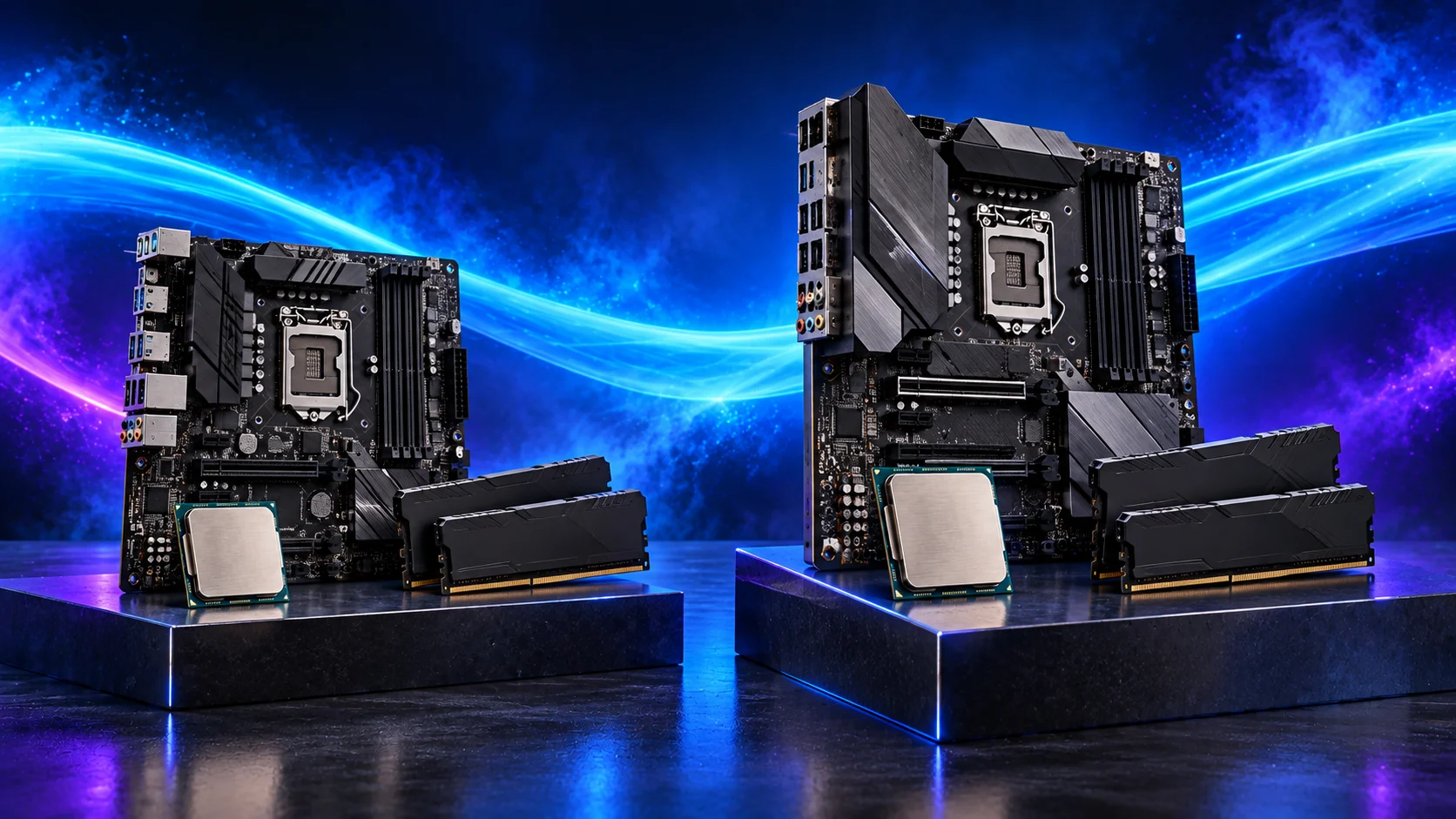
Recalculate the delivered basket
A cheaper board that needs a Wi-Fi adapter, extra hub and mounting kit can cost more overall. Add required extras and delivery before calling a substitute a saving.
If the original platform has become expensive, compare the complete platform options. Do not replace only the RAM with a different generation; the CPU and board requirements still apply.
Deal with seller substitutions explicitly
Check the order confirmation’s exact product and variant. If a seller offers an “equivalent”, request the full model name and revise your list before agreeing. Photograph labels when the parts arrive and check them against the order.
Keep the original list and the reason for each change. It helps you trace a first-boot problem and prevents a later guide update from confusing an already purchased configuration.

Update the compatibility record
Use the fit checklist for the changed part and every dependent requirement. Download the new manual before assembling.
If the replacement no longer fits your use or budget, choose another complete build route rather than forcing a nearly compatible basket to work.