
Best RAM for Software-Development PCs in 2027
By James Thompson · Updated:
Some links in my articles are affiliate links. I may earn a commission when you buy through them.
Plan the working-memory capacity before the speed premium. The DIMM/matched-kit guide explains the arrangement, and the XMP/EXPO guide covers setup after a stable baseline.
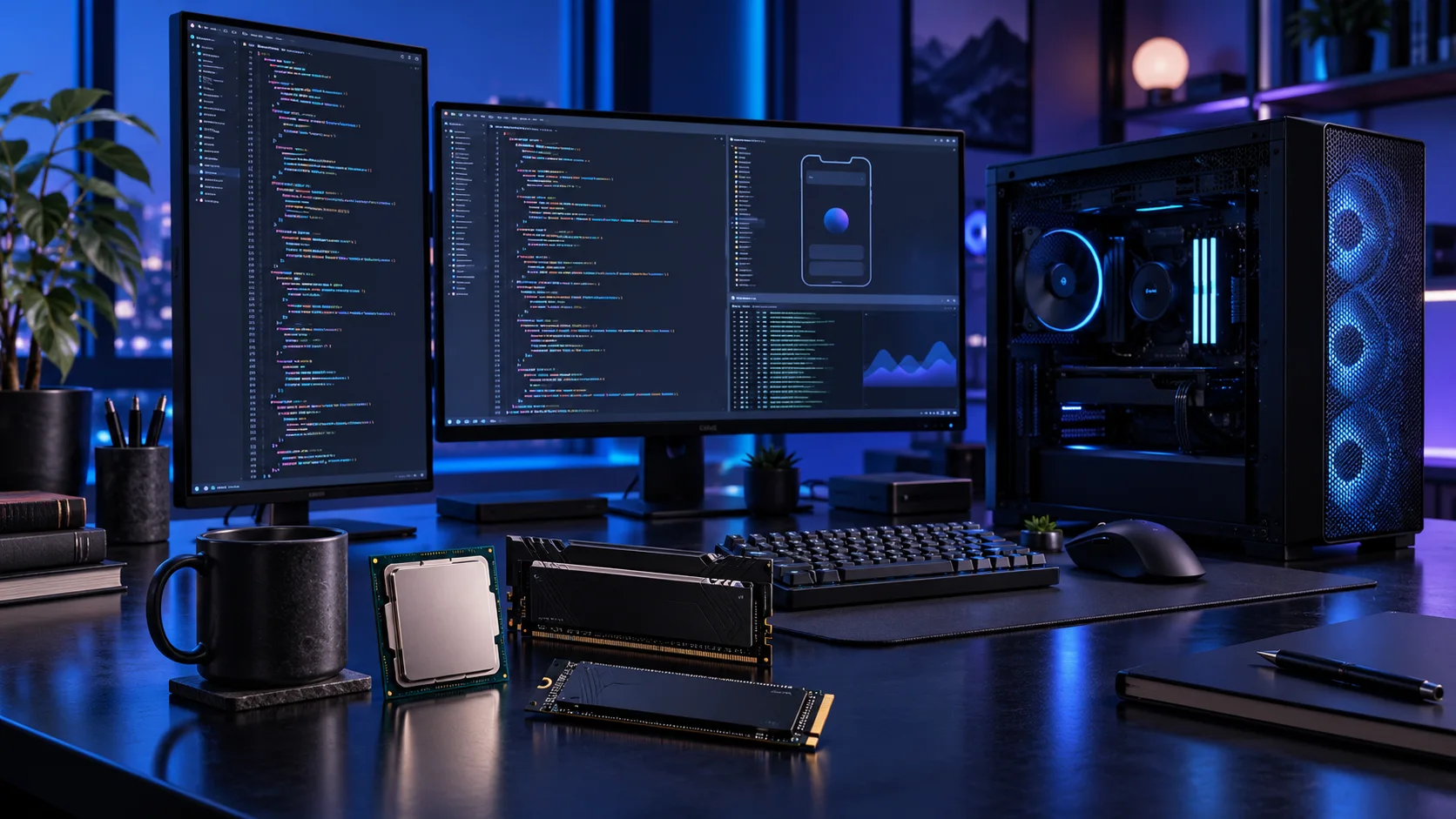
Choose memory by the environments open together: IDE, browser, containers, emulators and services. Capacity that removes repeated memory pressure is a useful purchase; an oversized kit for a small project has no automatic advantage. Here is the shortlist I would use, with the lower-cost and more capable routes kept alongside the complete software development setup.
Table of Contents
ToggleChoose the right option for your build
| Best for | My choice | Why it fits |
|---|---|---|
| Best busy development desktop | Crucial Pro 64GB DDR5-5600 | 64GB gives a substantial mixed IDE/container desktop useful headroom. |
| Best focused project start | Crucial Pro 32GB DDR5-6000 | 32GB keeps a simpler toolchain and first tower affordable. |
| Best larger concurrent environment | Corsair Vengeance RGB 96GB DDR5-6000 | 96GB belongs to a defined larger workload and supported memory platform. |
Start with the shortlist below, then use the complete build guide to match your choice to the rest of the setup.
Add a catalogue DDR5 kit to an AM5 tower in PC Builder and compare the estimated complete-build cost alongside the capacity advice here.
Best busy development desktop: Crucial Pro 64GB DDR5-5600
64GB gives a substantial mixed IDE/container desktop useful headroom.
Crucial Pro 64GB DDR5-5600 is the roomy two-stick workstation route. The purchase makes sense when several applications, sizeable projects or virtual machines need space at the same time.
Use the board’s memory support list and the processor’s memory guidance for the exact kit. A lower advertised transfer rate can be a reasonable trade for the capacity needed to keep work in memory.

Best focused project start: Crucial Pro 32GB DDR5-6000
32GB keeps a simpler toolchain and first tower affordable.
Crucial Pro 32GB DDR5-6000 is my straightforward two-stick AM5 starting kit. It leaves the PC with useful everyday capacity without buying workstation-sized memory for a project that never fills it.
Choose capacity first, then the profile. Install the kit in the motherboard’s recommended paired slots and establish a stable baseline before enabling its faster memory setting. Keep DDR5 out of a DDR4-only board.

Best larger concurrent environment: Corsair Vengeance RGB 96GB DDR5-6000
96GB belongs to a defined larger workload and supported memory platform.
Corsair Vengeance 96GB DDR5-6000 is the high-capacity two-stick option for a defined workload. I would buy it when a measured memory requirement has moved beyond 64GB, rather than treating spare RAM as an automatic speed improvement.
Confirm support for 48GB modules and the exact kit before ordering. Run the system at a stable setting first; the advertised profile is not a universal guarantee across every processor and motherboard combination.

How I would choose between these routes
Distinguish the IDE-only requirement from running an emulator or several containers alongside it. Give each environment a realistic allocation and leave room for the host. Android’s installation guidance makes that IDE/emulator distinction, but the actual project and simultaneous tools still determine the complete footprint.
Choose the final capacity as one supported kit and keep swap or page-file configuration sensible for the OS. If the desktop is routinely short of memory, reduce unused environments or buy useful capacity before paying for a tighter-timing small kit. Keep build caches separate from source and back up the files that cannot simply be rebuilt.
Match the purchase to the actual workload
Choose the operating system and deployment target deliberately. A Windows or Linux self-build is not a substitute for hardware required by another platform’s toolchain. I would buy enough memory for concurrent environments, fast working storage and a CPU that helps the builds I repeat, then add dedicated graphics only for development that really uses it.
The supporting parts I would put beside it
Choose cores around the build tools. Some work parallelises well, while parts of the pipeline remain serial or wait on storage. I would start with the 9900X for a substantial mixed desktop and fund enough RAM before moving to the 9950X. A focused editor and smaller project can spend less.
| Role | Suggested route | Why I include it |
|---|---|---|
| Processor | Ryzen 9 9900X | Match the active workload to the platform. |
| Working drive | WD_BLACK SN850X 4TB | Keep active files and useful free space on the NVMe drive. |
| Case | NZXT H5 Flow (2024) | Use the complete layout rather than an isolated component maximum. |
Complete the purchase plan
Test a clean checkout or restore so the machine’s working state is reproducible. Measure a recurring build with the same project and configuration before deciding which part to upgrade. For GPU-heavy development or Unreal work, use those dedicated build guides for the graphics decision.
Compare the complete basket for the chosen route and keep the exact variant in the order. Use the wider ram guide for the underlying choice, or return to the complete software development build for the supporting purchases.
Build a software development PC
Technical references: Android Studio installation and emulator requirements.