
Best PC Cases for a Home NAS in 2027
By James Thompson · Updated:
Some links in my articles are affiliate links. I may earn a commission when you buy through them.
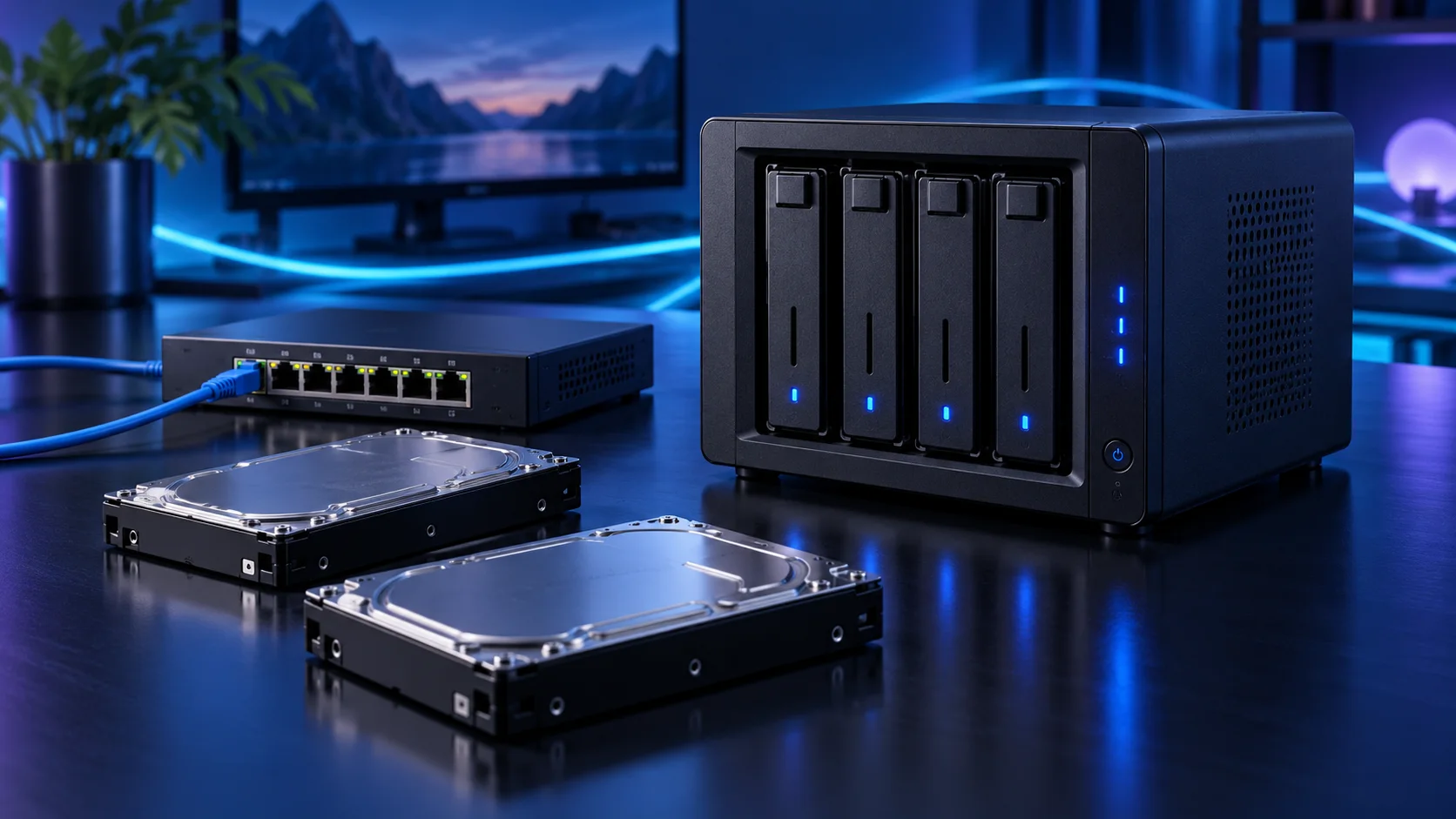
The NAS case is a drive-layout purchase. I would choose it by the disk count and access needed for maintenance, then match the board and power connections rather than buy a large gaming enclosure by habit. Here is the shortlist I would use, with the lower-cost and more capable routes kept alongside the complete home nas storage setup.
Table of Contents
ToggleChoose the right option for your build
| Best for | My choice | Why it fits |
|---|---|---|
| Best compact disk-focused case | Fractal Node 804 | The Node 804 gives a micro-ATX storage build useful disk mounting in a compact cube. |
| Best larger drive-cage tower | Fractal Define R5 | The Define R5 suits a larger disk plan and easier room for later maintenance. |
| Best modest mixed-use tower | NZXT H5 Flow (2024) | Use a conventional airflow tower only when its limited disk mounting covers the plan. |
Start with the shortlist below, then use the complete build guide to match your choice to the rest of the setup.
Best compact disk-focused case: Fractal Node 804
The Node 804 gives a micro-ATX storage build useful disk mounting in a compact cube.
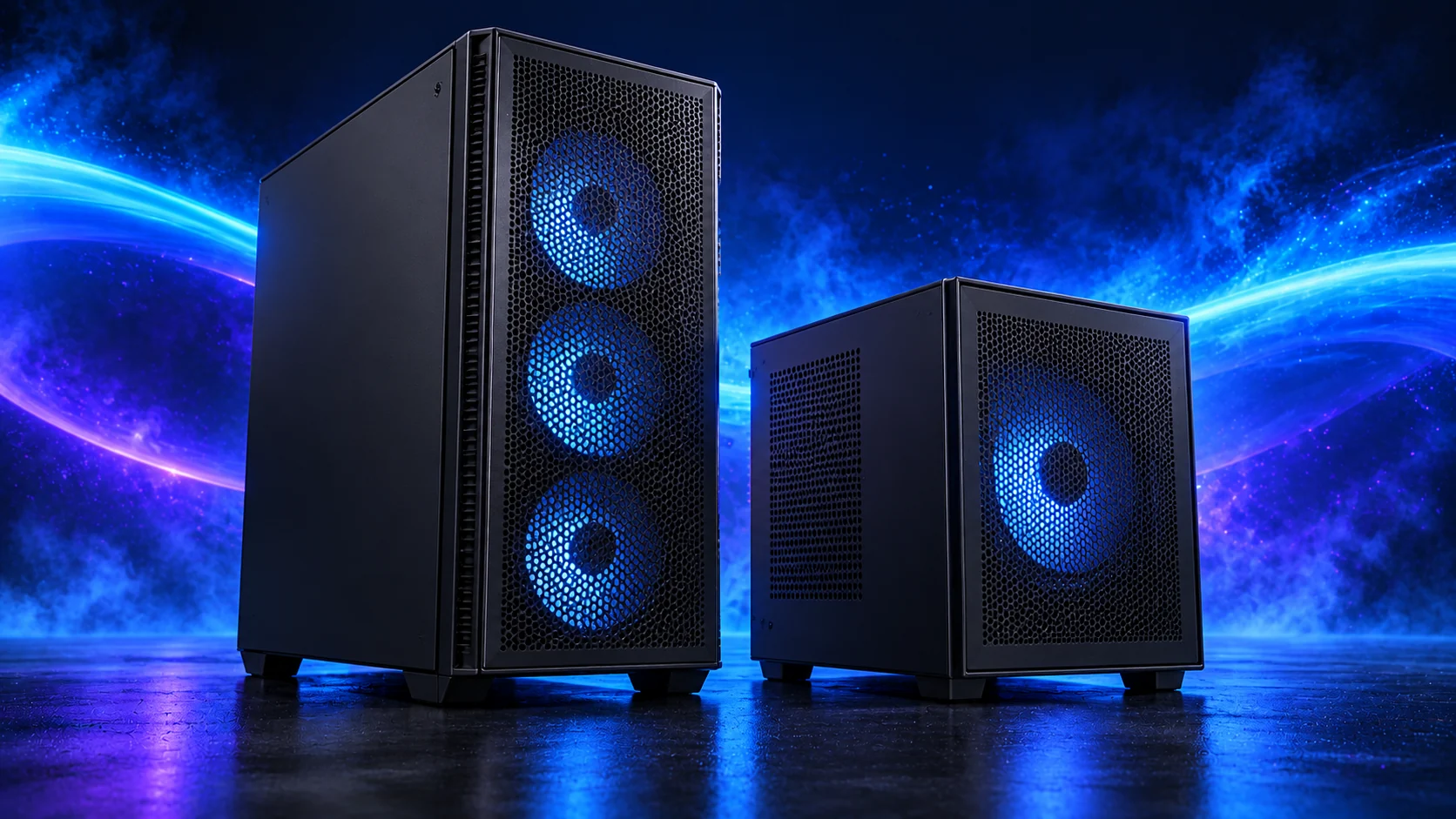
The Fractal Node 804 is the compact micro-ATX storage-case route. I would choose it for a home server with several hard drives, because a conventional gaming case may run out of useful disk mounting long before it runs out of floor space.
The dual-chamber layout needs airflow through the drive area as well as the motherboard area. Count the mounts, board ports and PSU leads together before planning a large pool.
Best larger drive-cage tower: Fractal Define R5
The Define R5 suits a larger disk plan and easier room for later maintenance.
The Fractal Define R5 is the larger storage tower route. Its drive-cage layout is useful when disks and future maintenance matter more than a glass view of a graphics card. I would choose it when a compact cube would make every later addition awkward.
Keep the drive cages needed for the storage plan and arrange intake airflow around them. Removing a cage to fit another component can change the disk capacity of the case.

Best modest mixed-use tower: NZXT H5 Flow (2024)
Use a conventional airflow tower only when its limited disk mounting covers the plan.
The NZXT H5 Flow 2024 is the conventional airflow-tower starting point. I would use it when straightforward assembly, accessible components and a clean desk appearance matter more than squeezing the machine into the smallest possible space.
Choose the final graphics card and cooler before signing off the layout. The case’s maximum dimensions and an installed front radiator are not independent allowances.
How I would choose between these routes
A drive mount is only one part of the disk arrangement. Each SATA drive also needs a data connection and power, and a busy enclosure needs airflow through the disks rather than only past the CPU. Lay out the cables so a failed drive can be identified and removed without disturbing the rest unnecessarily.
For a larger pool, reserve a suitable slot for a supported storage controller and check its operating mode against the NAS software. Avoid designing around improvised splitters or a mystery RAID card. If corrected memory, hot-swap access or remote management is essential, compare a proper server platform before committing to this consumer self-build.
Match the purchase to the actual workload
Choose the storage software and layout before ordering a stack of disks. Pool expansion rules depend on that choice. Count drive bays, SATA ports, power leads and any controller slot as separate resources. I would begin with a modest platform and two suitable CMR disks, then leave a deliberate path to more storage instead of treating every advertised case bay as immediately usable.
The supporting parts I would put beside it
Keep a suitable boot drive separate from the data pool. The starting archive uses two 4TB IronWolf drives as a mirror, with usable space roughly equal to one nominal disk before overhead. Add an independent backup sized for the important files; a 2TB portable SSD only covers a selected subset of a larger archive.
| Role | Suggested route | Why I include it |
|---|---|---|
| Memory | Corsair Vengeance LPX 32GB DDR4-3200 | Choose capacity for the active work and surrounding desktop. |
| Working drive | WD_BLACK SN850X 1TB | Keep active files and useful free space on the NVMe drive. |
| Case | Fractal Node 804 | Use the complete layout rather than an isolated component maximum. |
Complete the purchase plan
Copy a small test set, restore it from the independent backup and document the disk layout before moving the main archive. Plan pool growth using the chosen software’s rules. If media transcoding or many virtual machines become the main job, use those dedicated server guides for the platform decision.
Compare the complete basket for the chosen route and keep the exact variant in the order. Use the wider cases guide for the underlying choice, or return to the complete home nas storage build for the supporting purchases.
Technical references: TrueNAS hardware guide · IronWolf model and recording specification · B760M Pro RS/D4 specification.