
Best RAM for Local-AI and LLM PCs in 2027
By James Thompson · Updated:
Some links in my articles are affiliate links. I may earn a commission when you buy through them.
Plan the working-memory capacity before the speed premium. The DIMM/matched-kit guide explains the arrangement, and the XMP/EXPO guide covers setup after a stable baseline.
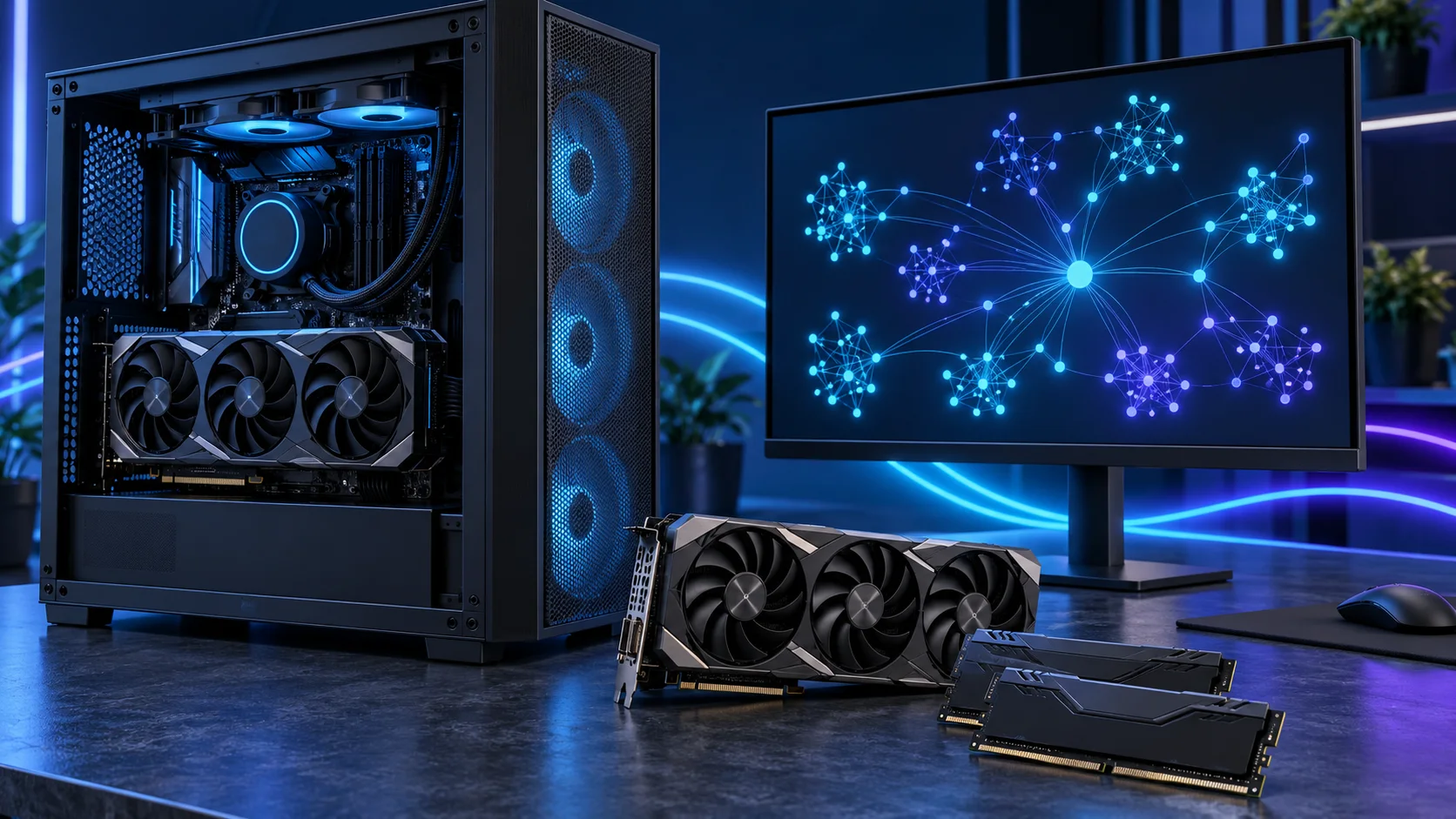
System RAM holds the surrounding desktop, datasets and workloads that stay partly or entirely on the CPU. I would choose it alongside the actual runtime plan; it complements GPU memory rather than becoming an equivalent replacement for it. Here is the shortlist I would use, with the lower-cost and more capable routes kept alongside the complete local ai and llms setup.
Table of Contents
ToggleChoose the right option for your build
| Best for | My choice | Why it fits |
|---|---|---|
| Best balanced desktop capacity | Crucial Pro 64GB DDR5-5600 | 64GB is the roomy supporting capacity for a dedicated local-AI desktop. |
| Best lower-cost start | Crucial Pro 32GB DDR5-6000 | 32GB suits a restrained workflow with models that fit its planned memory route. |
| Best high-capacity consumer route | Corsair Vengeance RGB 96GB DDR5-6000 | 96GB is useful for an identified larger CPU-side workload and a supported memory kit. |
Start with the shortlist below, then use the complete build guide to match your choice to the rest of the setup.
Best balanced desktop capacity: Crucial Pro 64GB DDR5-5600
64GB is the roomy supporting capacity for a dedicated local-AI desktop.
Crucial Pro 64GB DDR5-5600 is the roomy two-stick workstation route. The purchase makes sense when several applications, sizeable projects or virtual machines need space at the same time.
Use the board’s memory support list and the processor’s memory guidance for the exact kit. A lower advertised transfer rate can be a reasonable trade for the capacity needed to keep work in memory.

Best lower-cost start: Crucial Pro 32GB DDR5-6000
32GB suits a restrained workflow with models that fit its planned memory route.
Crucial Pro 32GB DDR5-6000 is my straightforward two-stick AM5 starting kit. It leaves the PC with useful everyday capacity without buying workstation-sized memory for a project that never fills it.
Choose capacity first, then the profile. Install the kit in the motherboard’s recommended paired slots and establish a stable baseline before enabling its faster memory setting. Keep DDR5 out of a DDR4-only board.

Best high-capacity consumer route: Corsair Vengeance RGB 96GB DDR5-6000
96GB is useful for an identified larger CPU-side workload and a supported memory kit.
Corsair Vengeance 96GB DDR5-6000 is the high-capacity two-stick option for a defined workload. I would buy it when a measured memory requirement has moved beyond 64GB, rather than treating spare RAM as an automatic speed improvement.
Confirm support for 48GB modules and the exact kit before ordering. Run the system at a stable setting first; the advertised profile is not a universal guarantee across every processor and motherboard combination.

How I would choose between these routes
Keep model weights, context allocations and the rest of the desktop in the same capacity plan. A runtime may place some work on the CPU when the GPU cannot hold everything, but the speed and behaviour change. Choose that arrangement deliberately rather than treating unused system RAM as extra VRAM at the same performance.
For a multi-GPU plan, consult the runtime before buying another card. Model splitting and parallel use are software decisions; two 16GB cards do not automatically behave like one 32GB card. The motherboard layout, PCIe lanes, cooling and power supply also change, making a single-card first build much easier to manage.
Match the purchase to the actual workload
NVIDIA is the straightforward consumer route I would shortlist here for a broad range of GPU-led tools, but support belongs to the exact application, operating system and backend. Check that route before ordering. You can experiment with smaller models on a restrained machine; a 32GB flagship is a deliberate capacity purchase, not the admission ticket to local AI.
The supporting parts I would put beside it
The GPU usually deserves the first decision in this tower. I would use the 9700X to support a balanced desktop and keep the 9600X as the lower-cost route. Choose more CPU cores for named preprocessing, development or other parallel tasks, rather than assume a larger processor makes every GPU model faster.
| Role | Suggested route | Why I include it |
|---|---|---|
| Processor | Ryzen 7 9700X | Match the active workload to the platform. |
| Working drive | WD_BLACK SN850X 4TB | Keep active files and useful free space on the NVMe drive. |
| Case | NZXT H7 Flow | Use the complete layout rather than an isolated component maximum. |
Complete the purchase plan
For the 5090 route, replace the starting tower’s power plan with the exact card manufacturer’s recommended PSU tier and verify connector space. Keep a single-card layout as the first step. A multi-GPU workstation deserves a fresh board, power, cooling and software plan.
Compare the complete basket for the chosen route and keep the exact variant in the order. Use the wider ram guide for the underlying choice, or return to the complete local ai and llms build for the supporting purchases.
Technical references: Ollama GPU compatibility and backend guidance · NVIDIA RTX 5090 specifications · Gigabyte RTX 5090 dimensions and 1000W PSU recommendation.