
Air or liquid cooling for your gaming PC?
By James Thompson · Updated:
Some links in my articles are affiliate links. I may earn a commission when you buy through them.
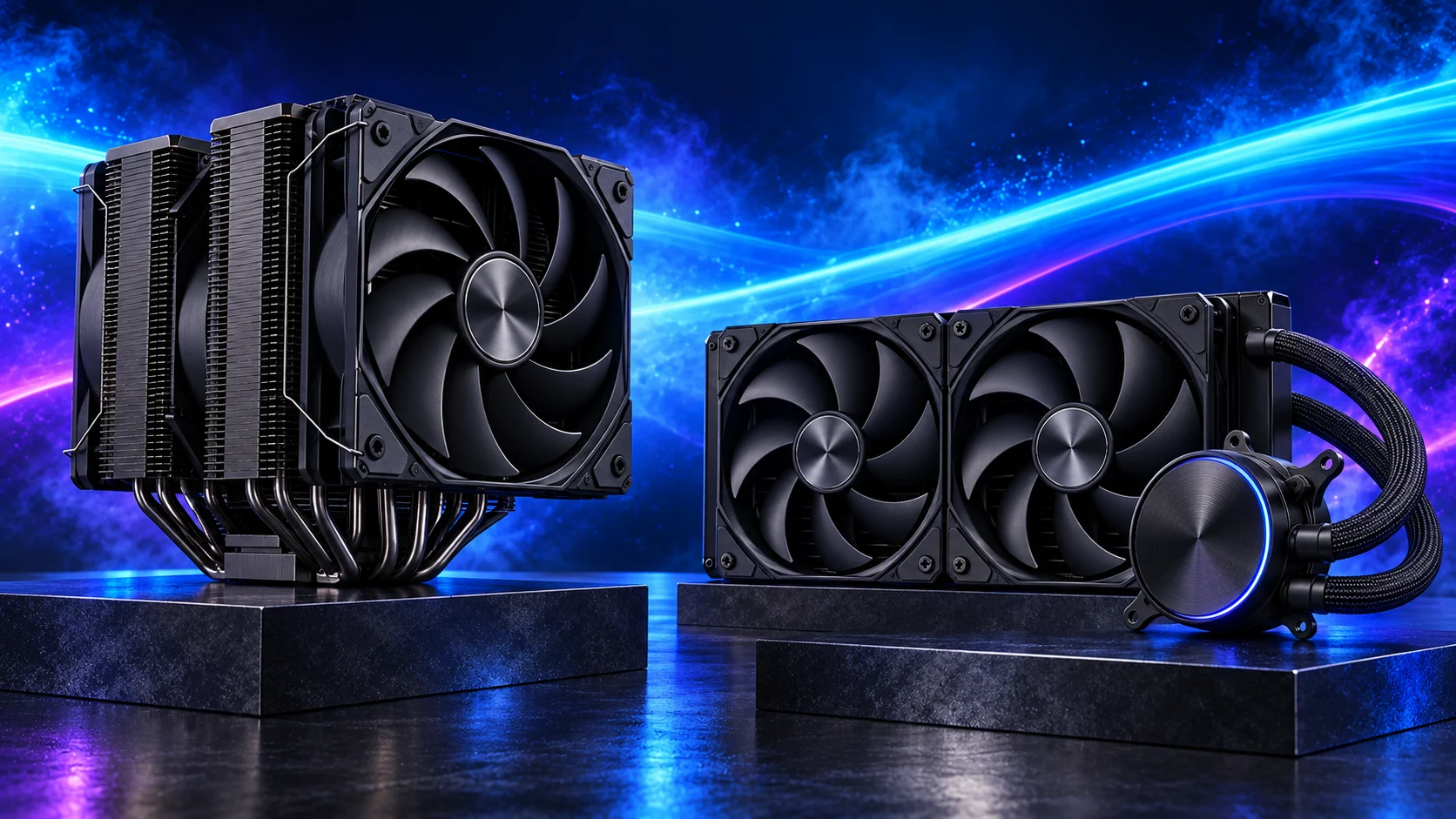
For a straightforward gaming build, I’d usually start with a good air cooler. Liquid cooling earns a place when it suits the workload and case layout. Fit, fan control and how the system sounds at the desk matter to me as much as cooler size.
Compare the named air and AIO options in the gaming cooler guide. Sustained creative workloads have their own rendering cooler shortlist.
Use CPU power and cooling explained to choose the heat load and noise goal before comparing cooler types.
Table of Contents
ToggleAir cooling is a useful starting point
A suitable tower cooler can provide a straightforward installation with fewer fluid-system components. Check socket mounting, RAM clearance, case height and fan access. A dual-tower unit can still obstruct headers or collide with tall memory.
The Thermalright Peerless Assassin 120 SE is the air option in the AM5 build. Confirm the actual mounting package and check its specification against the installed fan position.
Liquid cooling changes the whole layout
Check radiator length and thickness with fans, hose routing, pump/cold-plate installation and the case’s supported positions. A front radiator can reduce GPU space; a top installation can compete with memory and motherboard components.
Count pump and fan connections and follow the manufacturer’s orientation instructions. Include replacement and service considerations in the decision. Do not assume every large radiator fits because the case advertises the same nominal size.
Compare noise at the workload you use
Air coolers have fans; liquid systems also have fans and a pump. Either can be intrusive with an unsuitable control curve. Read measured comparisons under consistent conditions when noise matters.
I’d judge the cooler at the workload I actually use. Check case airflow and whether fan control is responding to brief CPU temperature spikes.
Installation can matter more than an upgrade
For the Peerless Assassin, select the correct brackets before applying paste and follow the recommended tightening sequence. Check the raised front fan’s effect on overall height and configure PWM control.
Before replacing working cooling, inspect mounting, protective-film removal, fan operation, dust and intake obstructions. Do not tighten mounting hardware beyond the documented procedure.
Choose by the problem it solves
Use an appropriate air cooler when its fit and workload capability meet the build. I’d consider liquid cooling for a sustained heavy workload or a case layout that suits a radiator.
For unexpected heat, use the temperature diagnosis. For acoustic evaluation, follow consistent noise checks.
Make the cooler fit the complete PC
For a tower cooler, include RAM overlap, any raised front fan and the case’s closed-panel height. For a radiator, include radiator and fan thickness, motherboard heatsinks and GPU clearance. Nominal240 mm or360 mm support describes a mounting class, not every installed combination.
Set the pump and fans according to the cooler’s instructions, then use the fan-control guide for the case groups. The cooler shortlist is the buying route once that fit is established.
